

Move or merge lead lists
Reorganise lists without losing labels or pipeline position.
Each import creates its own list, which is what keeps every lead traceable back to the search it came from. Once the import has finished, you are free to rearrange.
Merge two lists
- Create a new, empty list.
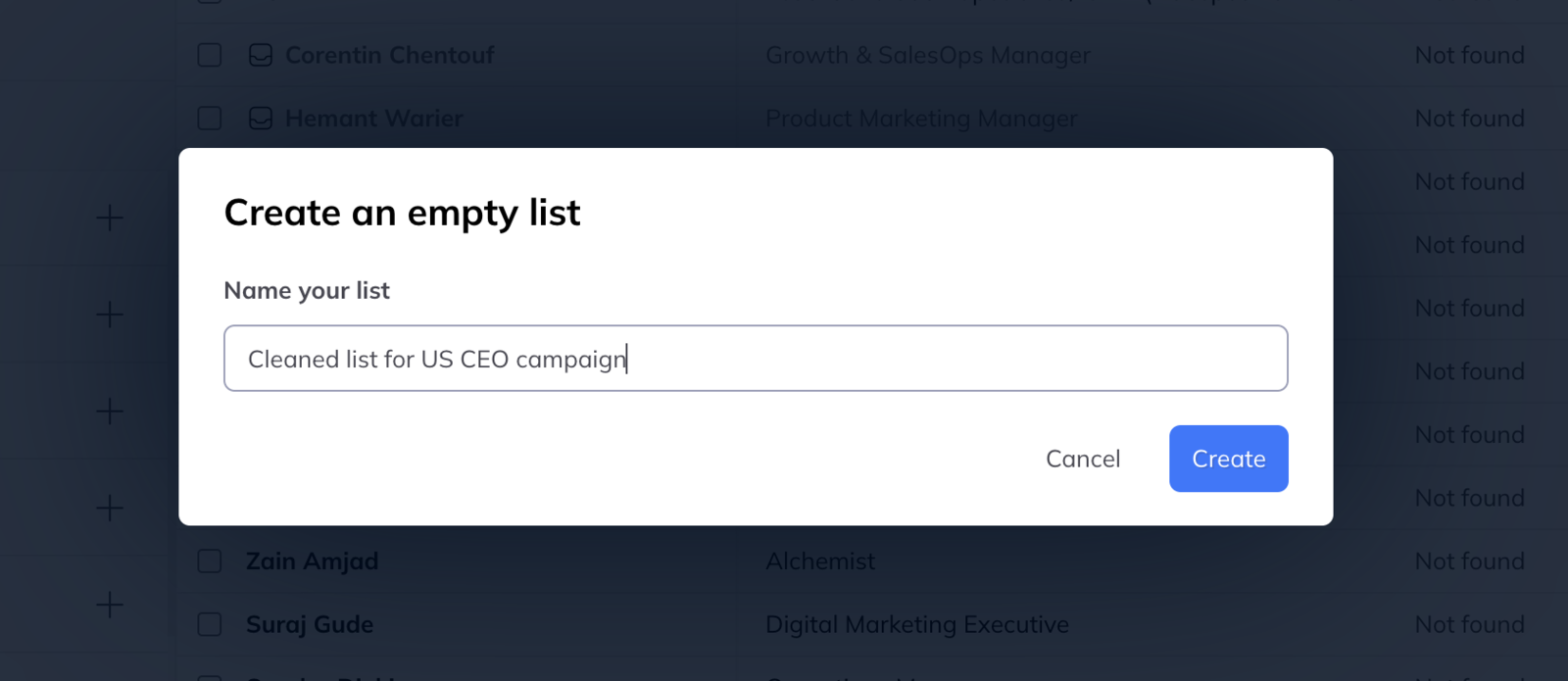
- Open the first import, select all of its leads, and move them into the new list.
- Do the same from the second import.
You now have one list you can filter and run a campaign against, while both original imports keep their own context intact.
This is the answer to importing several searches into one list, which cannot be done at import time.
Split a list
The same control works in the other direction. Select part of a list and move it out into a list of its own — by seniority, by country, by company size, by whatever distinction is going to change what you say to them.
A tightly defined list is worth the two minutes: it is the difference between one message that has to work for everybody and three that each sound like they were meant for someone.