

Import a list of LinkedIn profile URLs
Paste or upload profile URLs and let them resolve into leads.
If you already have LinkedIn profile URLs — from a spreadsheet, a colleague, a conference list — you can upload them and let LinkedLeads turn them into a proper lead list.
Prepare the file
A .txt or .csv file containing LinkedIn profile URLs. One per line is all
that is needed.
Import it
- Go to Leads and click New import.
- Choose Import a list of LinkedIn profile URLs.
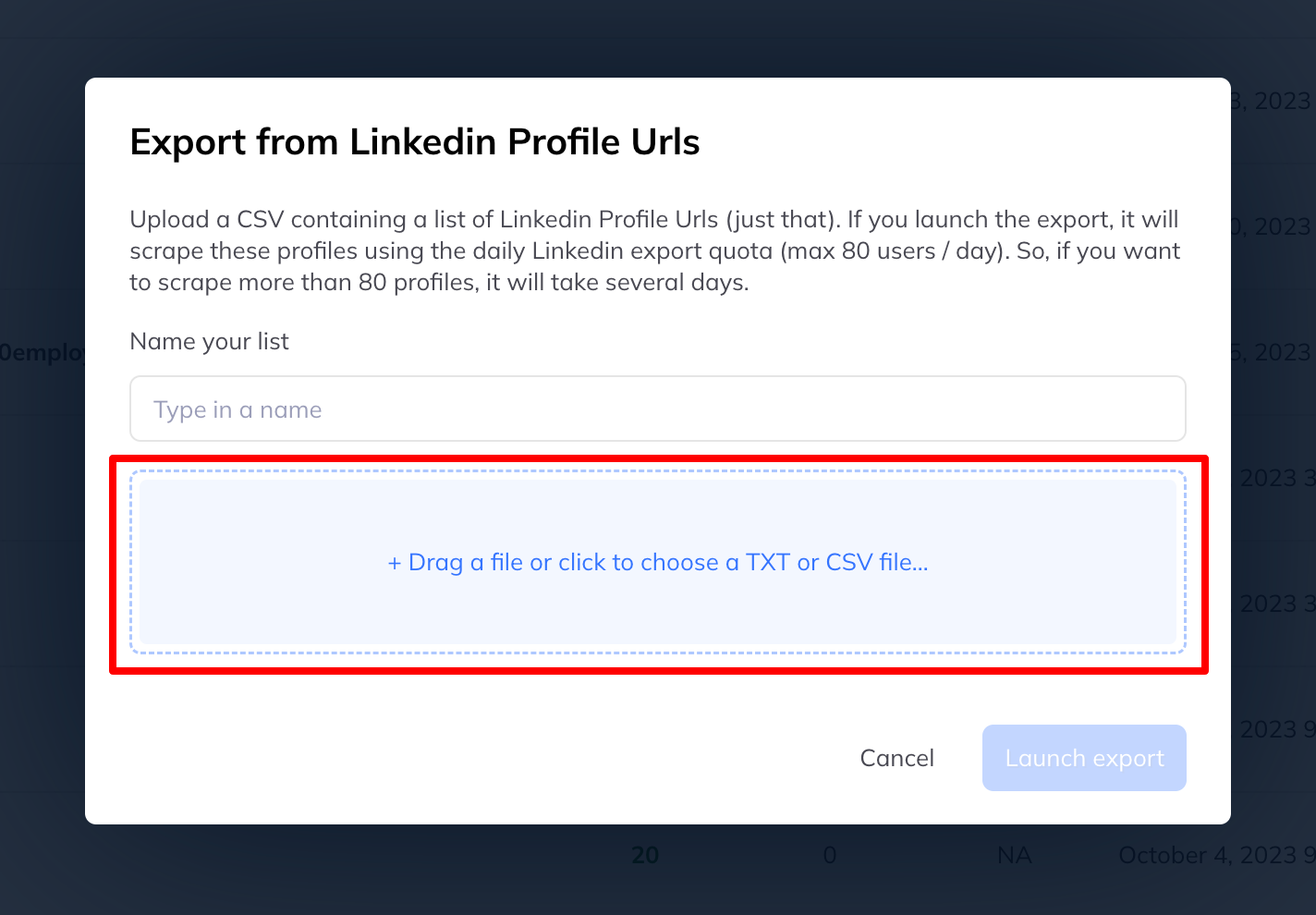
- In the window that opens, either browse for your file or drag and drop it in.
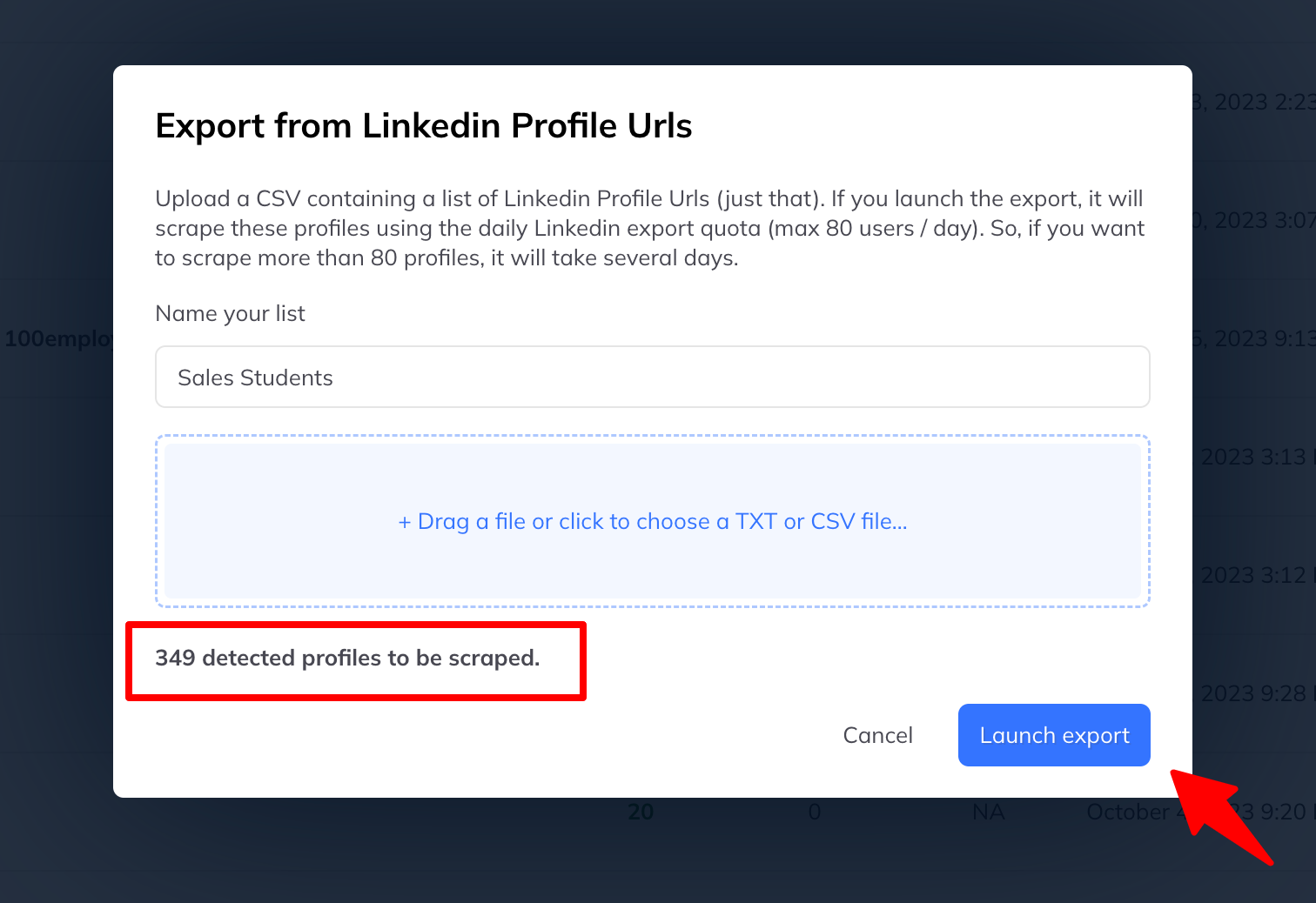
- LinkedLeads tells you how many profiles it found in the file. Check that number looks right.
- Click Start import.
While it runs
The list appears under Leads and fills as it goes. You can queue other imports behind it.
If the count looks wrong
If the number of detected profiles is well below the number of lines in your file, the URLs are usually not in the form LinkedLeads expects. See troubleshoot a failed import.