

Import a saved list from Sales Navigator
Bring an existing Sales Navigator lead list across.
If you already keep lead lists in Sales Navigator, you can bring one across whole rather than rebuilding it as a search.
Import it
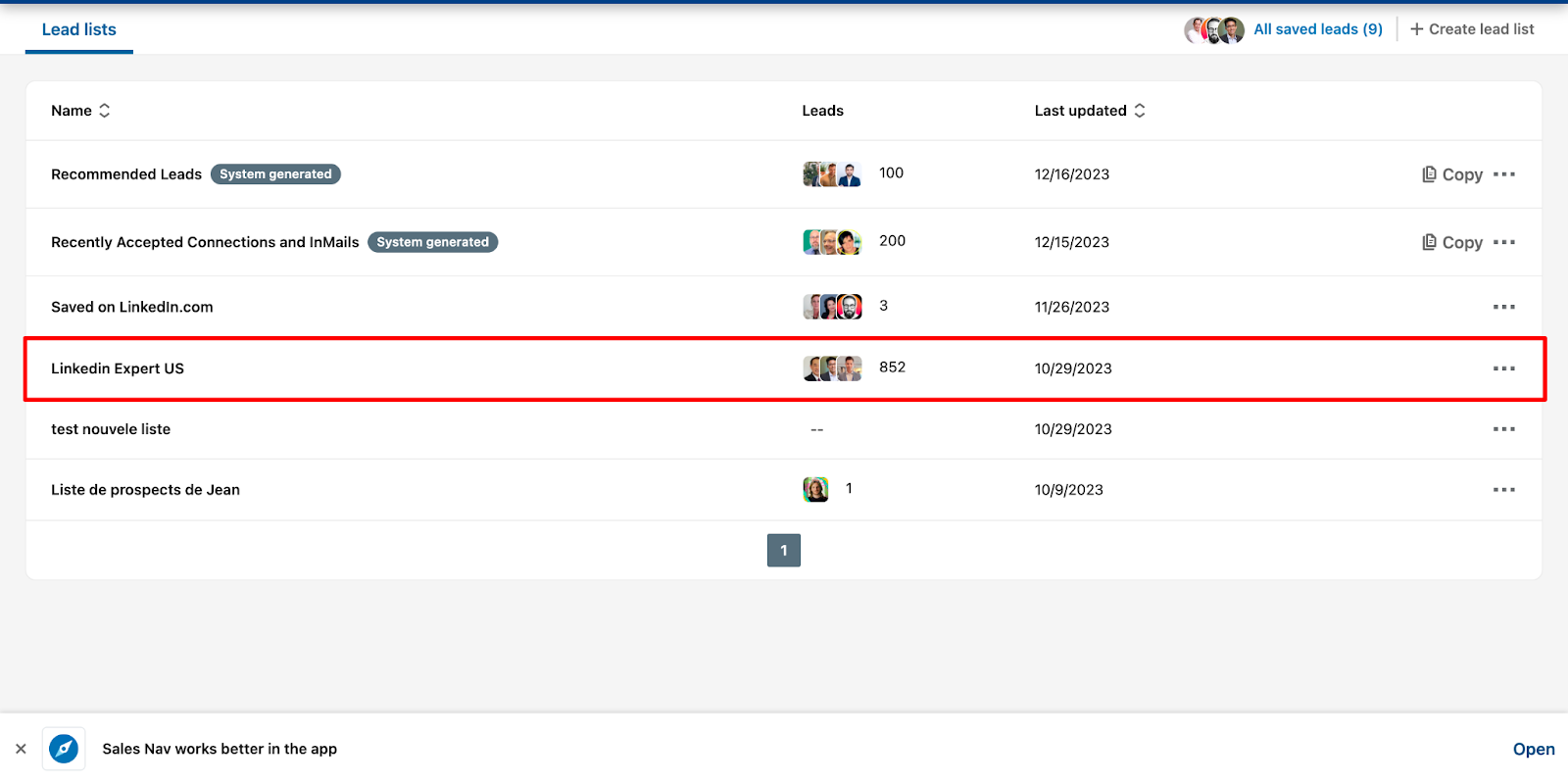
- Open Sales Navigator and go to Saved lists.
- Open the list you want.
- In the LinkedLeads module, click Export to LinkedLeads.
- Give the list a name — it can be renamed later.
- Click Export leads to LinkedLeads.
While it runs
The list appears under Leads right away. You are free to run new searches, start further imports, or close Sales Navigator entirely — imports are worked through one at a time in the background, at a pace that keeps your account out of trouble.
Click the list name when it has finished to see everyone in it.