

Import people who engaged with a LinkedIn post
Turn the likes and comments on a post into a lead list.
People who reacted to or commented on a post have already shown interest in the subject. Importing them gives you a list with a built-in reason for the first message.
Copy the post URL
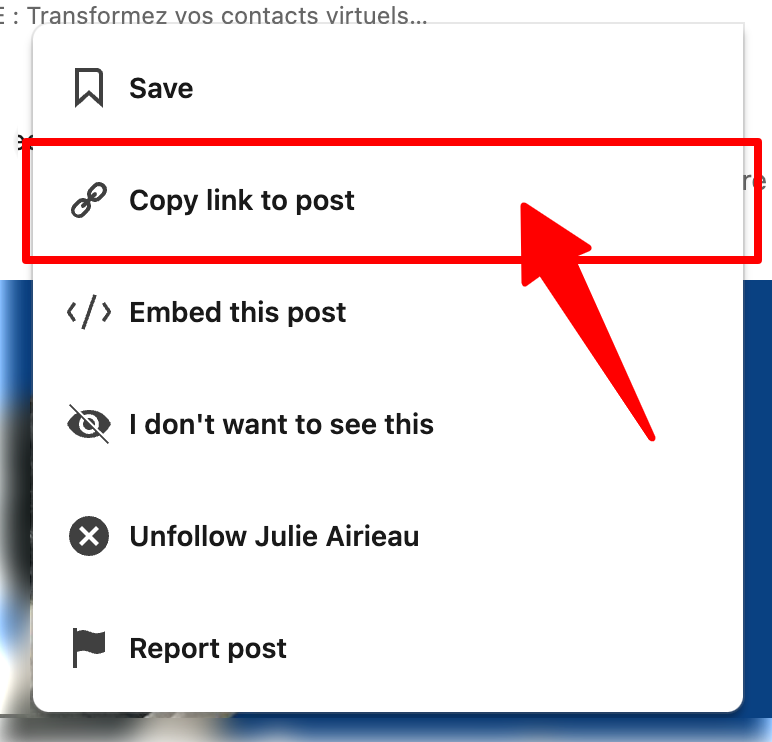
- In your LinkedIn feed, click the ••• menu on the post.
- Choose Copy link to post.
Import it
- Go to Leads and click New import.
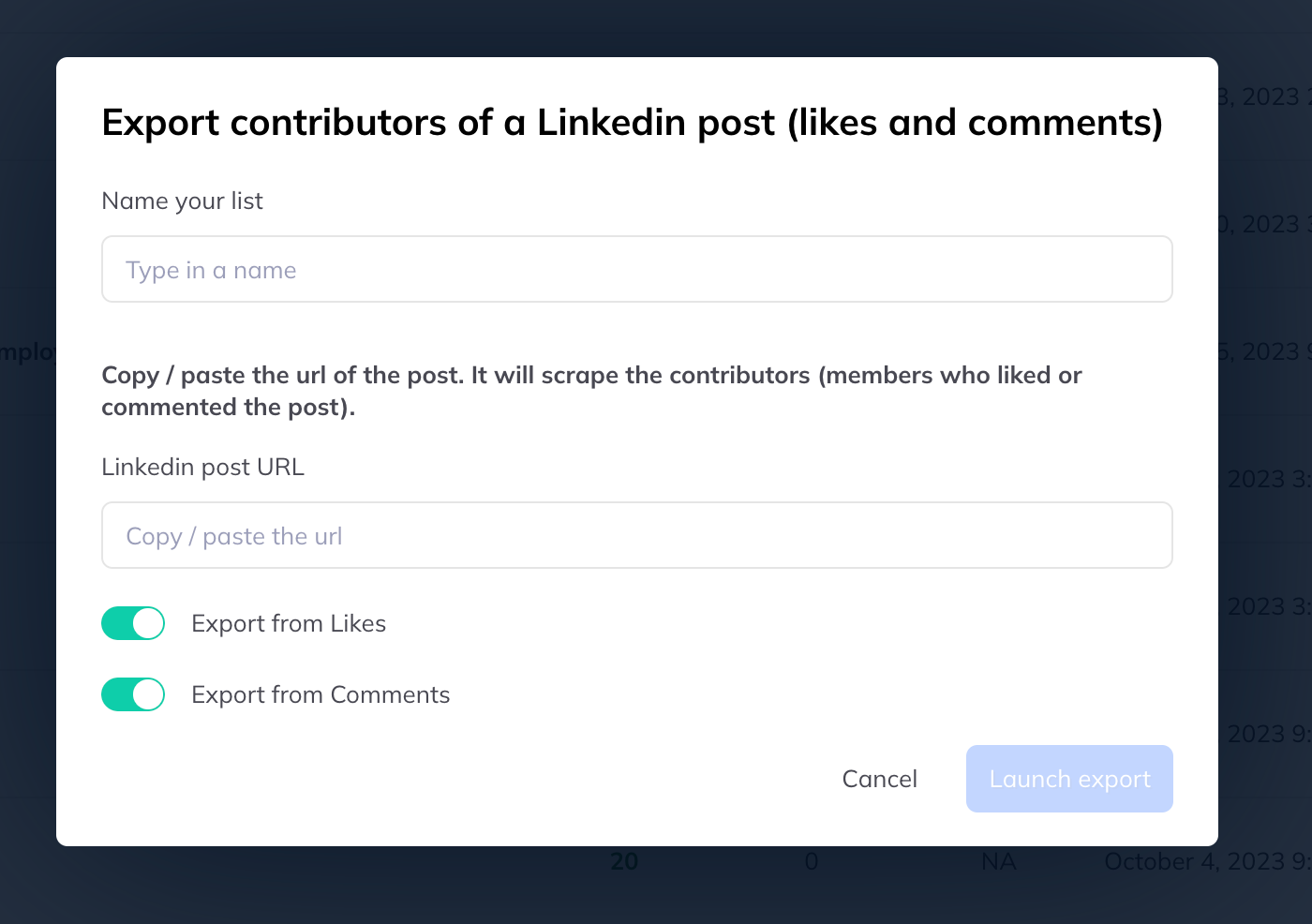
- Choose Import LinkedIn post contributors.
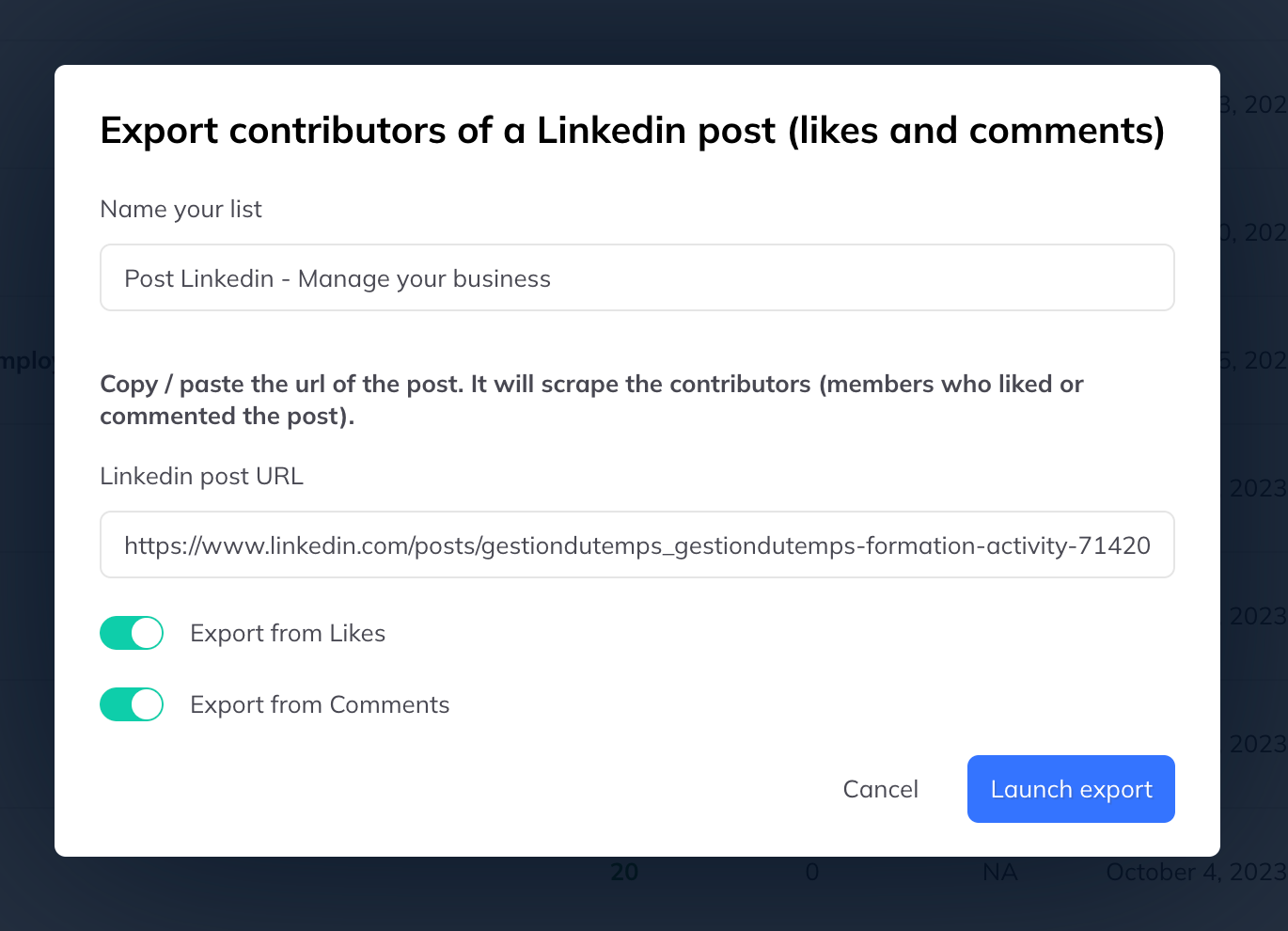
- Give the list a name and paste the post URL.
- Choose who to bring in:
- People who reacted to the post
- People who commented on it
- Click Start export.
Reactions or comments
Reactions give you volume; comments give you intent. Someone who wrote a sentence about the subject is a warmer prospect than someone who tapped like — but there are far more of the latter.
For a first campaign, commenters are usually the better list.