

Import attendees from a LinkedIn event
Build a list from the people who signed up for an event.
Everyone who signed up for a LinkedIn event is a list you can import, and the event itself is a reason to get in touch.
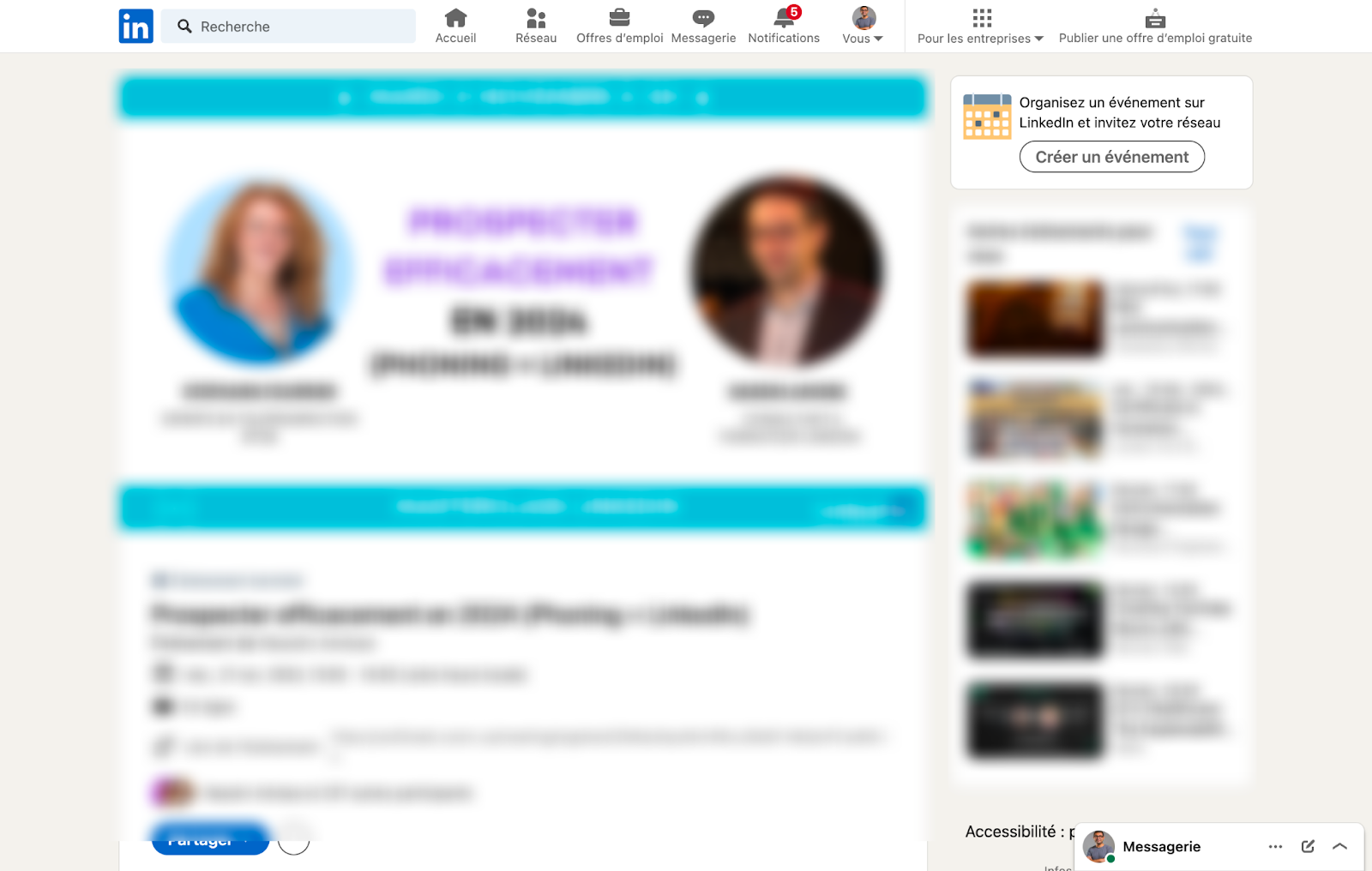
Copy the event URL
Open the event page on LinkedIn and copy the URL from your browser's address bar.

Import it
- Go to Leads and click New import.
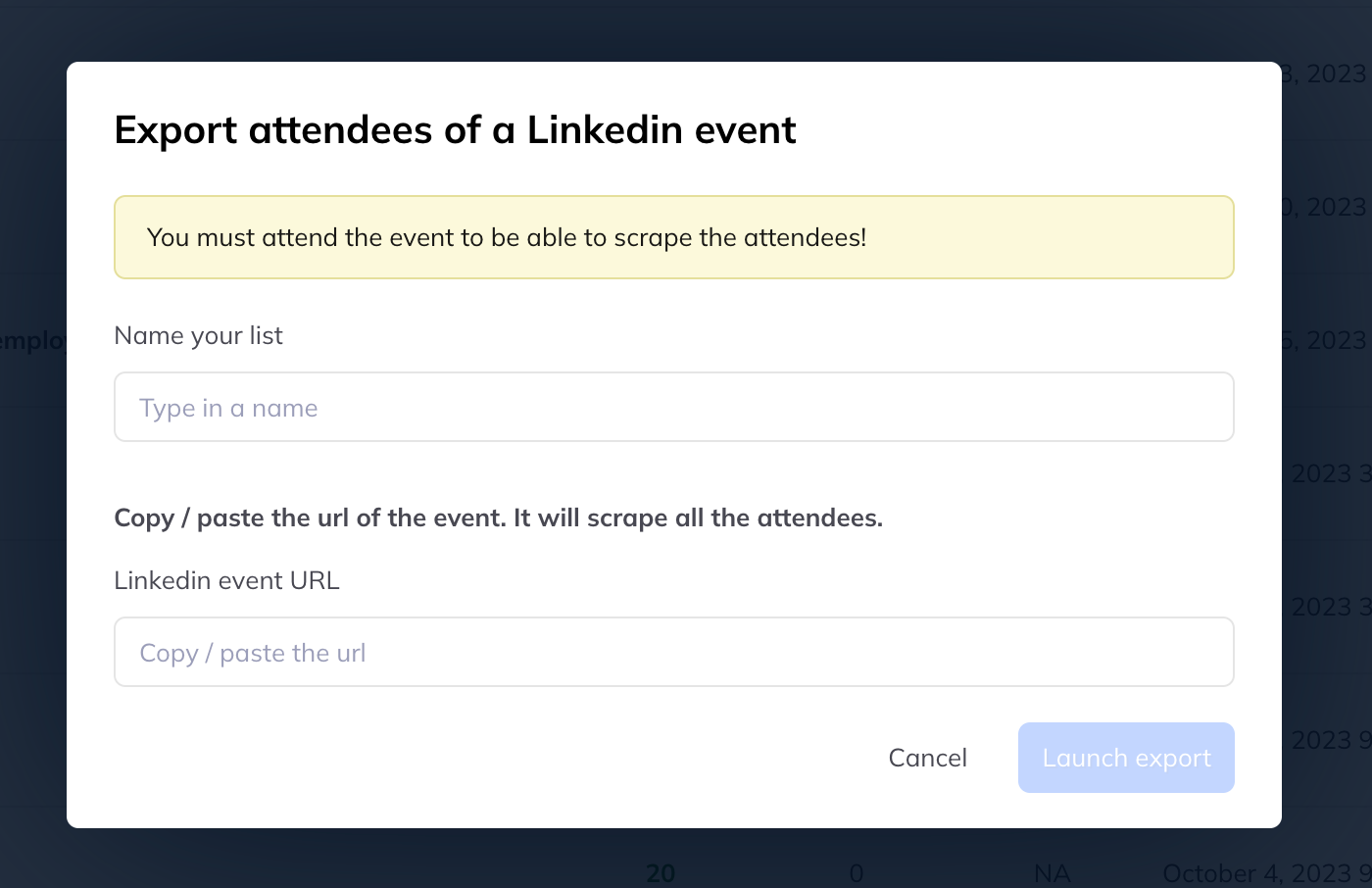
- Choose Import LinkedIn event attendees.
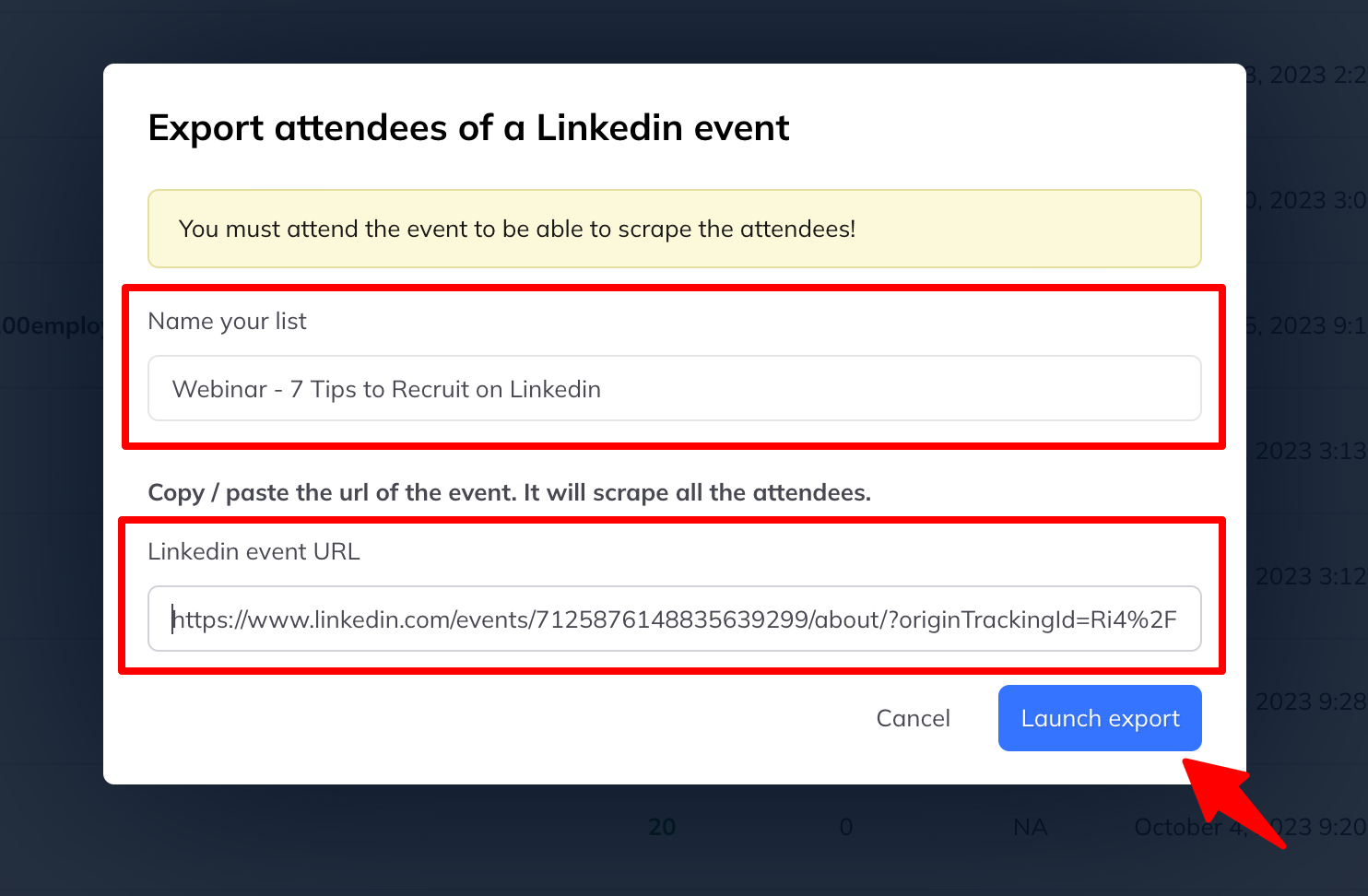
- Fill in the two fields:
- A name for the list
- The event URL
- Click Start export.
While it runs
The list appears under Leads and fills as attendees are collected. Other imports queue up behind it and are worked through one at a time.
Click the list name to see who has arrived so far.
Which quota it uses
- With Sales Navigator, it draws on the Sales Navigator allowance
- Without it, the standard LinkedIn allowance applies — 80 attendees a day
A large event therefore imports over several days on a standard account.