

Can I use more than one LinkedIn account?
Yes — multi-account mode is built for it. What it costs and how to start.
Yes. Multi-account mode runs several LinkedIn accounts inside one workspace, without juggling browser profiles, private windows or repeated sign-ins.
It is built for agencies and freelancers, SDR teams, consultants, and anyone else working more than one LinkedIn identity.
Each account stays separate
Turning on multi-account mode does not pool anything. Every connected account keeps its own:
- Inbox
- Campaigns and sequences
- Pipelines
- Daily quotas
- Statistics
You move between them from a switcher in the sidebar. One click, no signing out, no session conflicts.
Turning it on
- Go to Settings.
- Choose Set mode, then Manage LinkedIn accounts.
- Multi-account mode is now on, and you land on the list of accounts you manage — with your current LinkedIn account already in it.
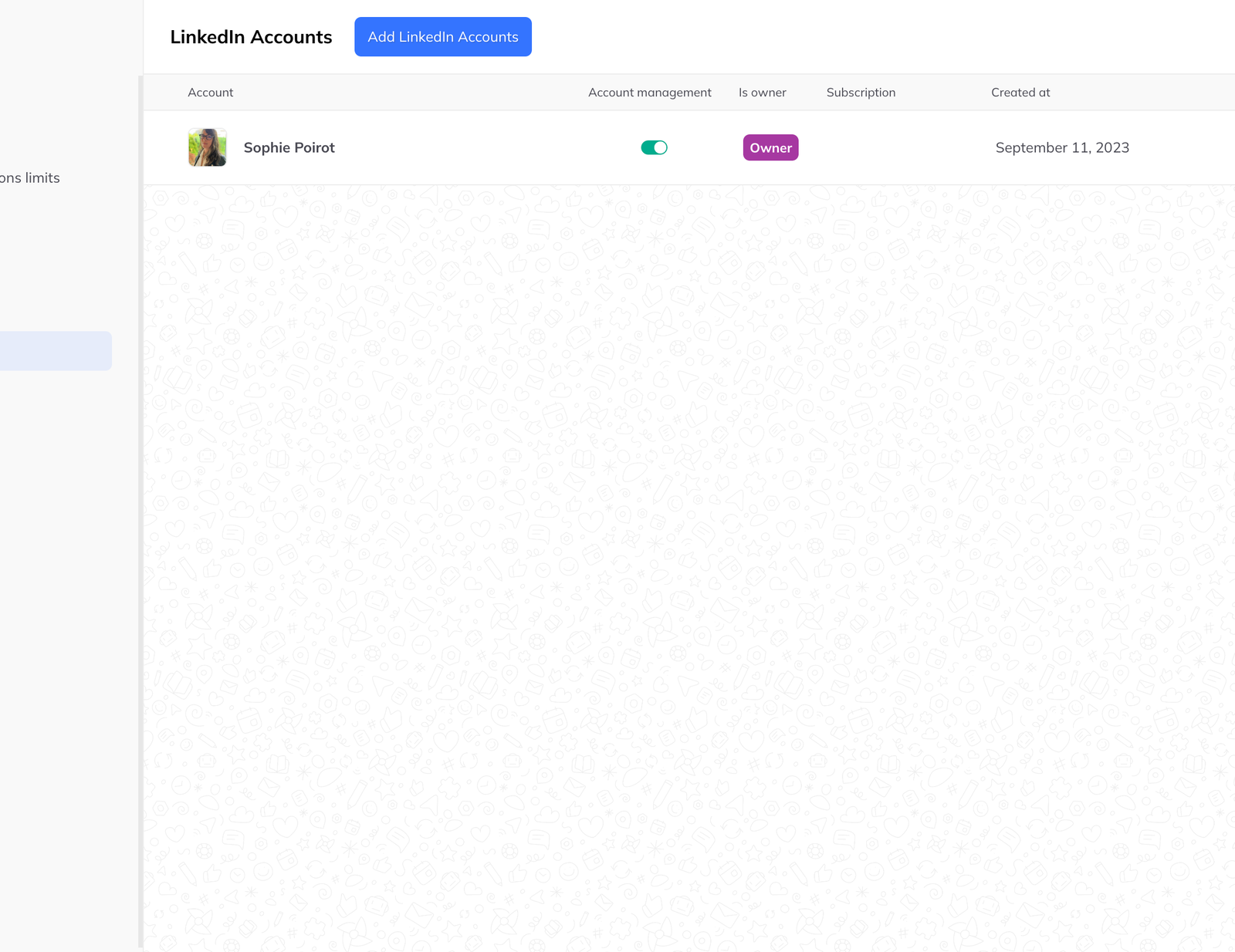
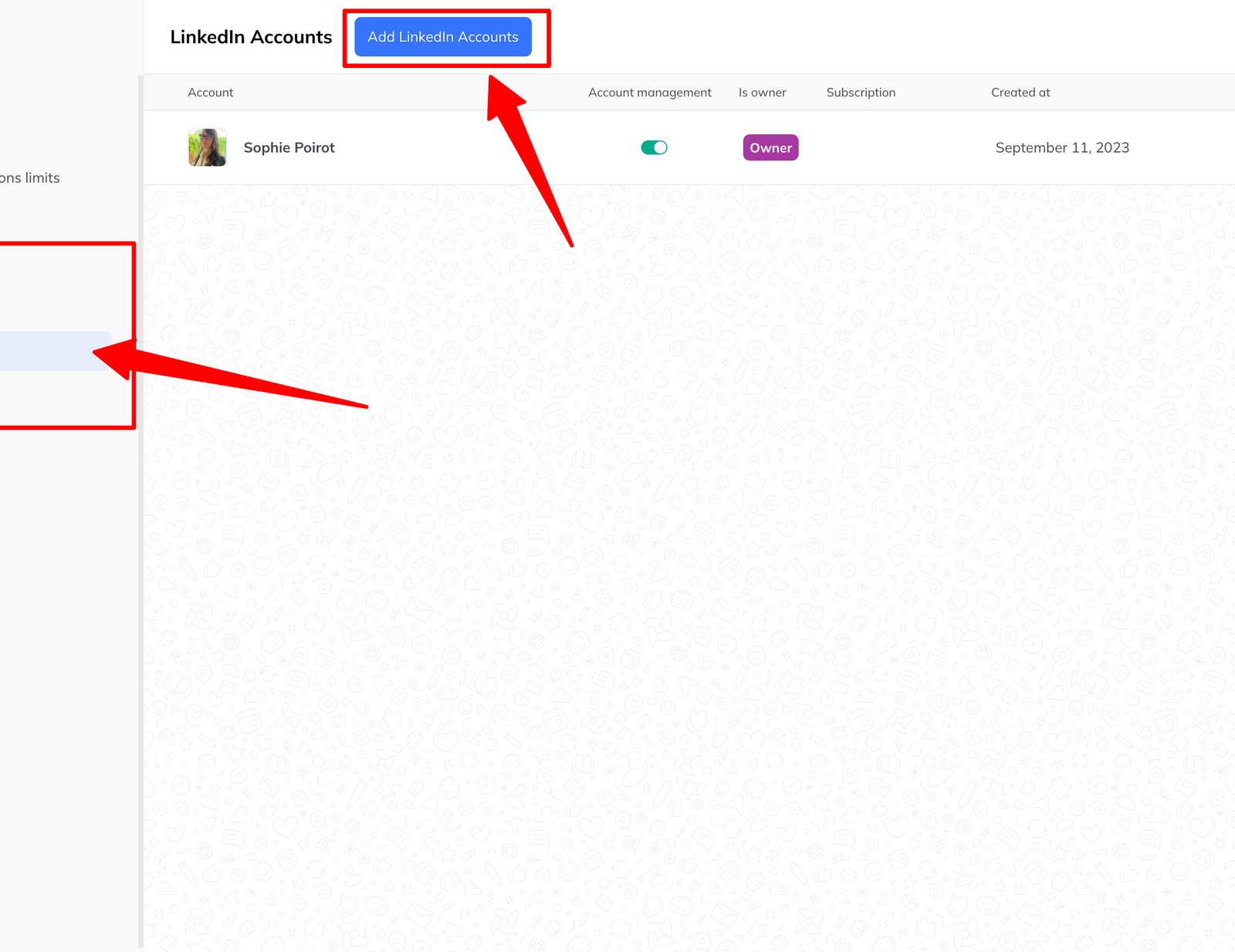
From there, add one or more LinkedIn accounts.
Delegating rather than sharing
You can also give someone access to an account without handing over its LinkedIn password. Account managers can message, run campaigns and organise pipelines on the owner's behalf, and only see the accounts they have been granted.