

Add one or more LinkedIn accounts
Connect an extra account and switch between them.
There are two ways to add an account, depending on whether you can sign in to it yourself.
Getting to the right screen
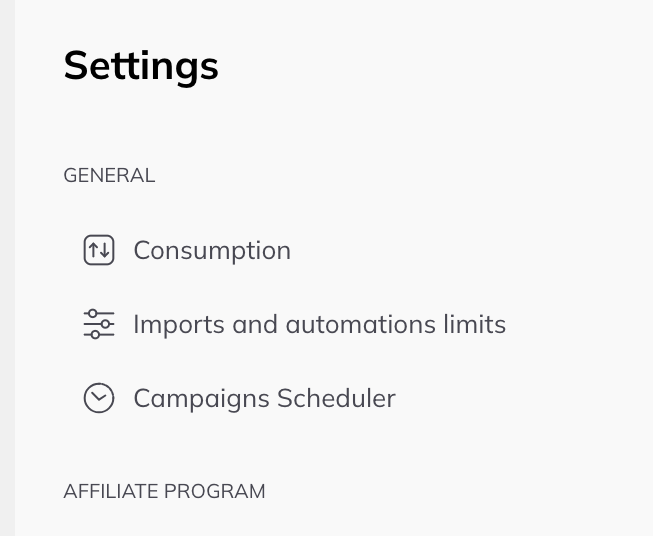
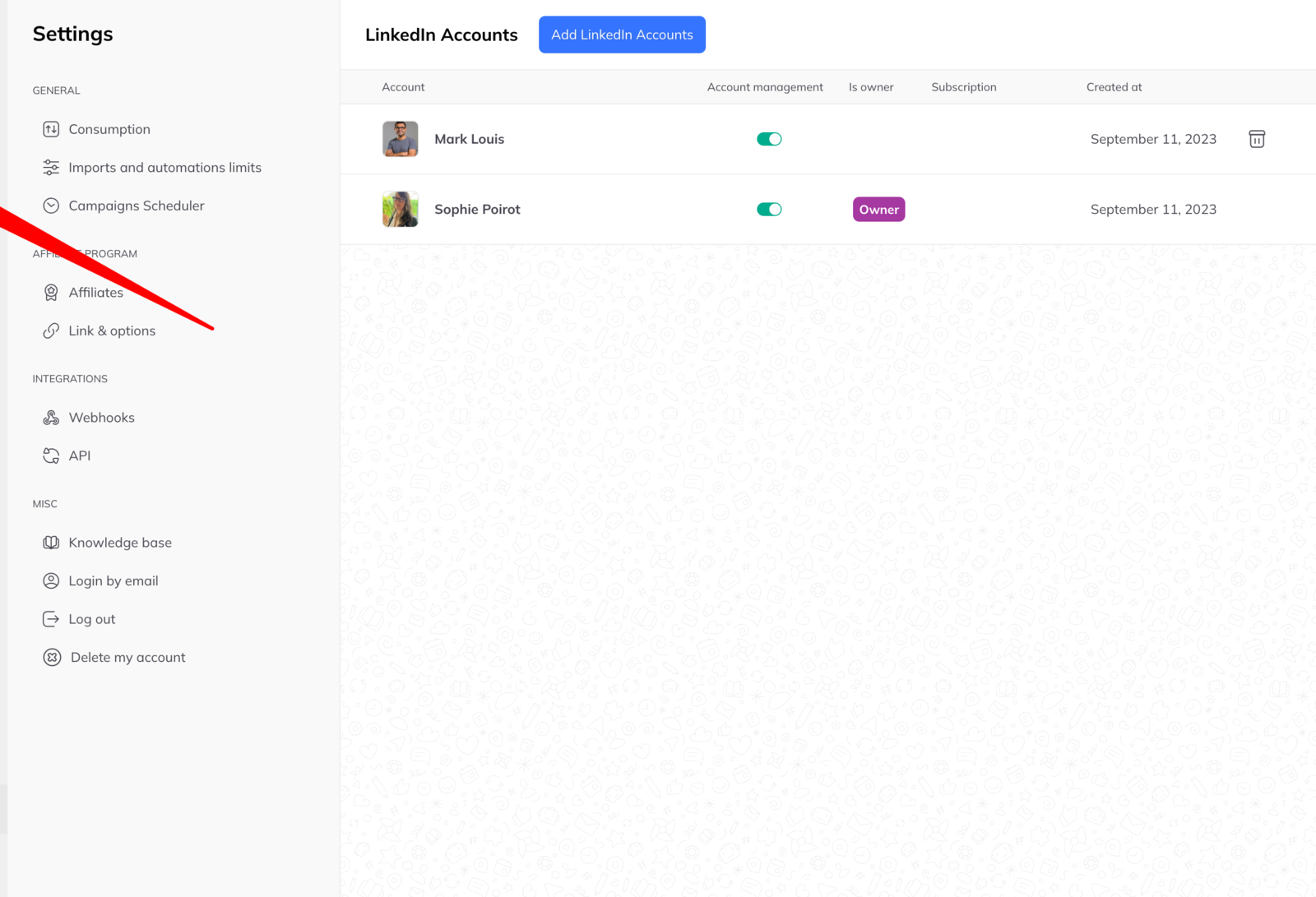
- Open Settings. If multi-account mode is not on yet, click Set mode, then Manage LinkedIn accounts.
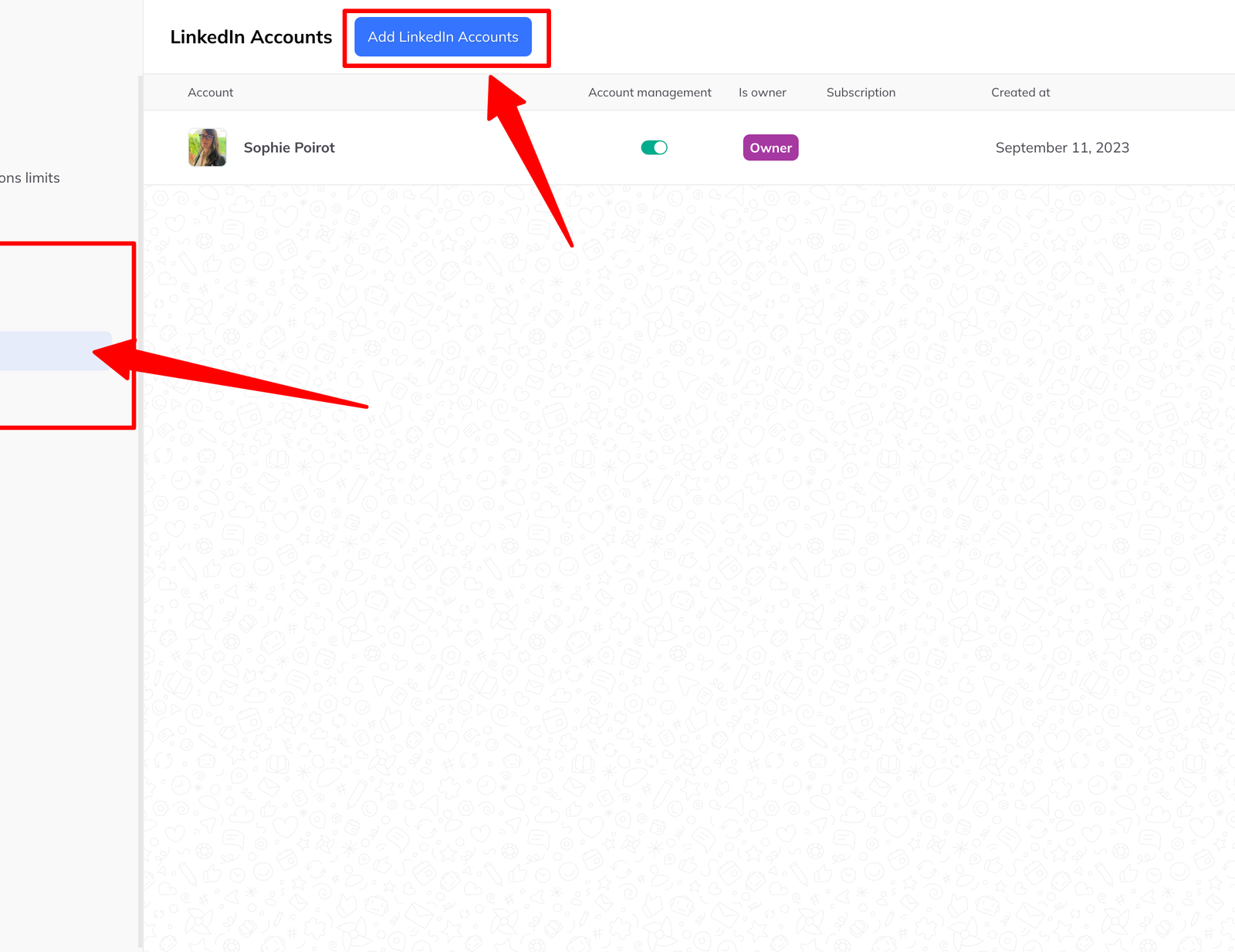
- Click LinkedIn accounts in the left-hand menu.
- Click Add LinkedIn accounts at the top of the page.
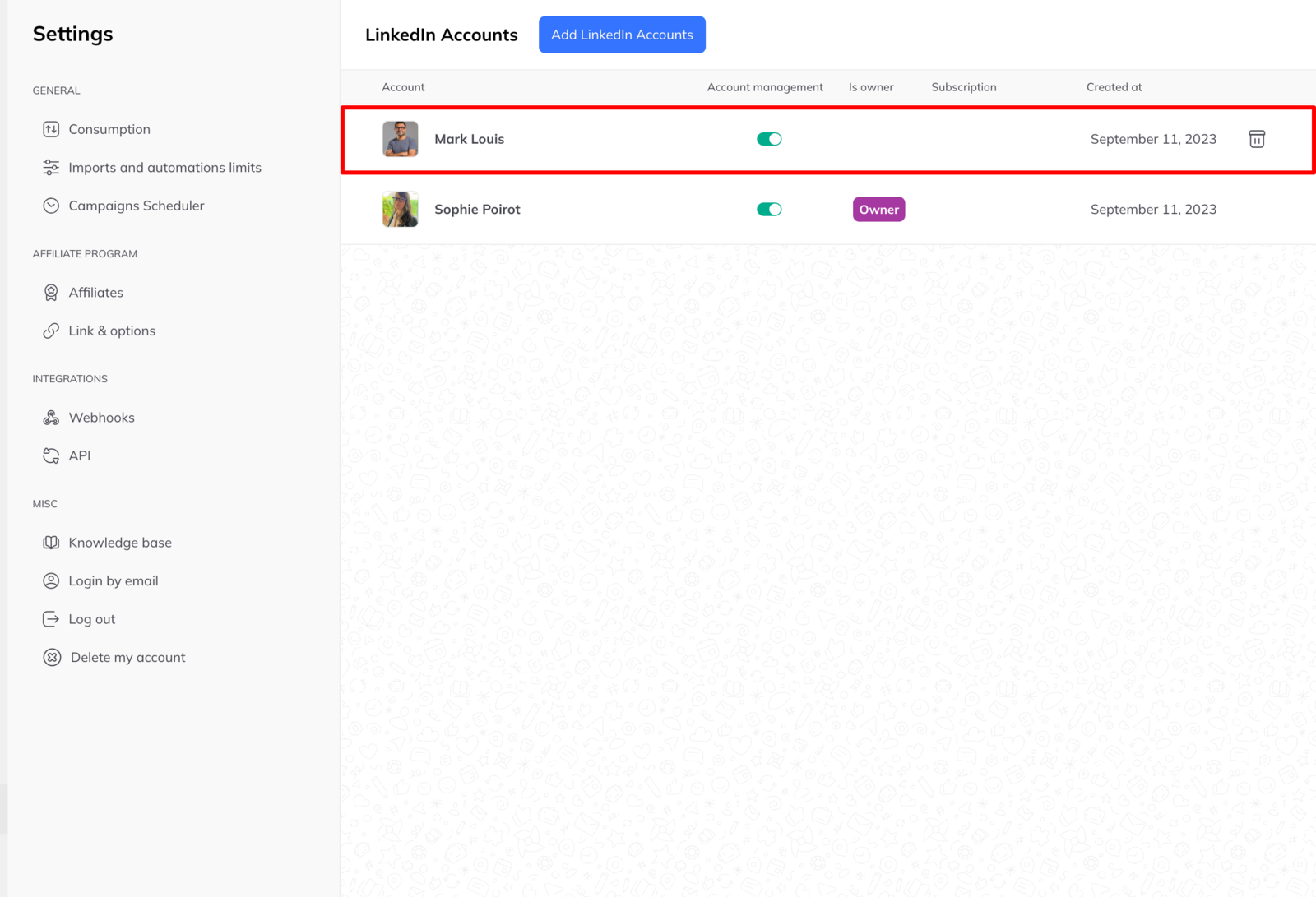
A window offers two options.
Connect with LinkedIn sign-in
Use this when you have direct access to the account.
- Make sure that LinkedIn account is signed in on a browser tab.
- Click Connect.
- A window confirms which account is about to be added. Check the name is the one you meant, then click Confirm.
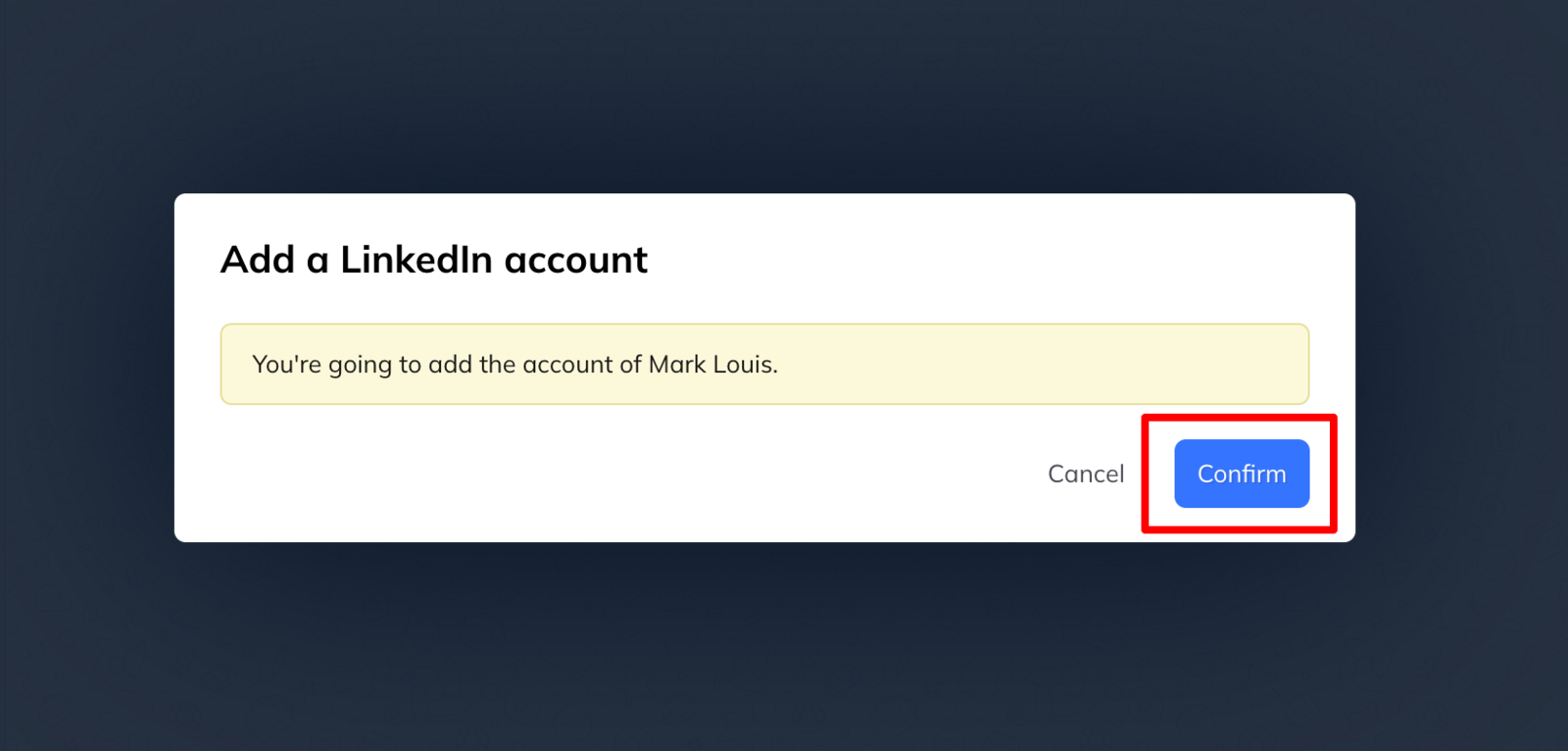
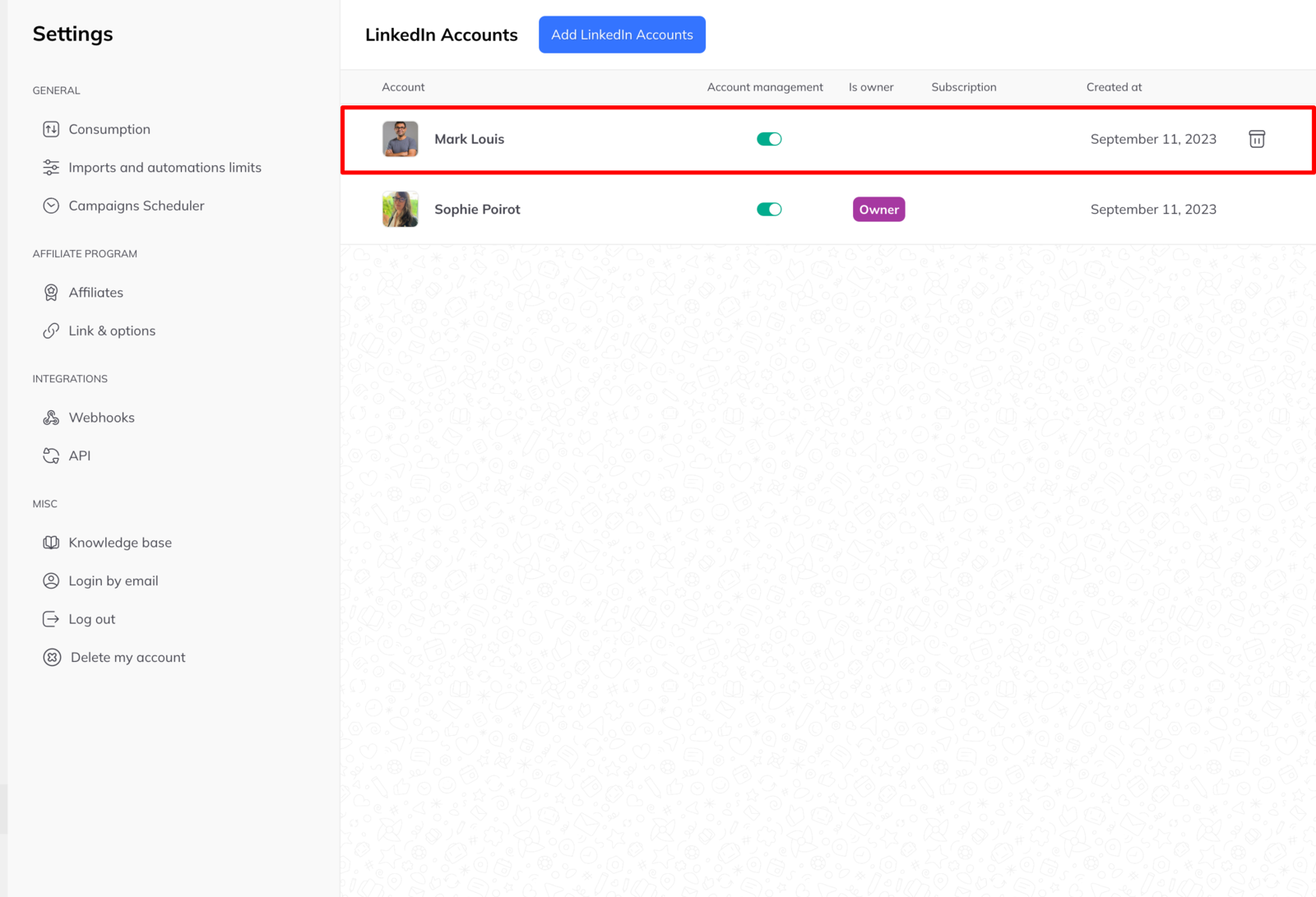
The account joins the list straight away. Repeat for each further account.
Request access to manage an account
Use this when you do not have the sign-in details, or cannot open that account in your browser session.
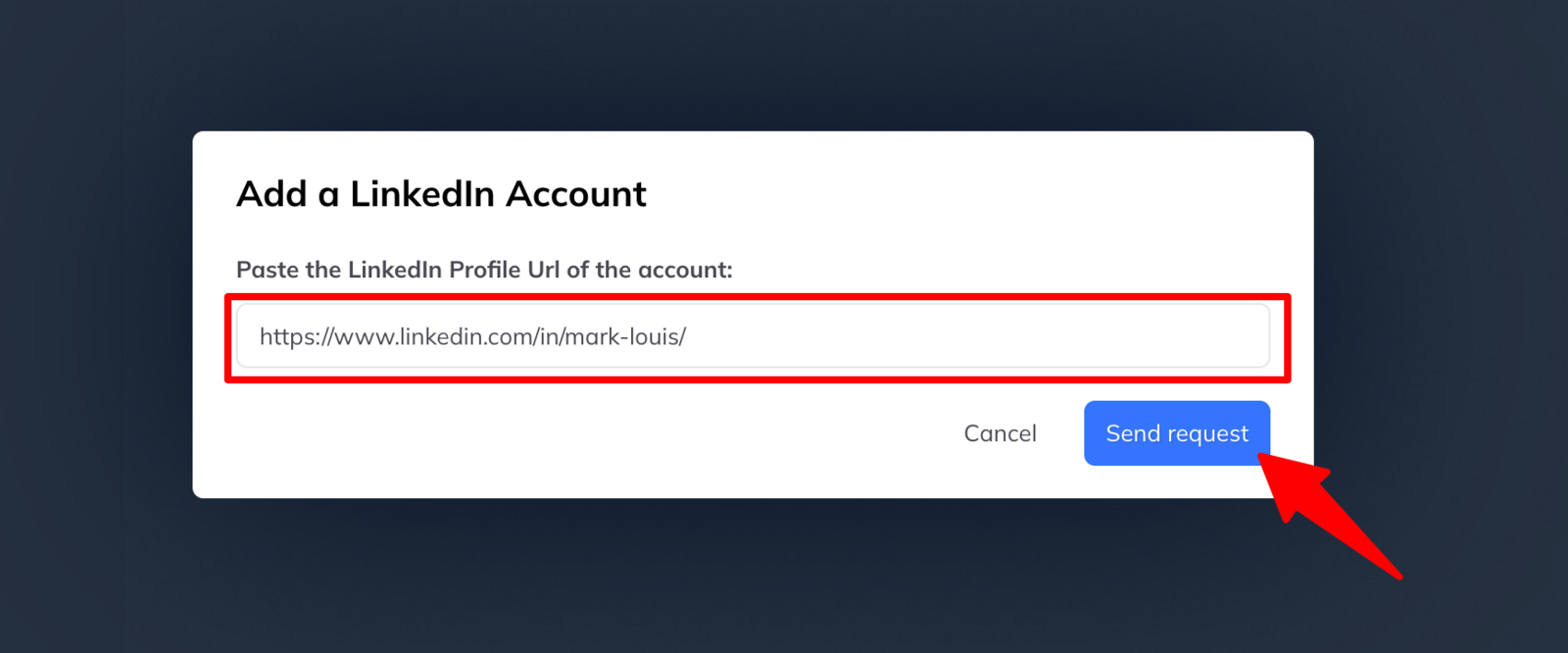
- Click Request access.
- Enter the URL of the LinkedIn profile, for example
https://www.linkedin.com/in/mark-louis/. - Click Send request.
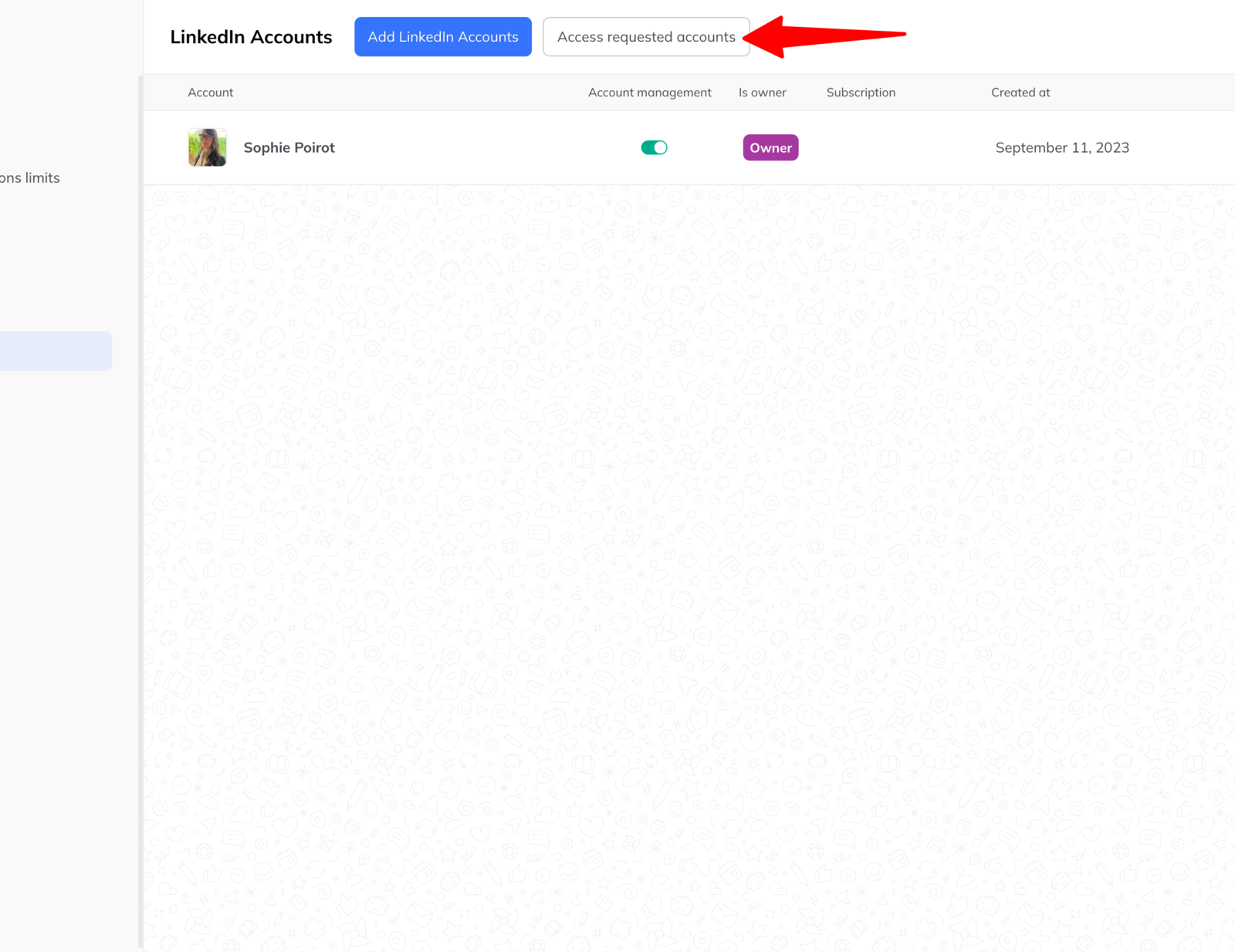
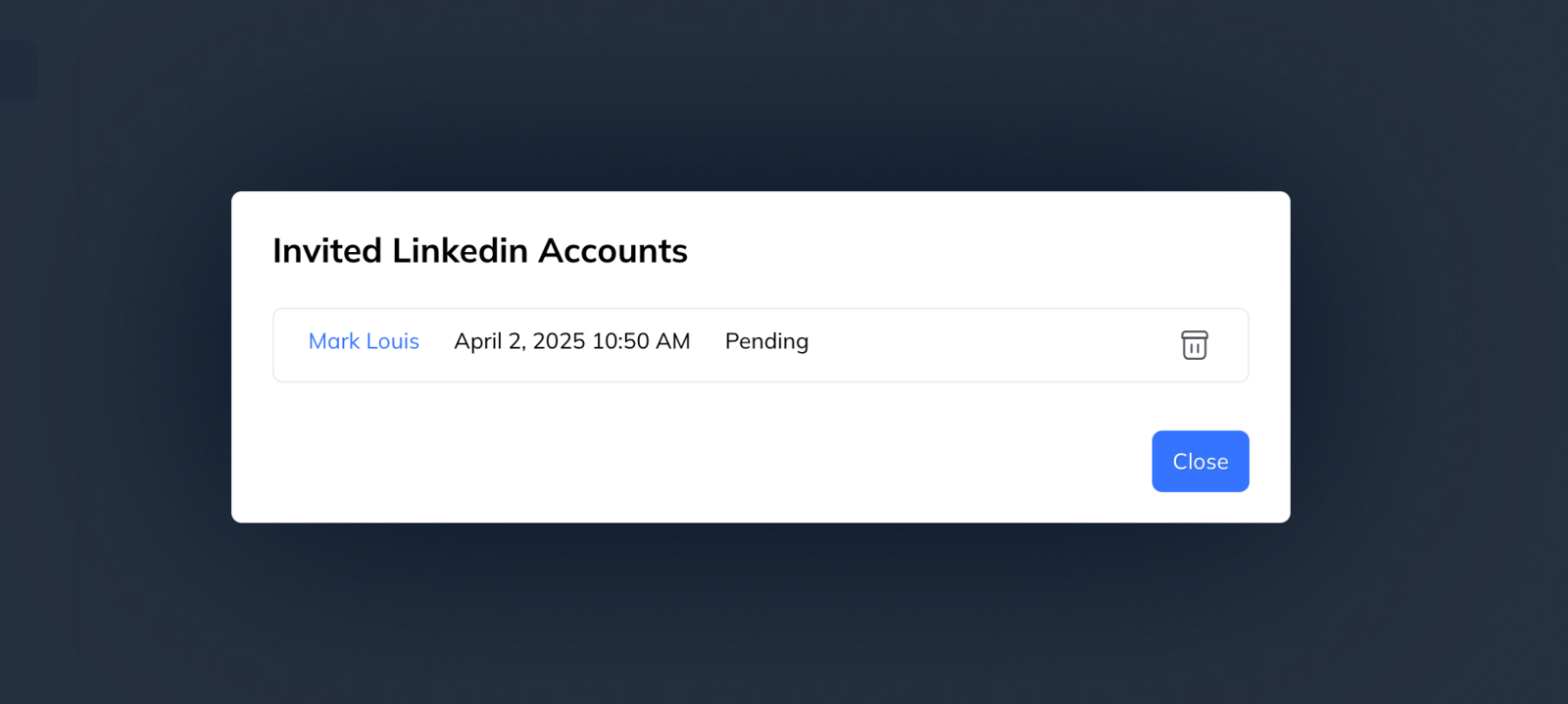
You are returned to the account list, where an Access requested accounts button now lets you see and edit outstanding requests. When the owner approves, the account joins your managed list automatically.
What the owner sees
The request arrives on their inbox page, to accept or reject. It tells them plainly that the manager will have full access to their LinkedIn inbox and their LinkedLeads account — able to hold conversations and reply in their name, and to use every feature.
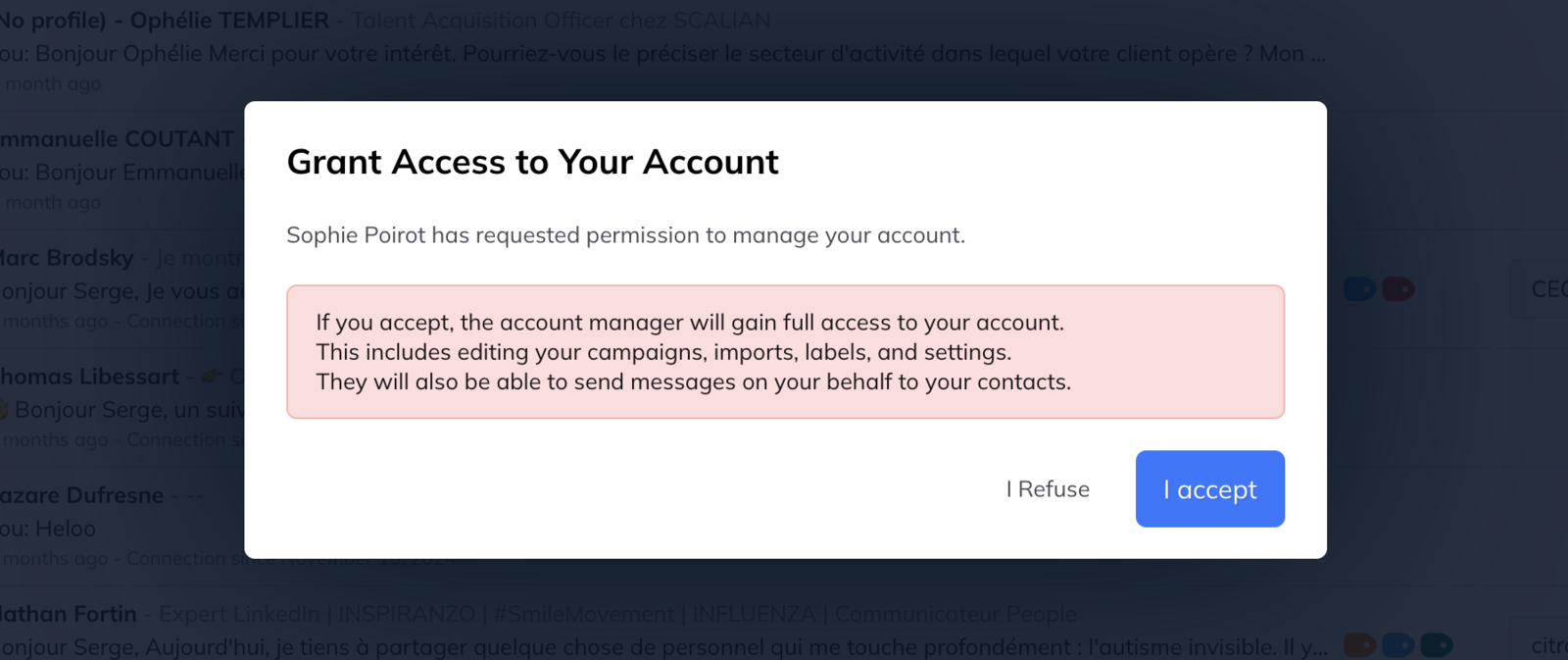
Approving changes nothing about their own access. They carry on using their account as before, under their own subscription, and can do everything the manager can.
What changes in the interface
Once a second account is connected, a sidebar appears down the left showing each account's profile picture. Clicking one switches to it, with no signing out.
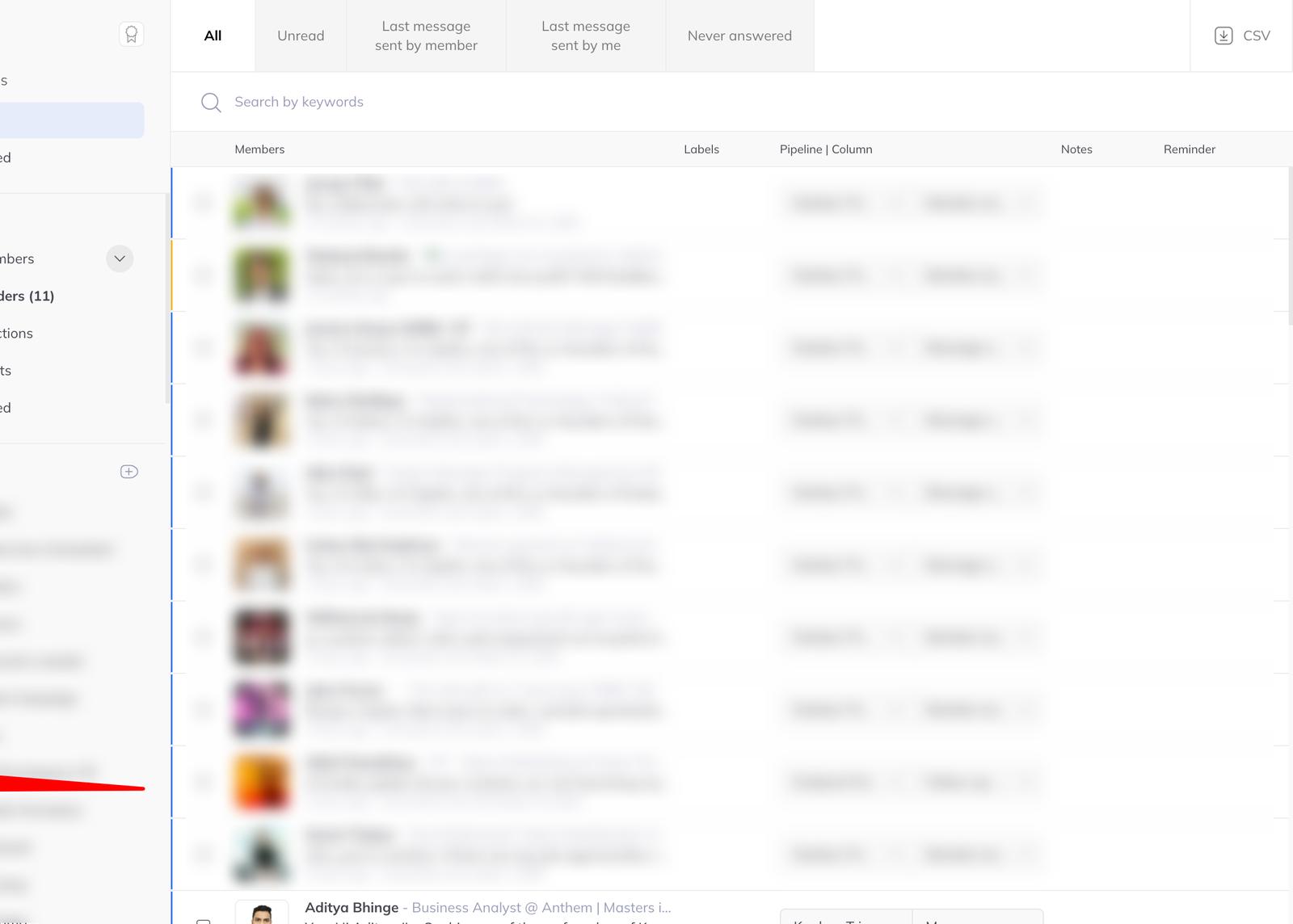
The menu icon at the top of that sidebar opens multi-account settings, where you can add or remove LinkedIn accounts, add or remove account managers, reach billing, and change workspace-level settings.