

Why use a Kanban pipeline
What a board gives you that a list of leads does not.
A pipeline is a board of columns. Each column is a stage, each lead is a card, and moving the card is how you record that something happened.
What it replaces
Tracking leads in a spreadsheet, in Notion, or in a rigid CRM tends to give you rows nobody updates, filters you maintain by hand, data spread across tools — and no answer to the only question that matters, which is who is where, and what happens next.
A board answers that at a glance.
The two kinds
Manual pipelines. You define the columns — New lead, Follow-up, Qualified, Closed — and drag cards between them yourself. Right when you want your own process, want to prioritise by hand, or want a shared view for the team.
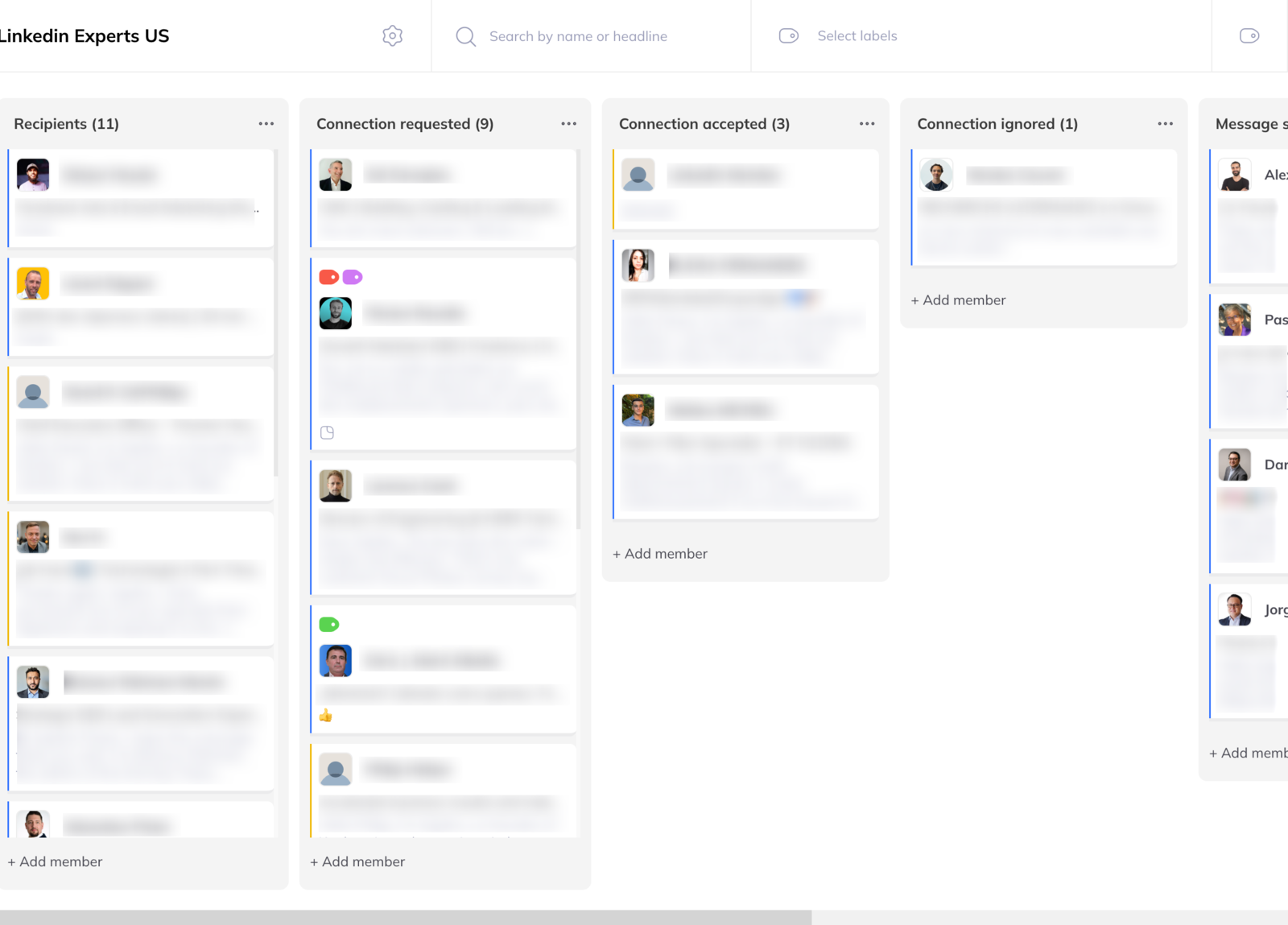
Campaign pipelines. Every campaign creates one automatically. Each column is a step in the sequence:
- Visit profile
- Follow member
- Like member's post
- Connection request
- Send message
- Follow-up messages, in order
Leads move themselves from column to column as they progress. Nothing to update — the board is the campaign's status.
The page
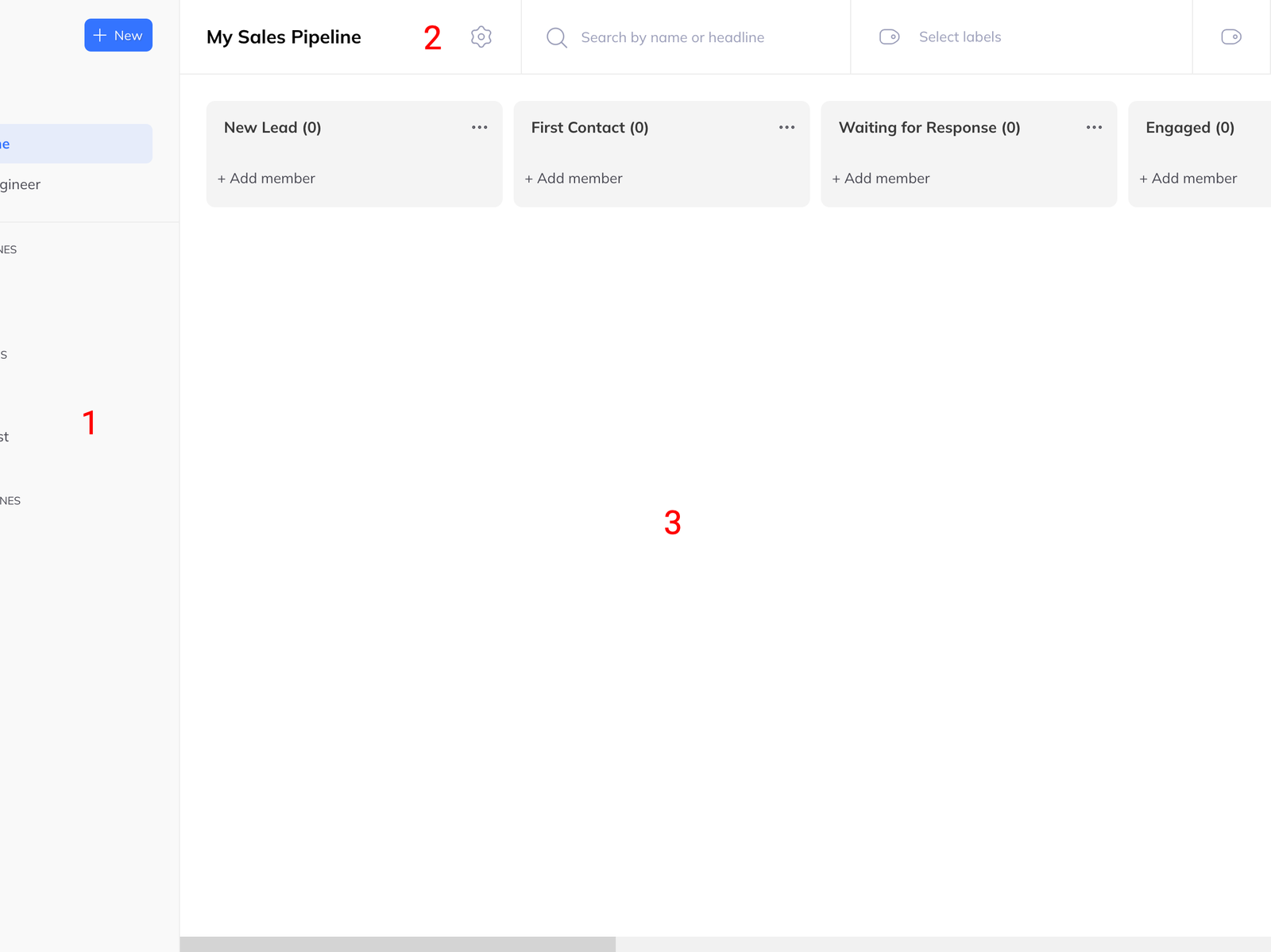
Sidebar. A New button at the top creates a blank pipeline, a sales pipeline, a recruiting pipeline, or a team template if you are a team manager. Below it, four groups: your own Pipelines, Playing campaign pipelines, Draft campaign pipelines, and Finished campaign pipelines.
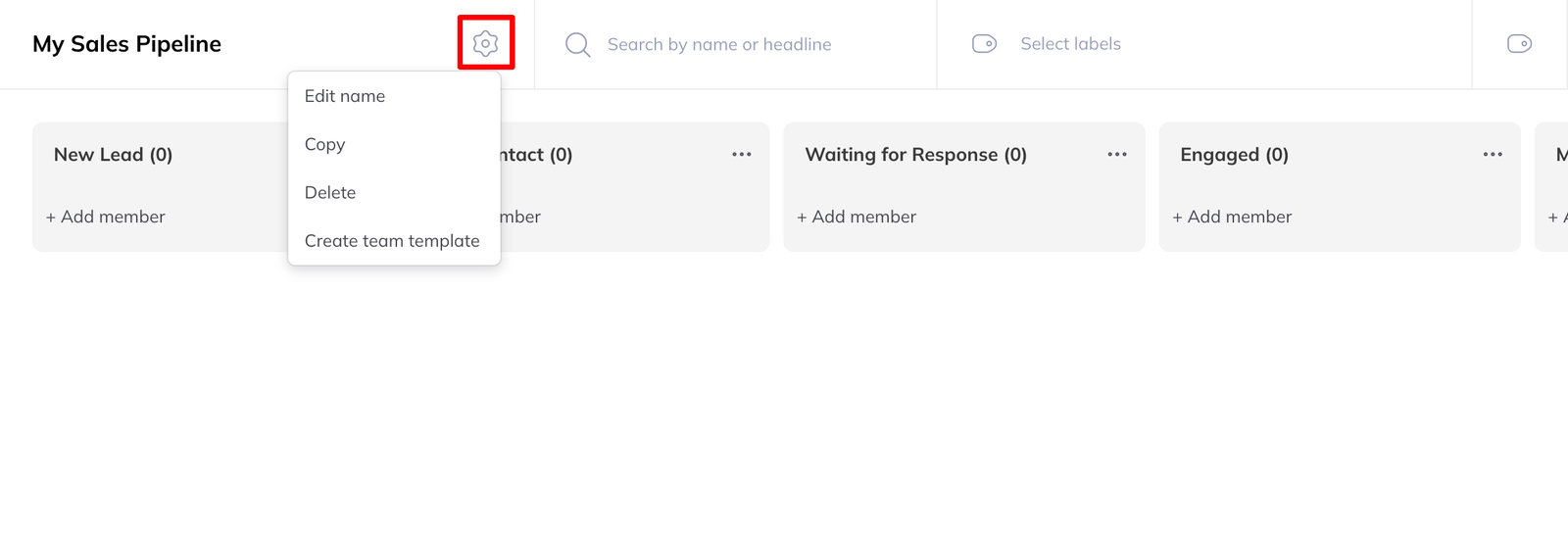
Header. The pipeline name, with a menu for edit, duplicate, delete and — for team managers — create a team template. Beside it, a search field matching name or headline, a label filter, and the label management button.
Main area. The columns and their cards.
What you get from it
- Stuck leads are visible, because they are the cards that have not moved
- You can see who has been contacted and who is owed a follow-up
- Acting is one click from looking, rather than a trip to another tool