

Manage pipeline columns
Add, rename, reorder and remove the stages on a board.
Columns are the stages of your process. All of these work on manual pipelines and, with one exception, on campaign pipelines too.
Add a column
Click + New column at the far right of the board. Add as many as your process needs.
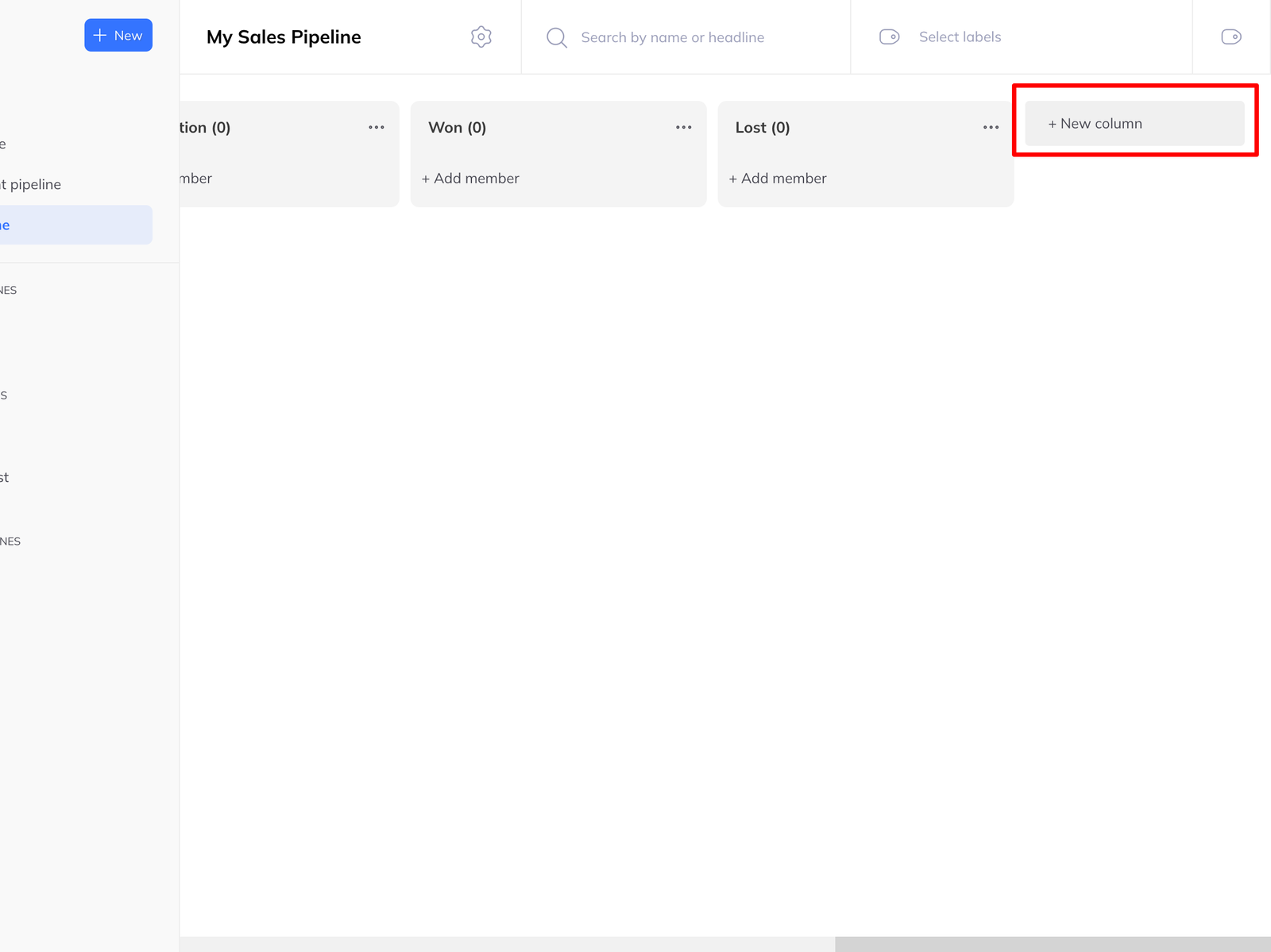
This works on campaign pipelines as well, which is how you carry on managing leads after a campaign has finished — the automated columns record what the sequence did, and your own columns record what you did next.
Rename a column
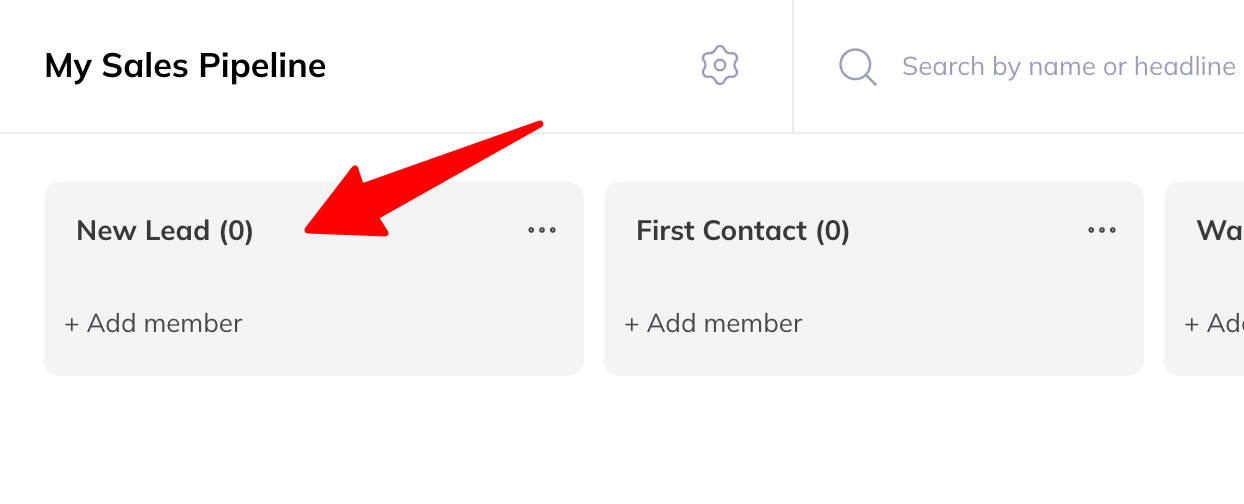
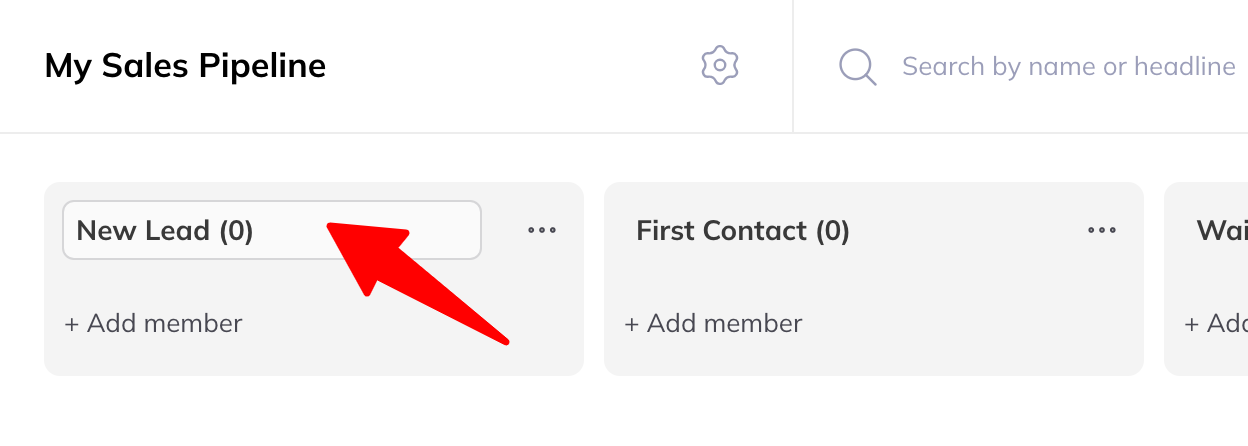
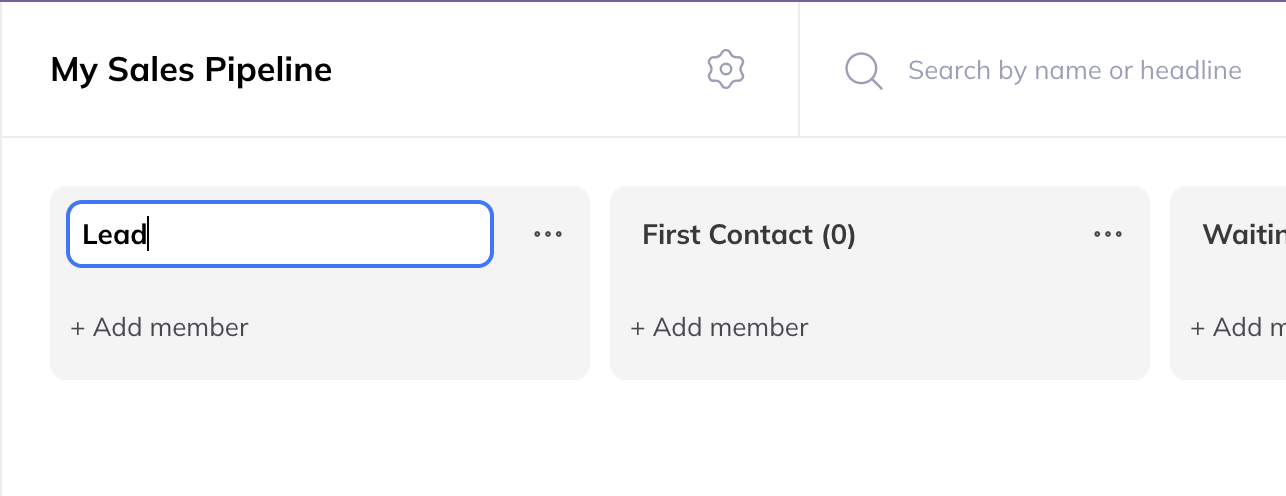
Hover over the column title and click it. Type the new name and click anywhere else to confirm.
Reorder columns
Drag and drop. Click a column header, hold, and move it where you want it.
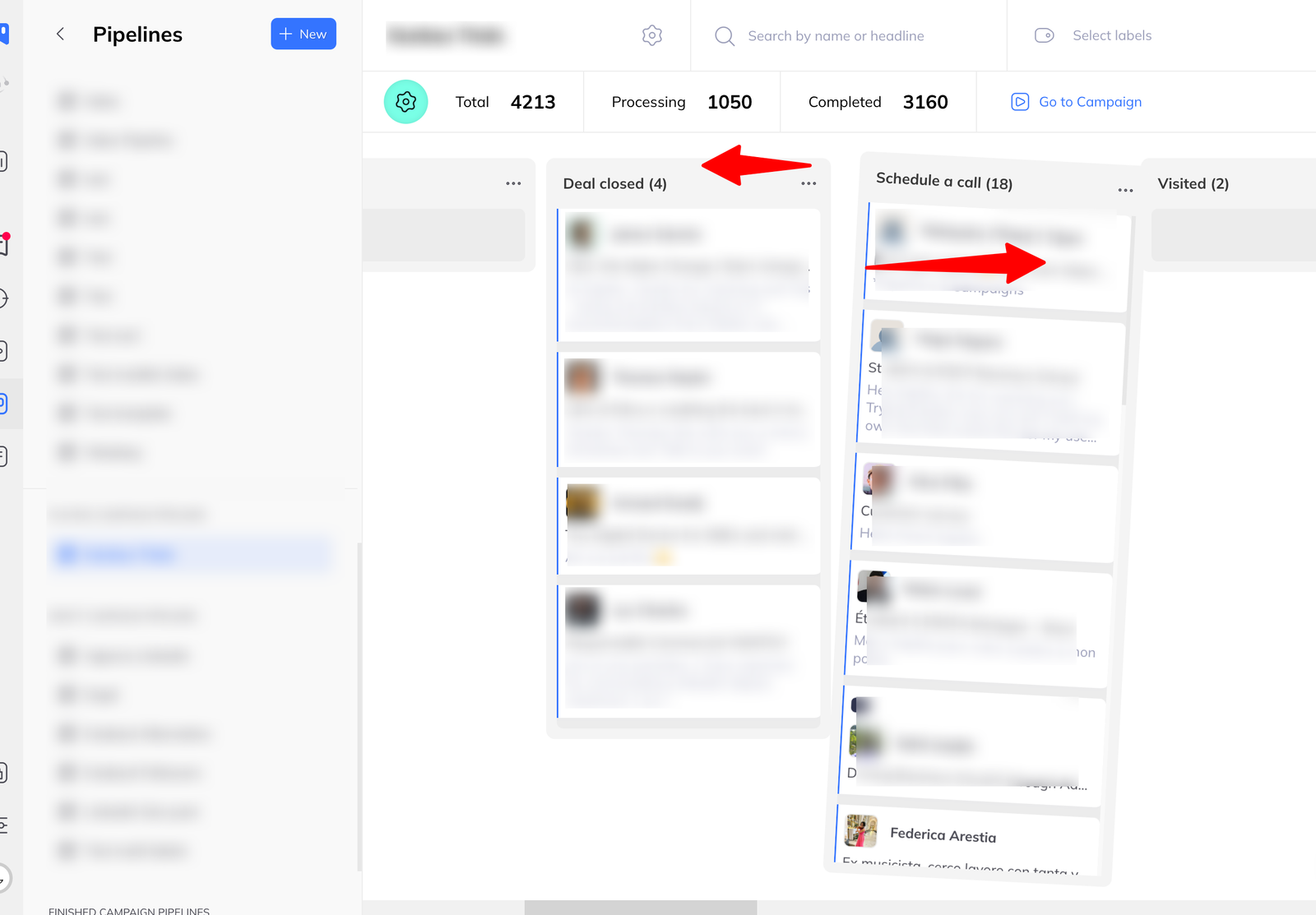
Delete a column
Use the ⁝ menu at the top of the column.
Deleting a column does not delete anyone. The members leave the pipeline and stay in LinkedLeads.