

Switch between pipelines
Keep separate boards for separate motions and move between them.
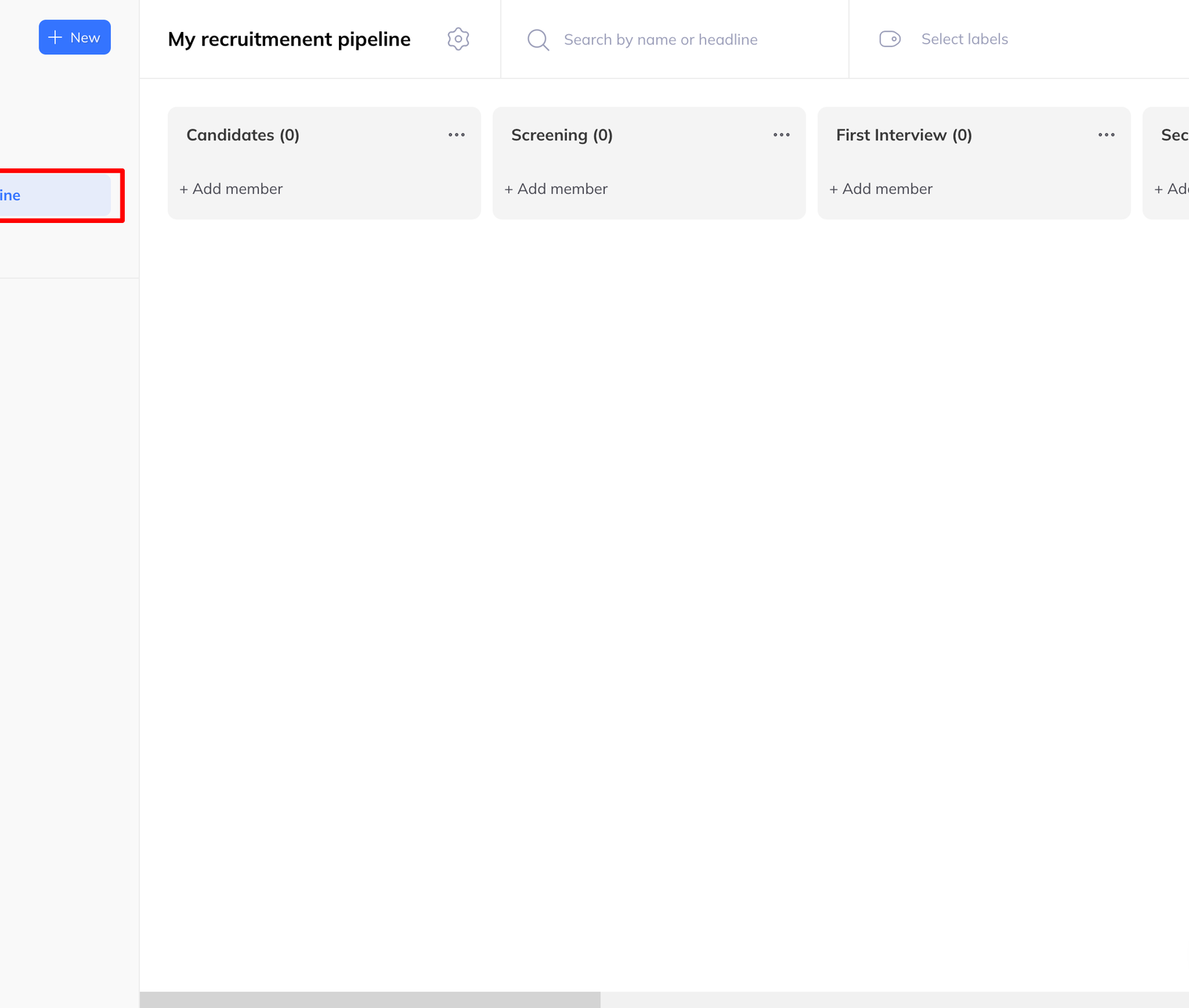
Every pipeline you have is listed down the left of the Pipelines page, in four groups:
- Pipelines — your manual boards, created or shared with you
- Playing campaign pipelines — boards from campaigns that are running
- Draft campaign pipelines — boards from campaigns still in draft
- Finished campaign pipelines — boards from campaigns that have completed
Switching
Click a pipeline name. Its columns and cards load into the central view straight away, without reloading the page.
That grouping is worth using deliberately. Playing is what is happening now; Finished is where you go to work the people a completed sequence turned up, who are usually the ones worth a human message.