

How contact and connection data is kept up to date
When a lead's profile details are refreshed, and what triggers it.
LinkedLeads keeps two different things up to date, on two different schedules: the light details it needs for the inbox, and the full profile.
The light sync
To stay well inside what LinkedIn considers normal, routine syncing collects only what the inbox actually needs:
- First and last name
- Profile headline
- Profile picture
- Connection status — accepted, or request pending
- Connection date
- The date and content of the last message exchanged
Nothing beyond that is requested.
How often it runs
| When | What is refreshed |
|---|---|
| When your account is created | All connections, and the last 500 conversations |
| Every time you open the inbox | The last 25 conversations |
| Every 3 hours | The last 100 conversations and last 100 connections |
| Every 12 days | All connections, re-synced |
The full profile update
Everything else — job title, company, experience, description — is only collected when a member's profile page is actually opened, from the inbox or from a pipeline. That takes several requests, so it is capped at 80 profiles a day.
Three things trigger one:
- The profile is opened for the first time, and the daily cap has not been reached.
- The profile was last updated more than 7 days ago, again subject to the cap.
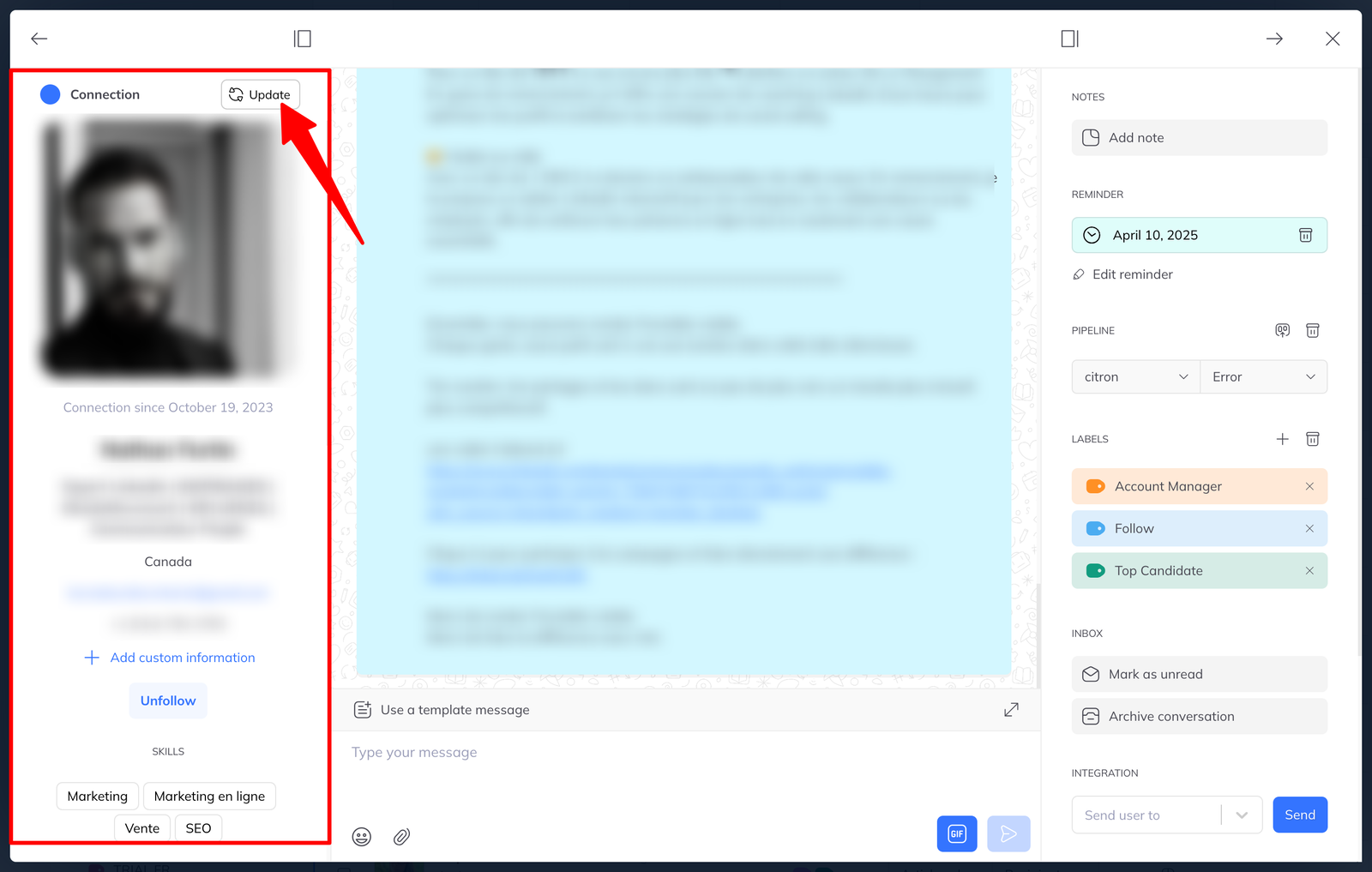
- You press Refresh, at the top left of the profile page, to force it.
Updating a whole column at once
From any pipeline you can run a batch action to update every profile in a column. Once that has run, a CSV exported from those leads carries the full details rather than the light ones.
Campaigns update profiles too
If a campaign includes a profile visit, visiting triggers a full update of that member as a side effect. A sequence that opens with a visit therefore leaves you with complete records for everyone it touched.