

Introduction to the inbox
What the inbox shows you that LinkedIn's own messaging does not.
LinkedIn's own messaging was not built for people who message a lot of strangers. The window is small, the page is busy, there is no way to organise anything, and no way to act on more than one conversation at a time.
The LinkedLeads inbox is the same conversations in a workspace built for the job.
One row per person
Every item in the inbox is a person, not a thread. Depending on where they stand with you they appear under:
- Inbox — a conversation is under way
- Connections — 1st-degree LinkedIn contacts
- Contacts — people you imported, or messaged without connecting
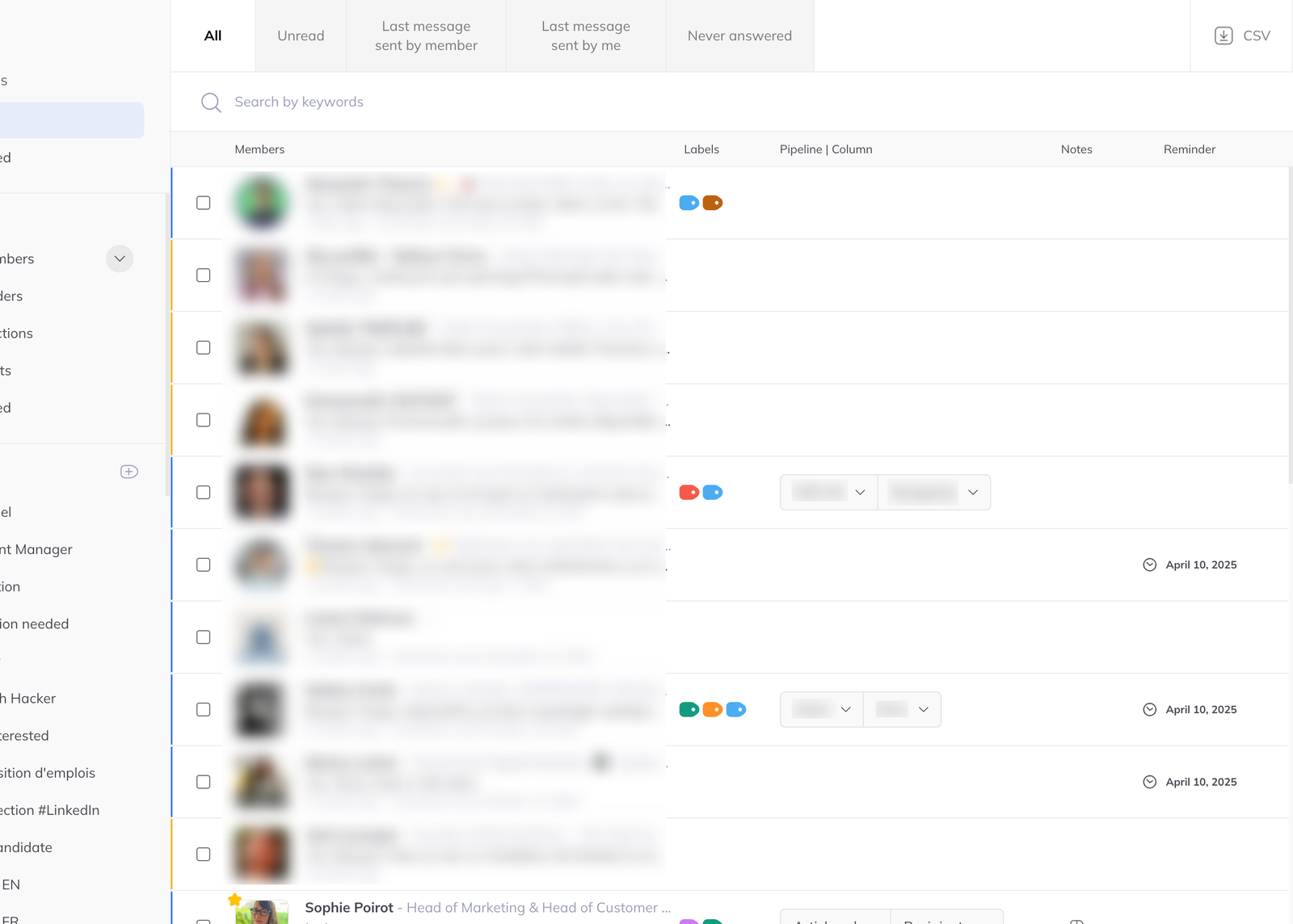
A layout you already know
It reads like an email client: full-screen, filters down the left, search across the top, the list of people in the middle. Nothing else competing for attention.
Labels and filters
Label people by whatever matters to you — stage, source, temperature — then filter to them instantly.
The filter that earns its keep is the one for messages that were never answered, including ones never opened. That is the list that quietly costs people the most, and it is one click away.
Acting on many at once
Select several people and message, label, remind or archive all of them together, instead of opening each conversation in turn.