

Run batch actions in the inbox
Label, move or archive many conversations in one go.
Batch actions are how you deal with fifty conversations without opening fifty conversations.
Selecting
Tick the checkboxes beside the people you want. A batch action menu appears at the top, temporarily replacing the search bar and smart filters.
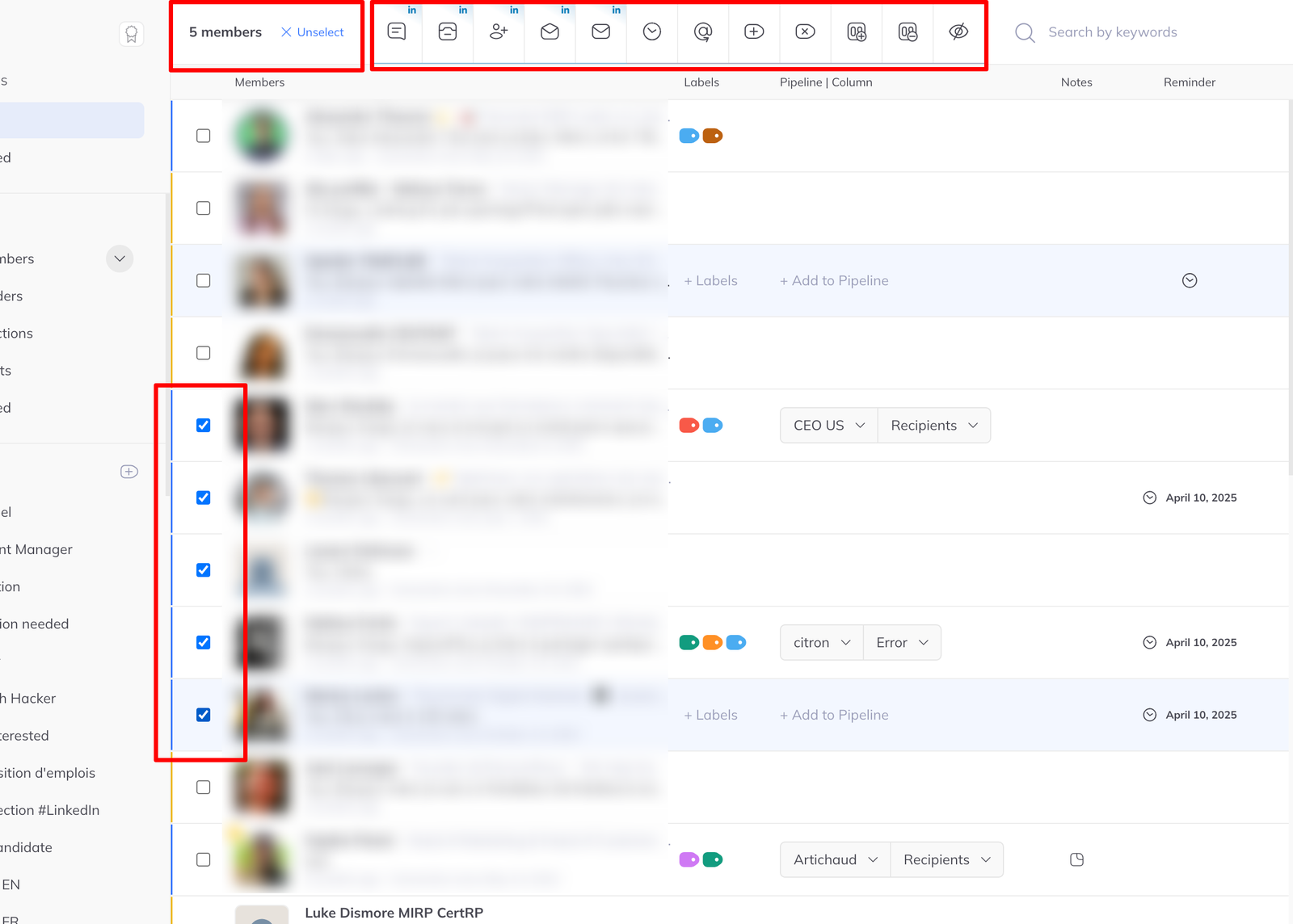
The menu changes with the view
Which actions are offered depends on the sidebar filter you are in — the Inbox view offers messaging actions that make no sense under Contacts.

Actions fall into two groups, and the difference matters.
LinkedIn actions — carried out gradually
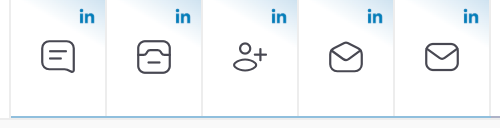
These do something on LinkedIn itself, so they are paced rather than fired all at once. Each is marked with a LinkedIn icon.
- Send a message
- Send a connection request
- Archive the conversation
- Mark as read
- Mark as unread
They queue and run in the background. Watch their progress in Asynchronous tasks in the sidebar, below the logo.
Workspace actions — immediate
These only touch LinkedLeads, so they happen at once:
- Add labels
- Remove labels
- Add to a pipeline
- Remove from a pipeline
- Schedule a reminder
- Hide a member

Where this pays off
Filter to Never answered, select everyone, send one follow-up. Filter to a label, add all of them to a pipeline column. Both are a few seconds, and both are the kind of thing that otherwise never gets done.