Schedule reminders from the inbox
Put a conversation back in front of you on a chosen day.
When someone says “ask me again in the autumn”, that is the moment to set a reminder. Otherwise it becomes a note somewhere else, and then it becomes nothing.
Adding one
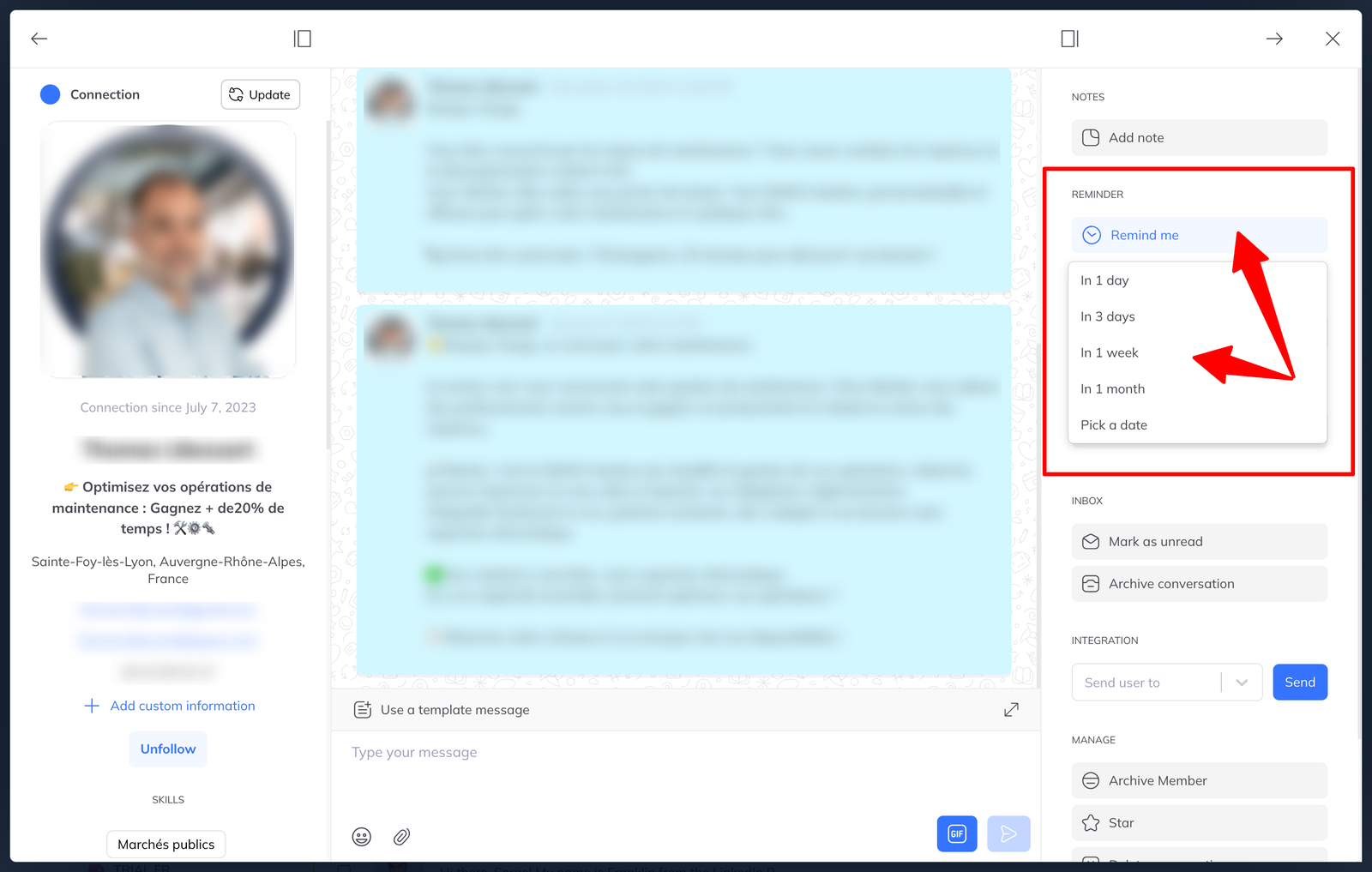
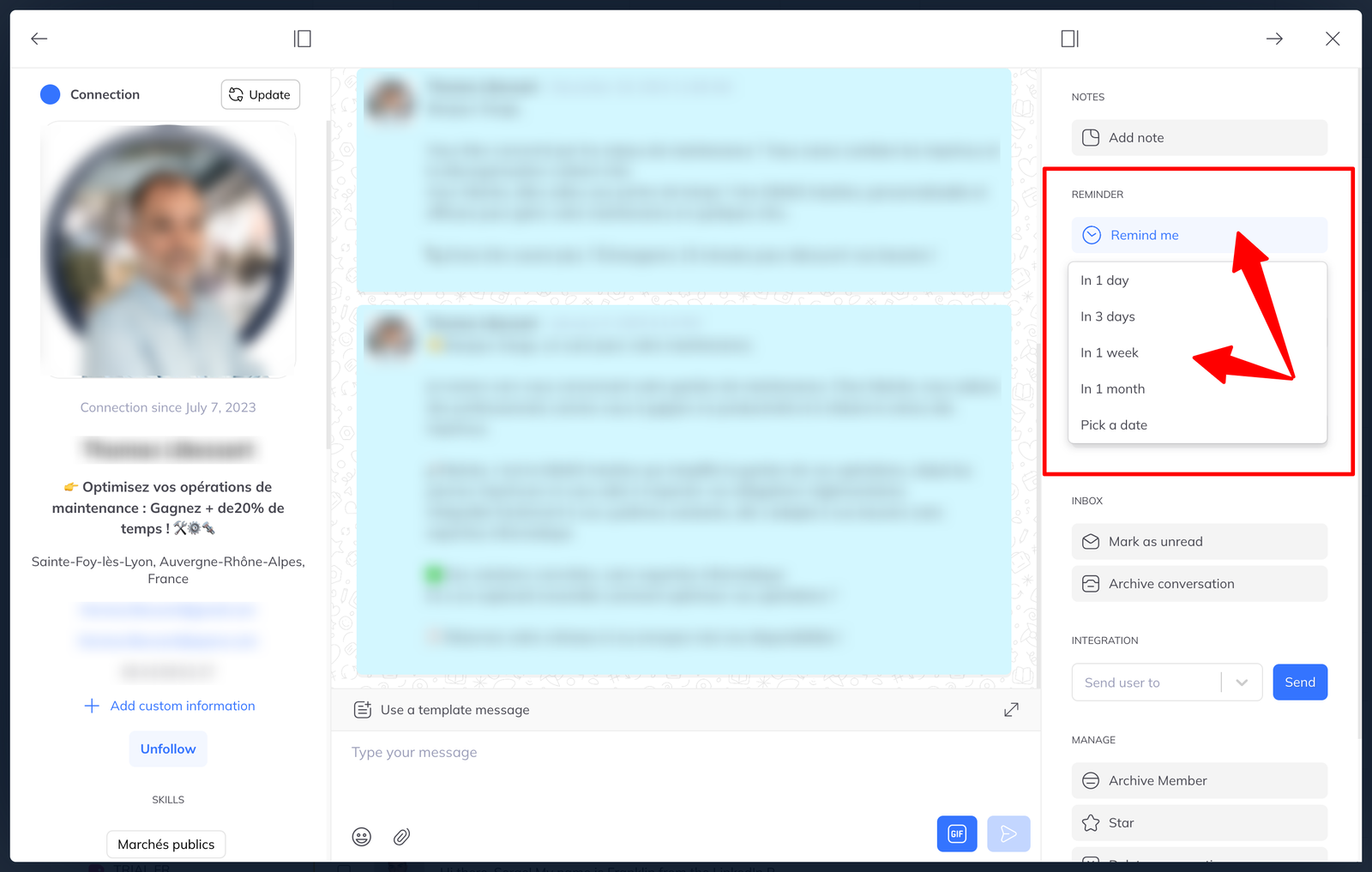
From a member's profile, click Remind me. Choose one of the preset delays or set your own date.
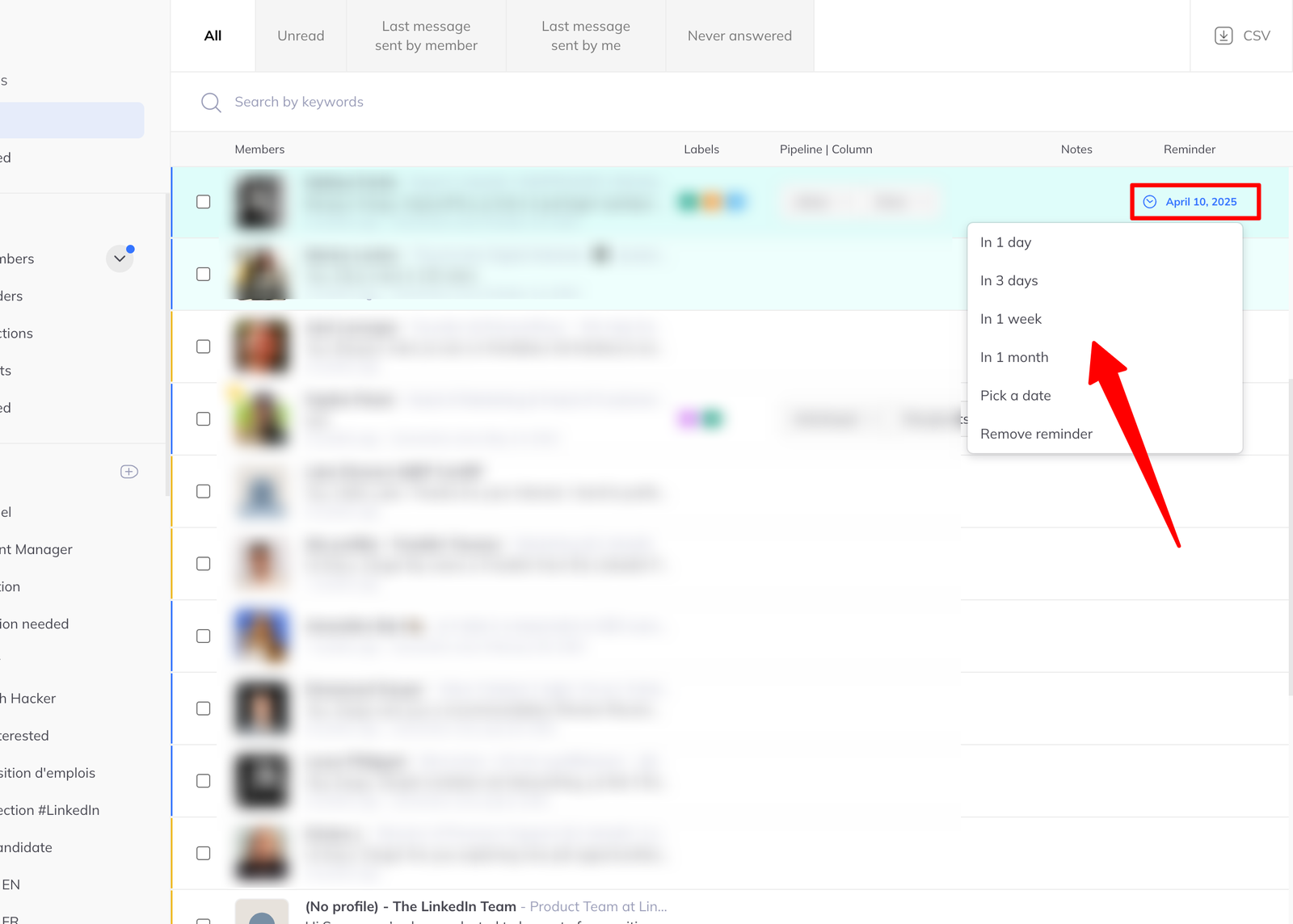
You can also add one without opening the profile: hover over their row in the list and use the quick action, or set reminders for several people at once as a batch action.
Finding them again
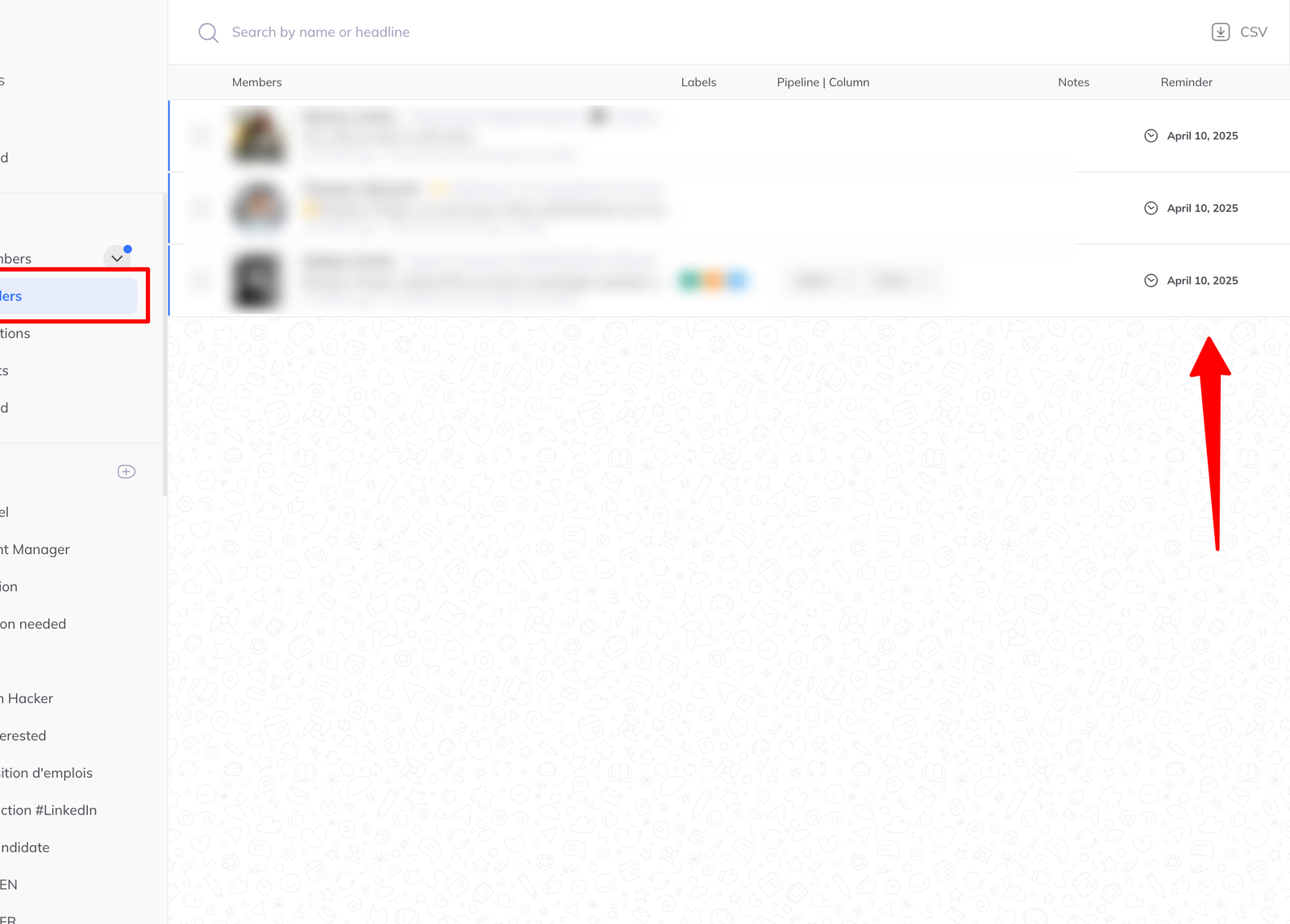
The Reminders filter in the sidebar shows everyone with an active reminder.
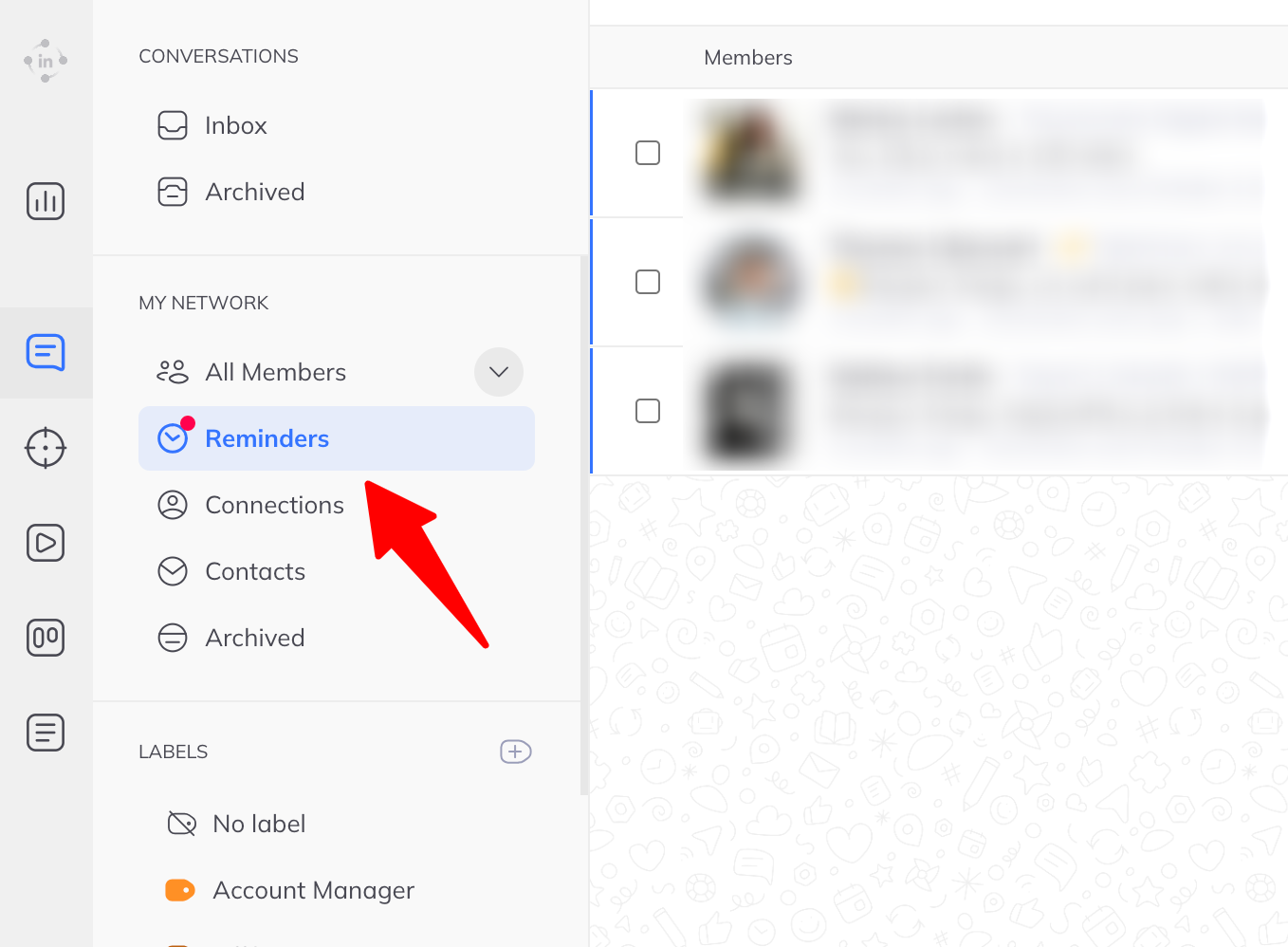
When a reminder comes due — or goes past due — two things happen:
- A notification badge appears next to the filter
- Those people are highlighted with a pale blue background in the list
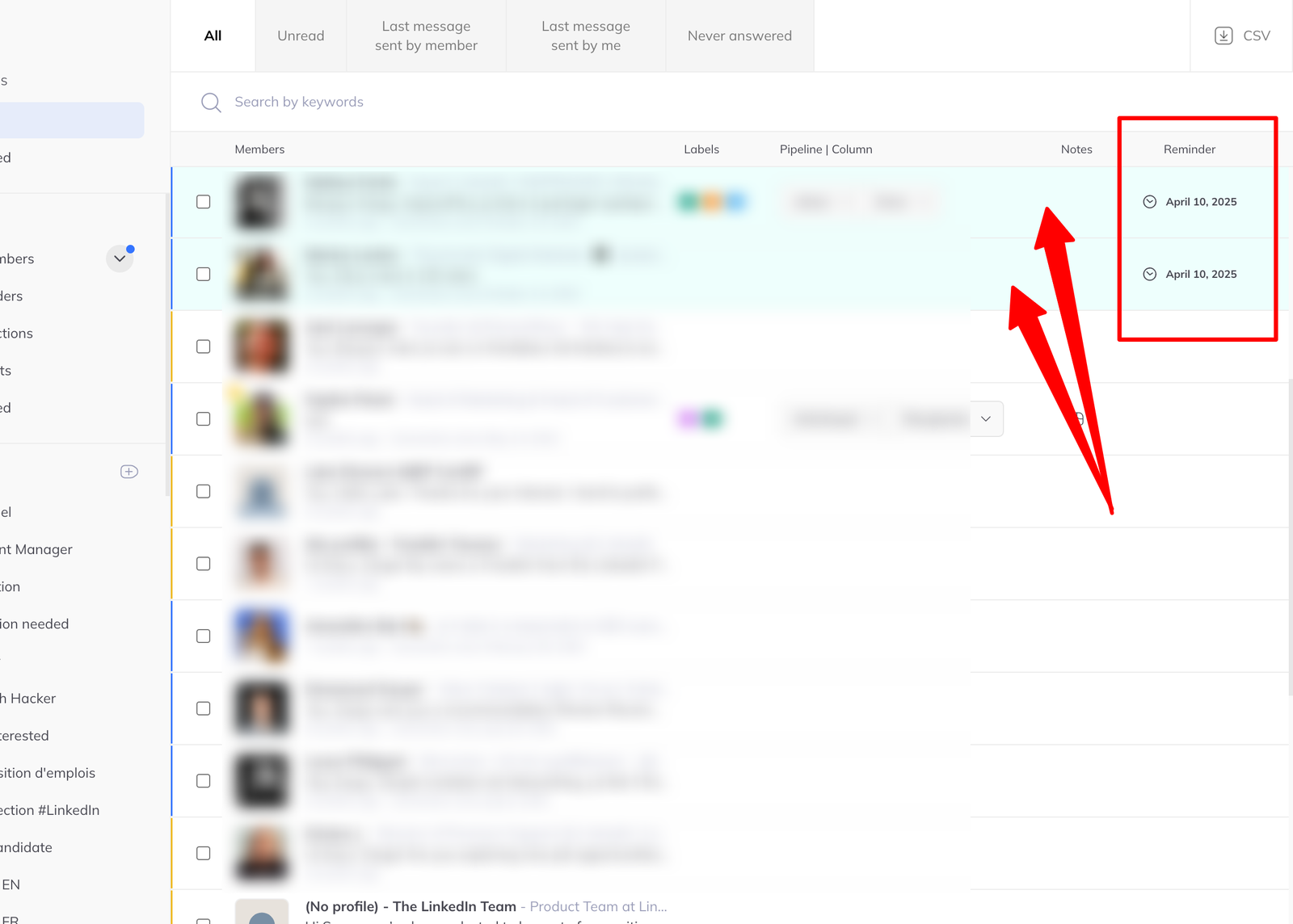
So a due reminder finds you, rather than waiting to be looked for.
Changing or clearing one
Three ways, whichever suits where you are:
- From the member's profile page
- From their row in the member list
- As a batch action across several people at once