

Manage team member subscriptions
Add a seat, remove one, and see what each member is on.
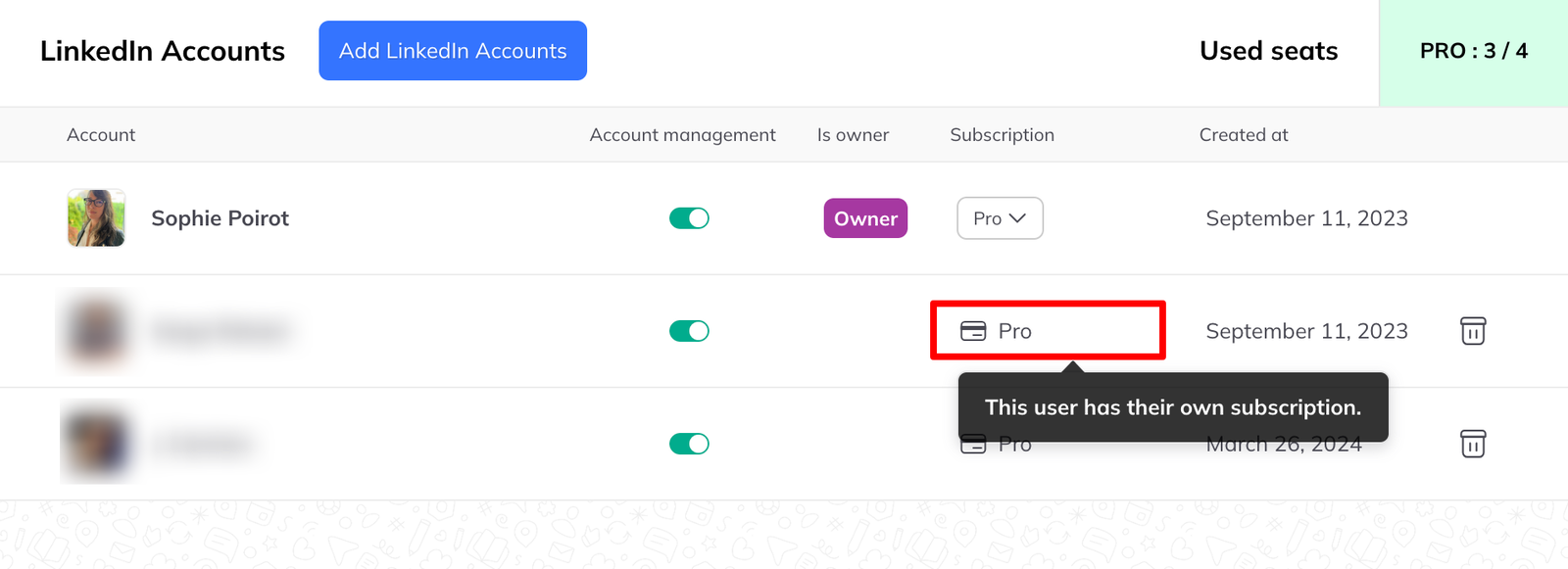
Seats are how a team pays for its members. The team owner buys them and hands them out.
Assign a seat
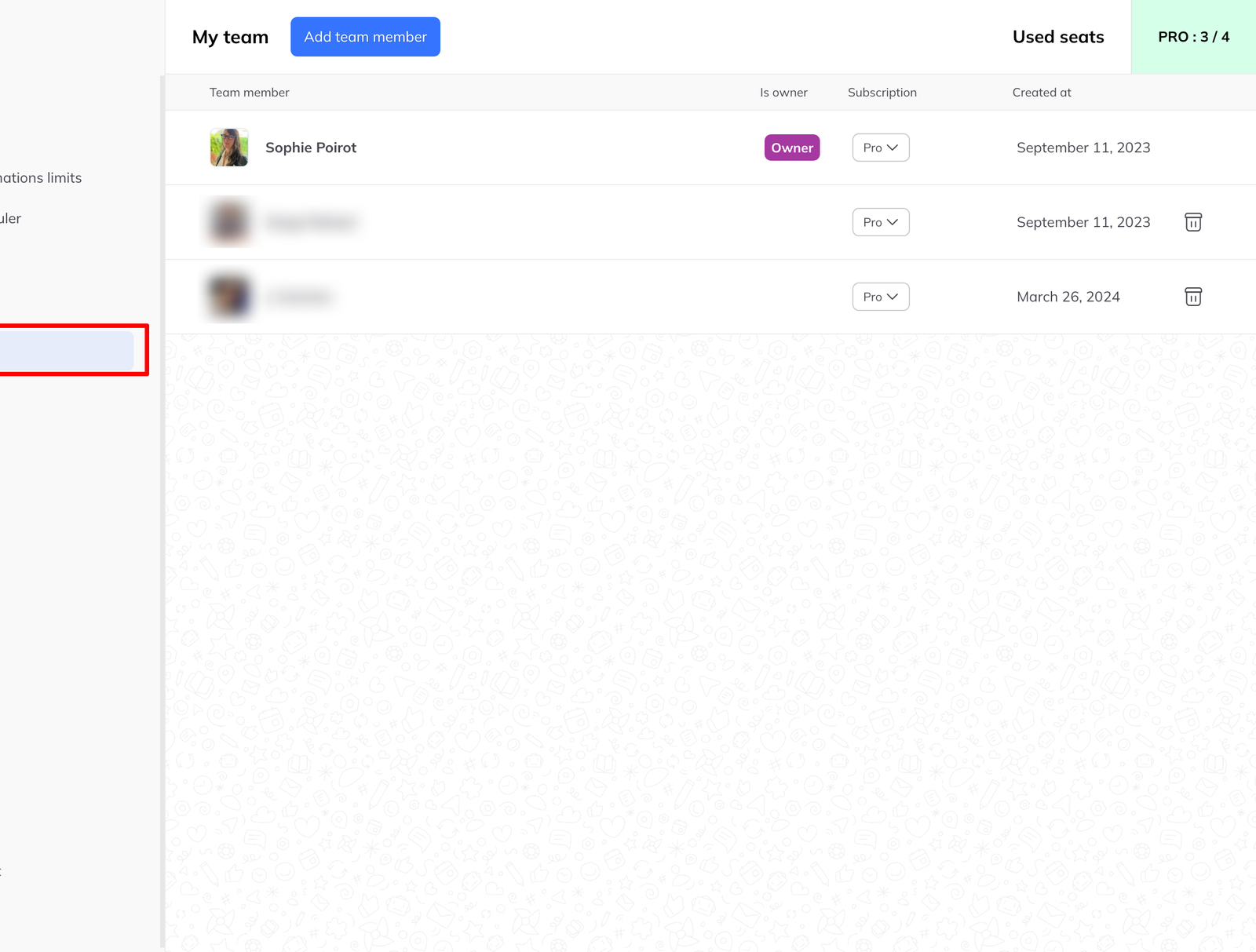
Go to Settings → Team members. Once there are seats available on your subscription, an assignment control appears beside each member's name. Pick an available seat and it is theirs.
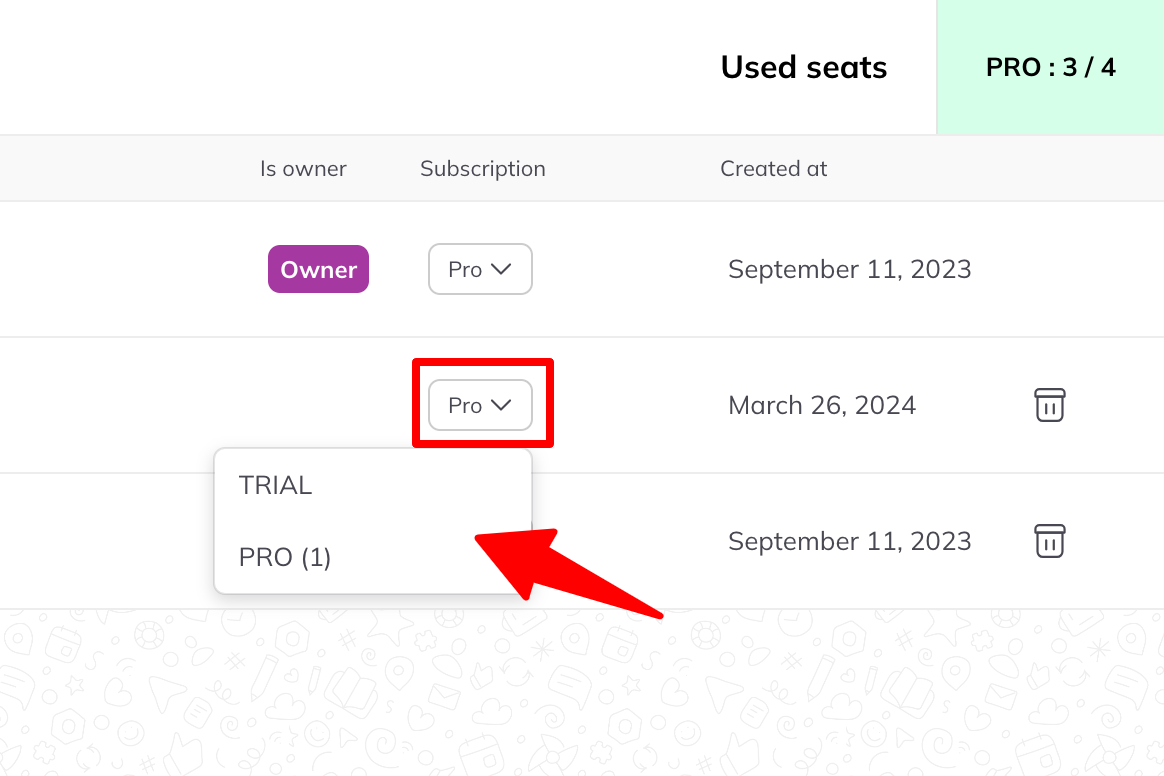
Reassign one
Seats are not permanent. Unassign a seat from one member and give it to another whenever you need to — when someone leaves, when a contractor's project ends, or when priorities move between people.
If an account is suspended
A seat assigned to a suspended LinkedIn account can be freed and given to another account. See what to do about your subscription if an account is suspended.