

Delegate access without sharing your LinkedIn password
Let a colleague work an account while your credentials stay yours.
If you want a colleague to work your LinkedIn messaging or prospecting for you, you can give them a way into your LinkedLeads account without ever handing over your LinkedIn password. You set up a dedicated email address and password for the purpose, and share those instead.
Turning on sign-in by email
- Go to Settings → Sign in by email.
- Switch on Enable sign-in by email.
- Enter a dedicated email address, a password, and the password again to confirm.
- Click Validate.
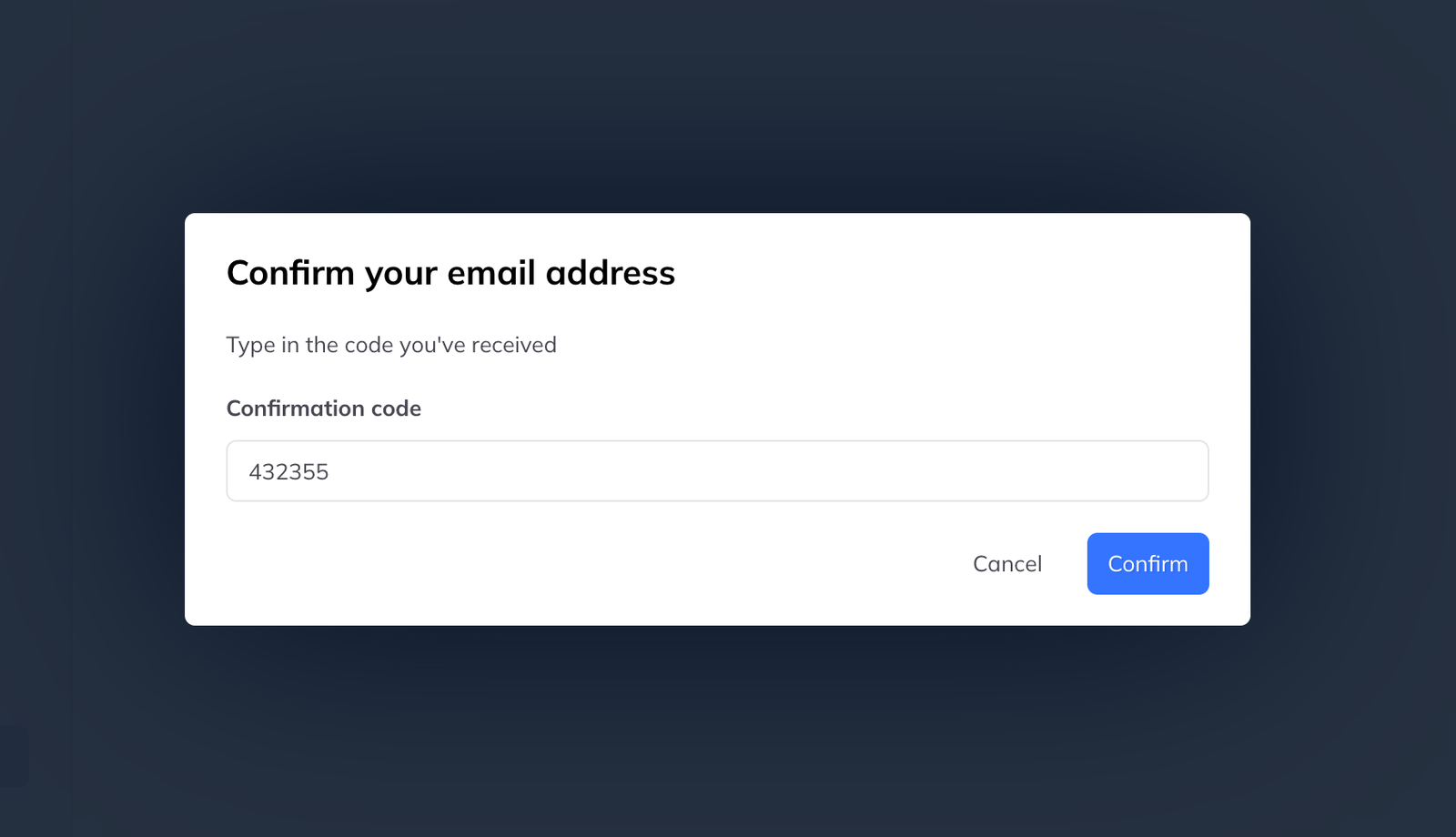
- A confirmation code arrives by email.
- Enter the code and confirm.
Then share that email address and password with the person you are delegating to — and nothing else.
How they sign in
At app.linkedleadsapp.com they must choose the Sign in with email and password tab, not Sign in with LinkedIn, and enter the credentials you gave them.
What they can do
Everything you can. They can manage your inbox and reply in your name, accept and send connection requests, run campaigns, manage leads, apply labels, and view and change every setting including the subscription.
Every action is taken in your name, inside your account.
If you sign out of LinkedIn
Signing out of LinkedIn invalidates the session cookie. The delegated user can still reach your LinkedLeads account, but no LinkedIn action — messaging, connections, imports — will work until you sign back in.