

Build a team
Create the team, invite people and set what each can reach.
Adding people, giving them seats, and taking them out again.
Add a member
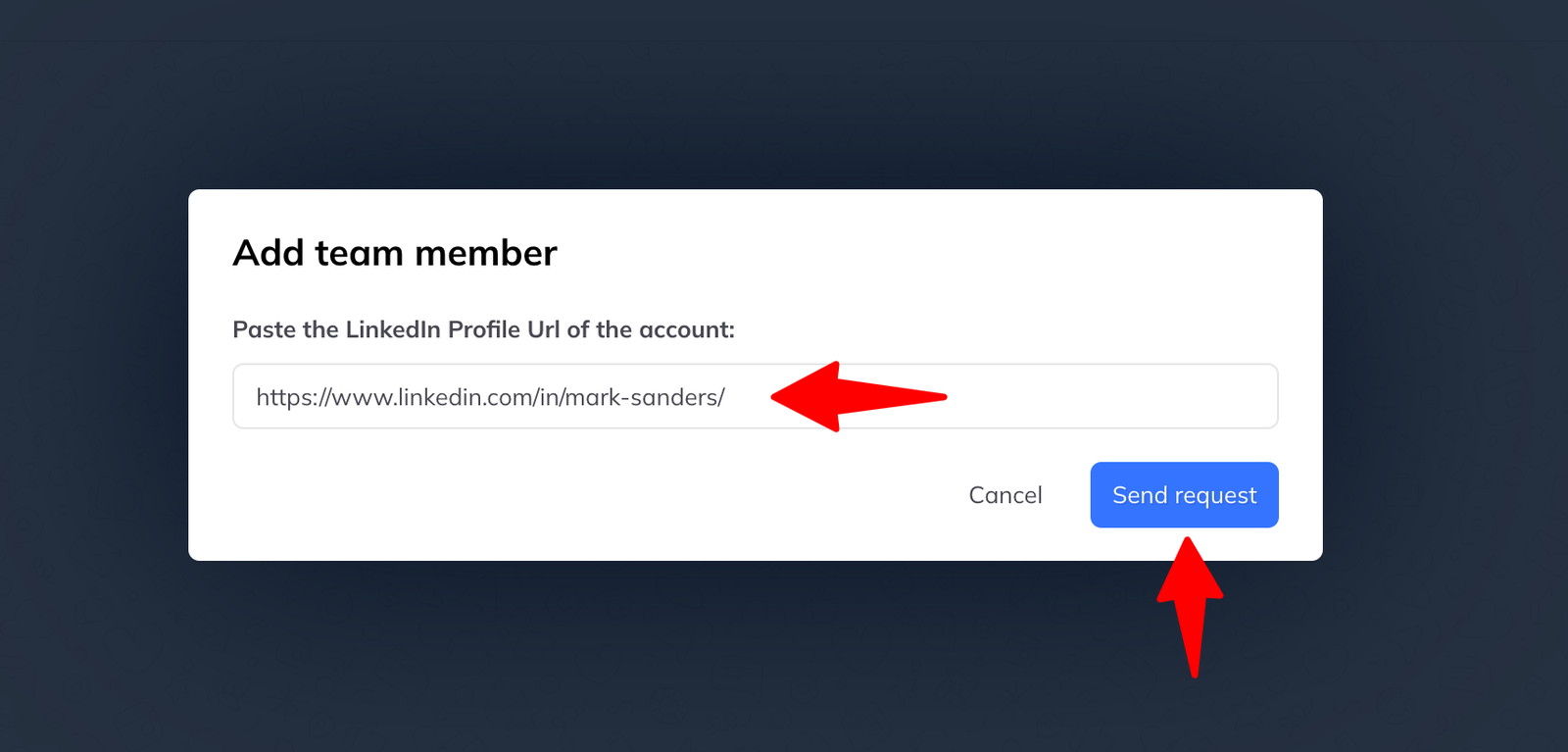
Go to Settings → Team members and click Add team member.
- Paste the person's LinkedIn profile URL.
- Click Send request.
They get a prompt telling them they have been invited, and can accept or decline. If they accept they join immediately and carry on working as before — nothing they already have is lost.
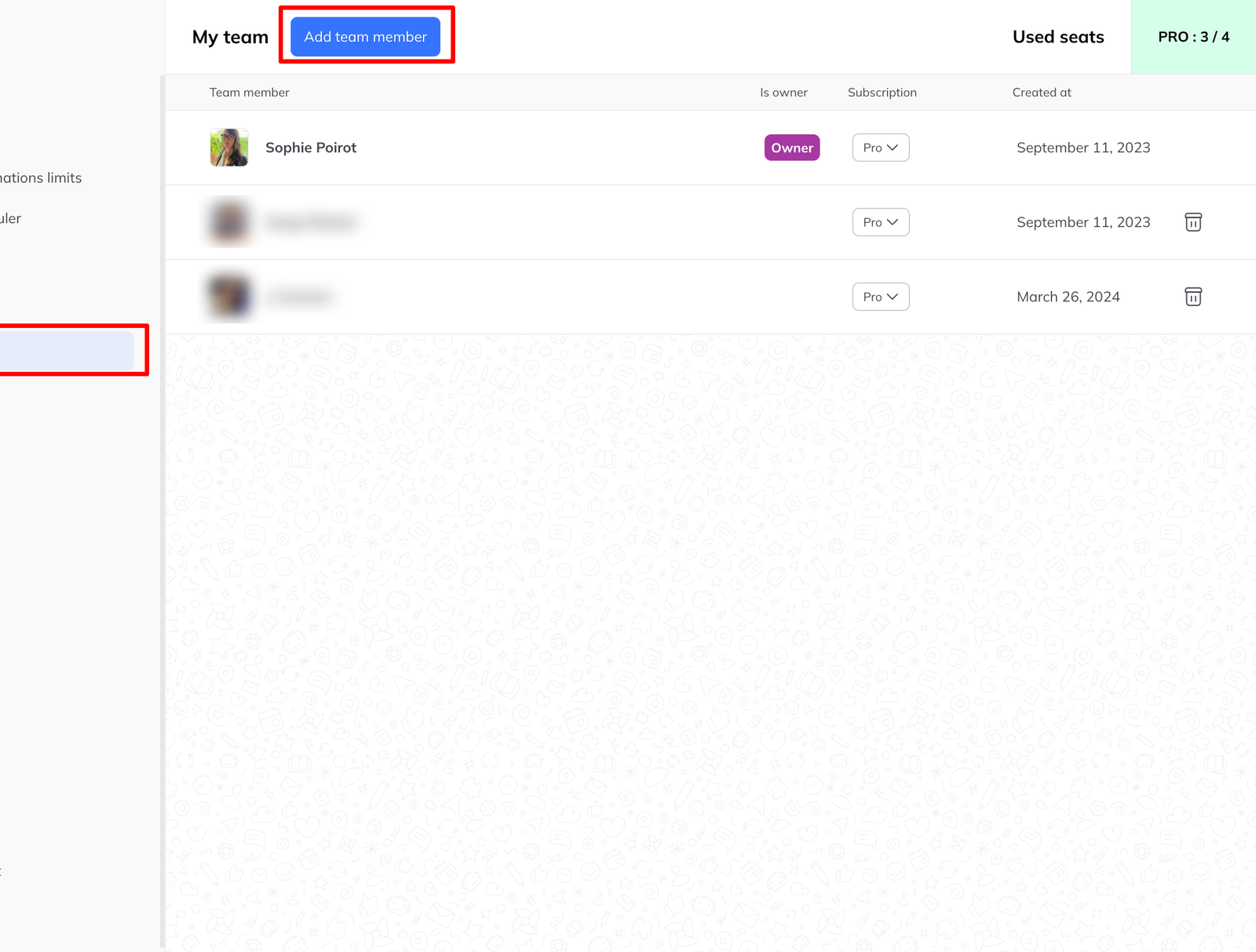
What changes when they join
- Their lead lists can be shared with the team, if sharing is on
- They get access to any team pipeline templates the manager has published
They still work independently. The team adds shared resources; it does not take their own away.
Seats and subscriptions
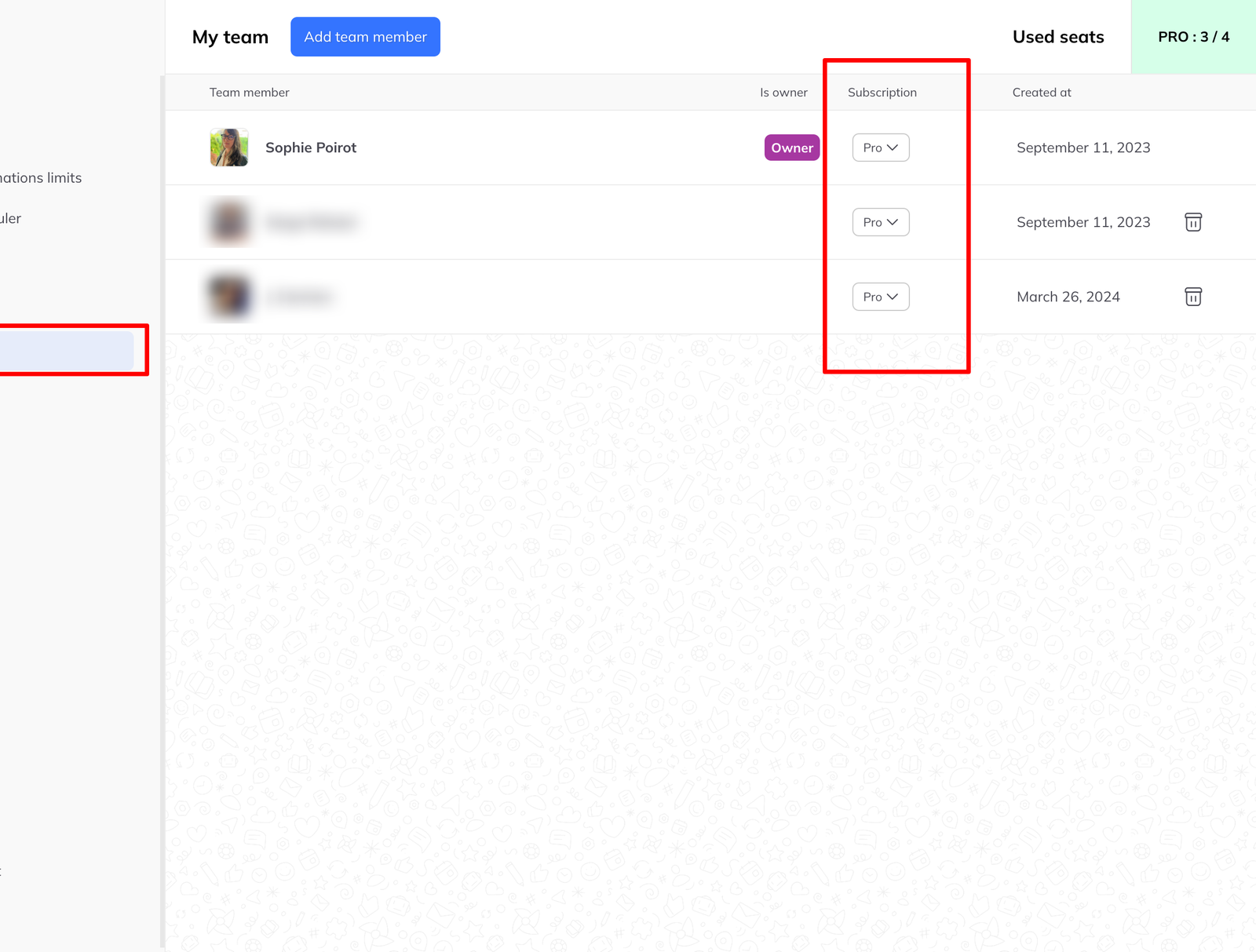
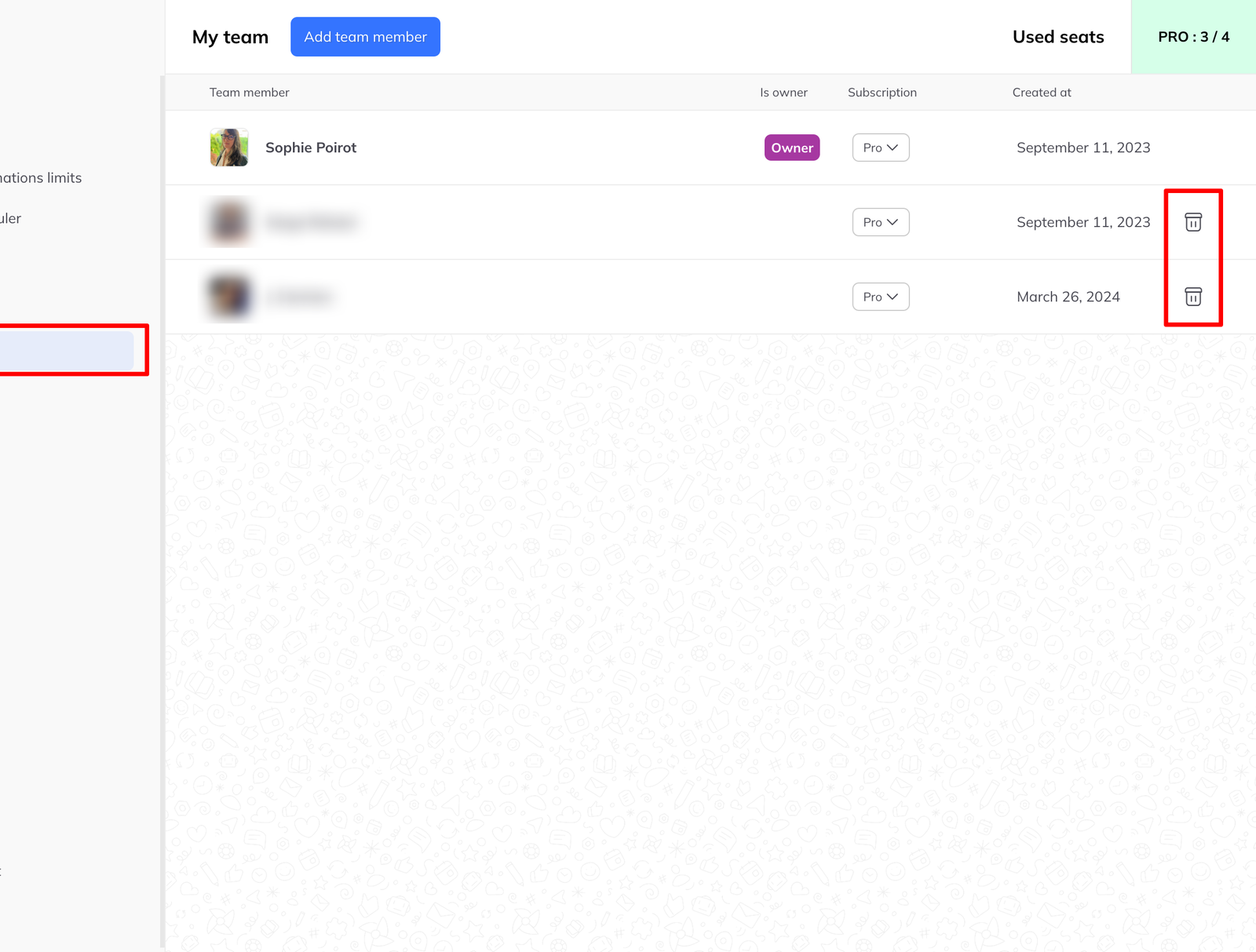
As team admin you buy extra seats on the subscription and assign them to members. Go to Settings → Team members and use the seat assignment control beside each name.
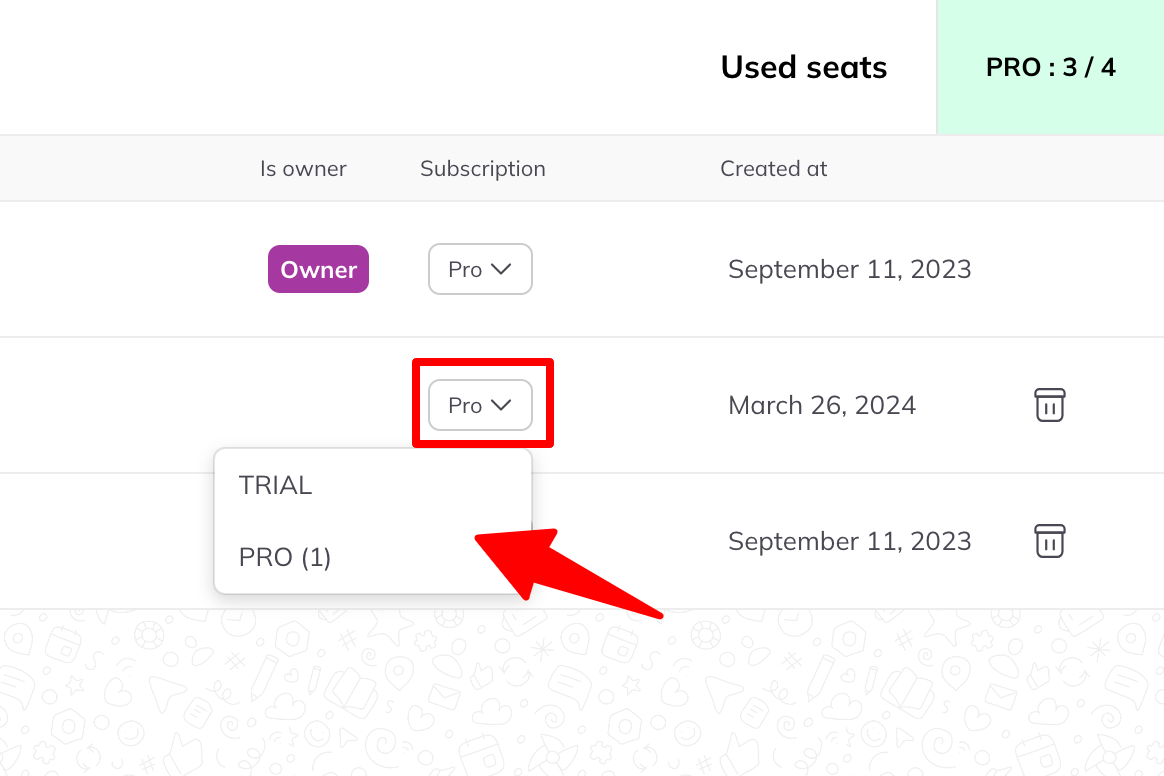
See manage team member subscriptions for what to do when someone already has their own plan.
Remove a member
Click the bin icon beside their name in the team member list.
Their own LinkedLeads account stays active. What they lose is the team — shared lists, shared templates, and the seat if they were on one.