

Use variables in a message template
Drop a lead's own details into a message, with a fallback.
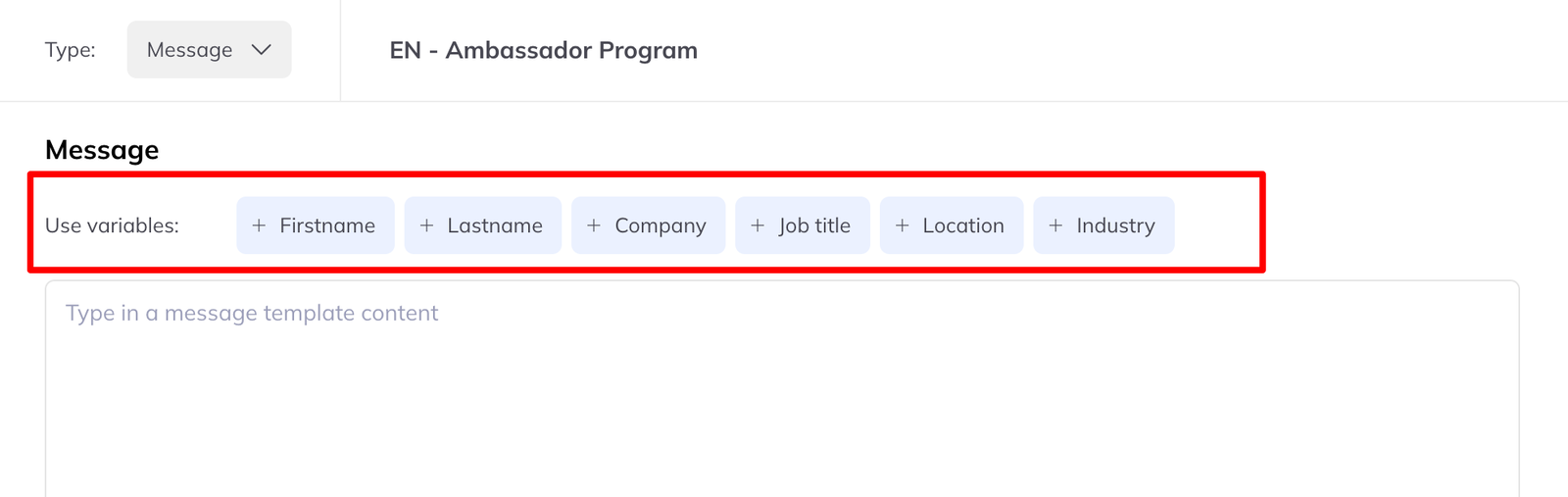
Variables let one message adapt itself to each person. When it is sent — by hand or by a campaign — each variable is replaced with that member's own details.
The available variables
| Detail | Variable |
|---|---|
| First name | {{firstname}} |
| Last name | {{lastname}} |
| Job title | {{job title}} |
| Company | {{company}} |
| Industry | {{industry}} |
| Location | {{location}} |
They work in both Message and Connection request templates, and in manual messages, campaign messages and bulk messages alike.
When a detail is missing
This is the part that matters, because a message reading “Hi Sarah, I see you're at ” is worse than one that never mentioned the company.
{{firstname}} and {{lastname}} are always safe. Every LinkedIn account
has both, so a message using only those two always goes out as written.
Everything else is checked before sending. If a recipient's profile is missing any of the other variables you used, LinkedLeads sends your alternative message instead — a version you write in advance that relies only on first and last name.
So a send to 400 people splits itself: those with complete profiles get the specific message, the rest get the safe one, and nobody gets a sentence with a hole in it.