

The types of message template
Invitations, direct messages and follow-ups, and where each is used.
There are two, and the difference is the character limit LinkedIn imposes.
Message
For standard messages to your 1st-degree connections. No character limit — write at whatever length the situation deserves, use variables, and add alternative versions.
Works with:
- Manual messages from the inbox or a chat
- Automated messages in a campaign sequence
- Bulk messages from a pipeline column
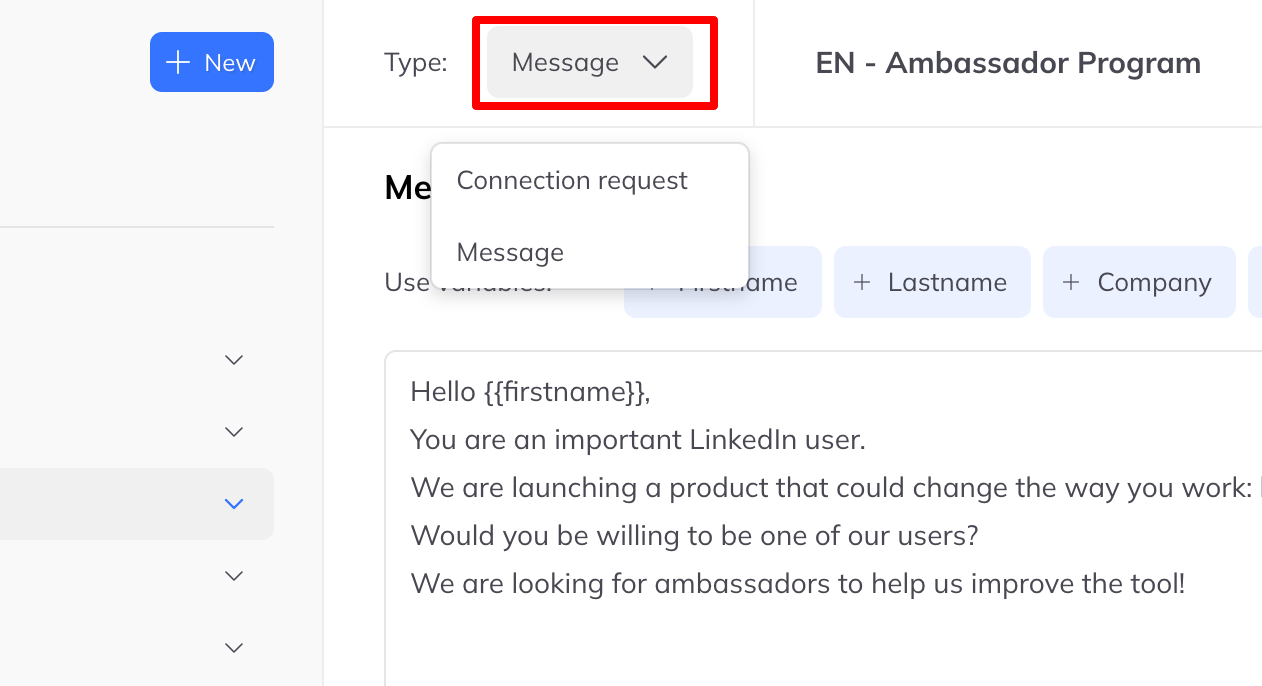
Connection request
For the note attached to a LinkedIn invitation, and bound by LinkedIn's own limits:
- 200 characters on free accounts
- 300 characters on Premium accounts
- Some older free accounts still get 300
Choosing
The connection note is the harder brief: 200 characters, and it decides whether the rest of the sequence ever happens. Write it last, once you know what the follow-up message says, so the two read as one thought rather than two.