

Send data to Zapier
Start a Zap from a LinkedLeads event.
Zapier can catch a LinkedLeads webhook and do almost anything with it — create a CRM contact, add a spreadsheet row, post to Slack.
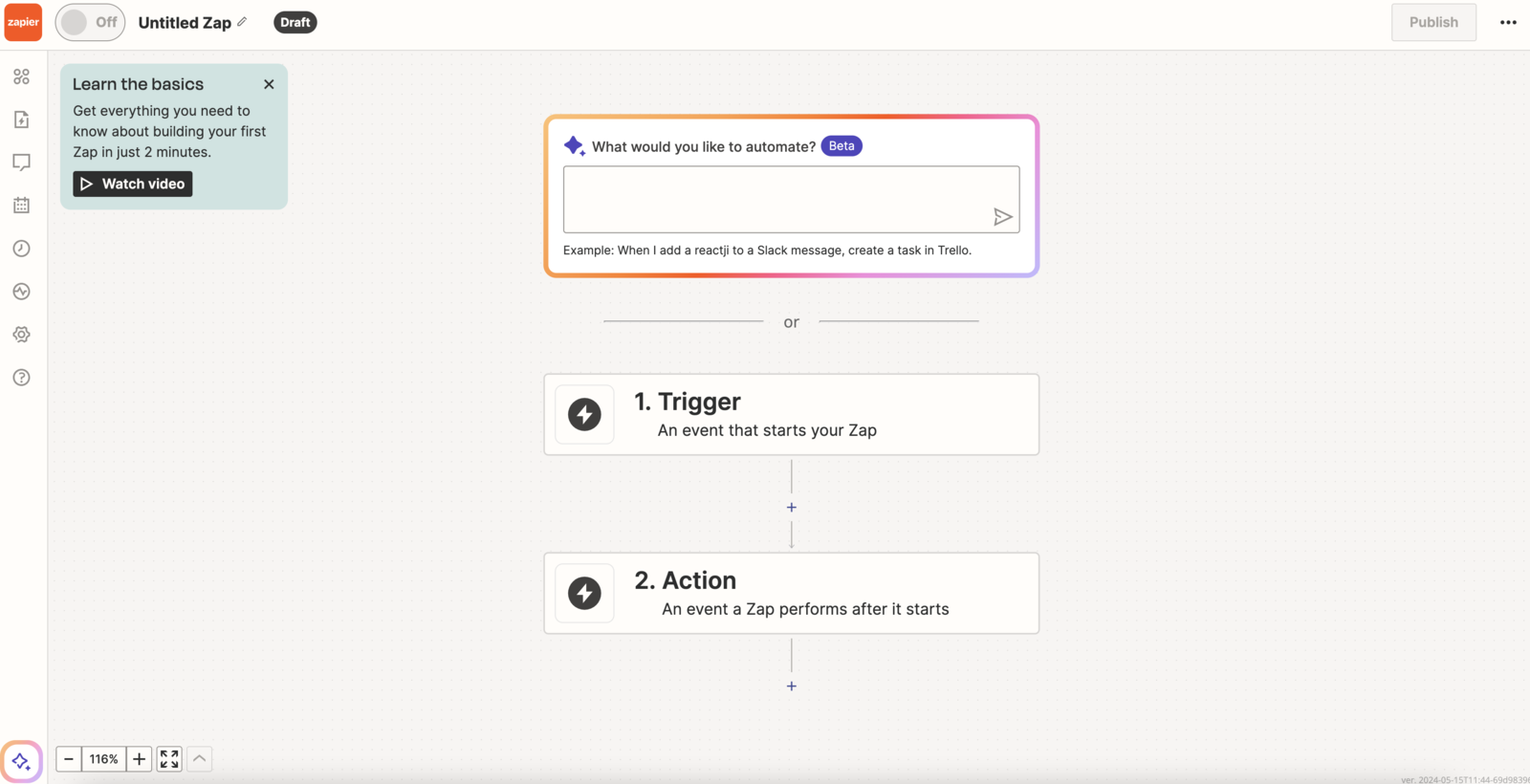
1. Create the Zap
On zapier.com, create a new Zap with this trigger:
- App: Webhooks by Zapier
- Event: Catch Hook
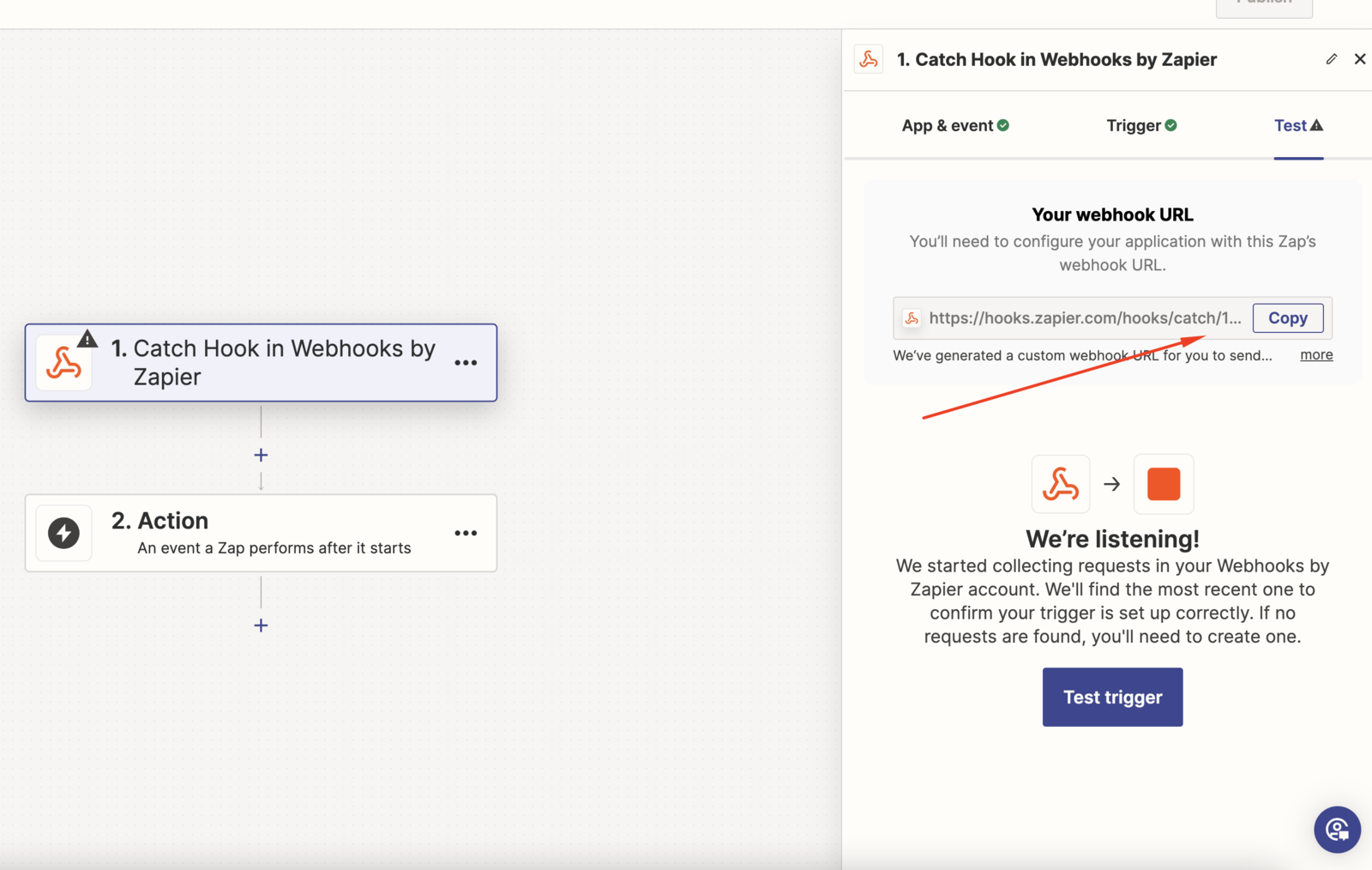
Zapier generates a unique webhook URL. Copy it.
2. Create the webhook in LinkedLeads
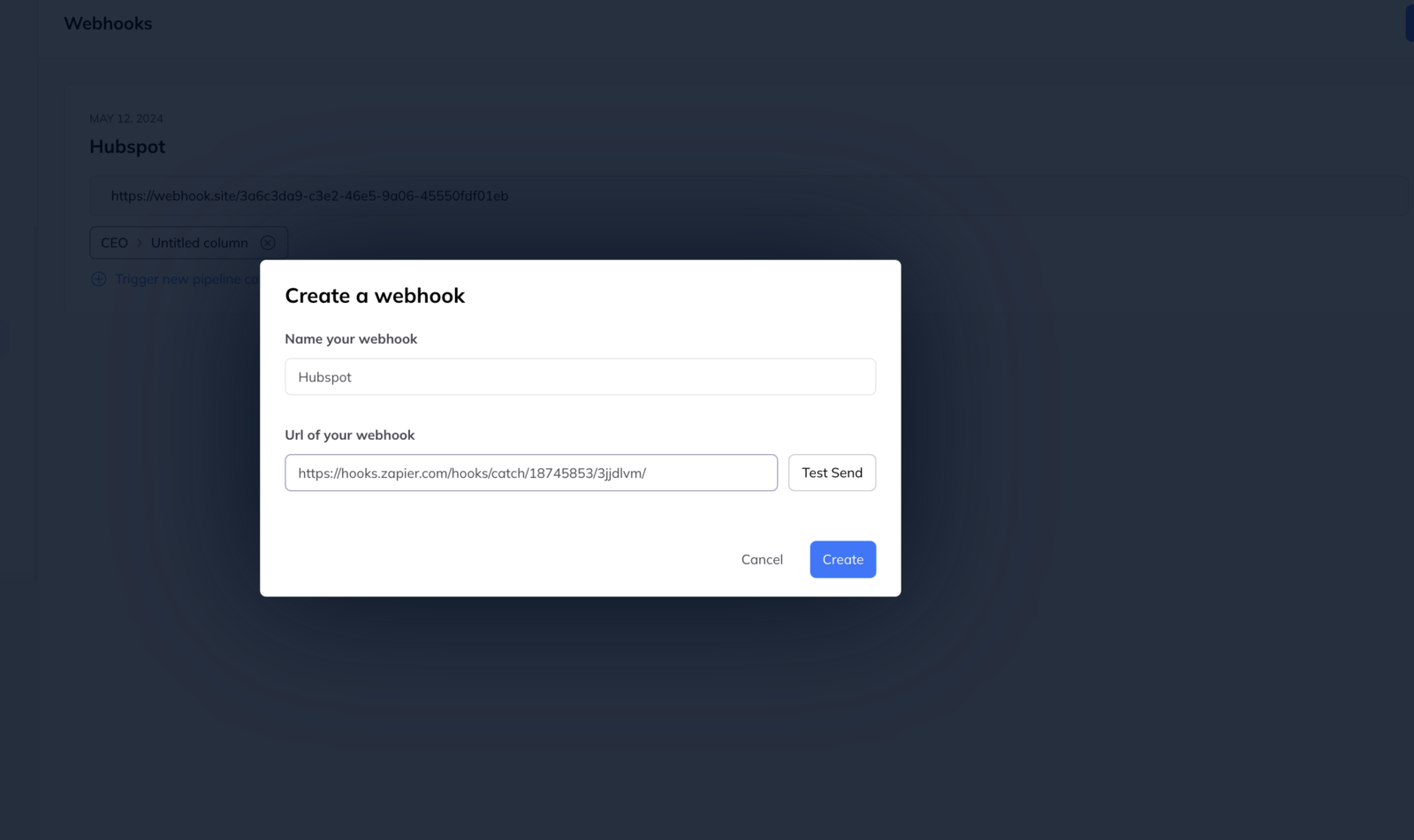
- Go to Settings → Webhooks.
- Click New webhook.
- Name it after the destination — HubSpot, Google Sheets — so the list stays readable.
- Paste the URL Zapier gave you.
- Click Test send.
3. Set up the action
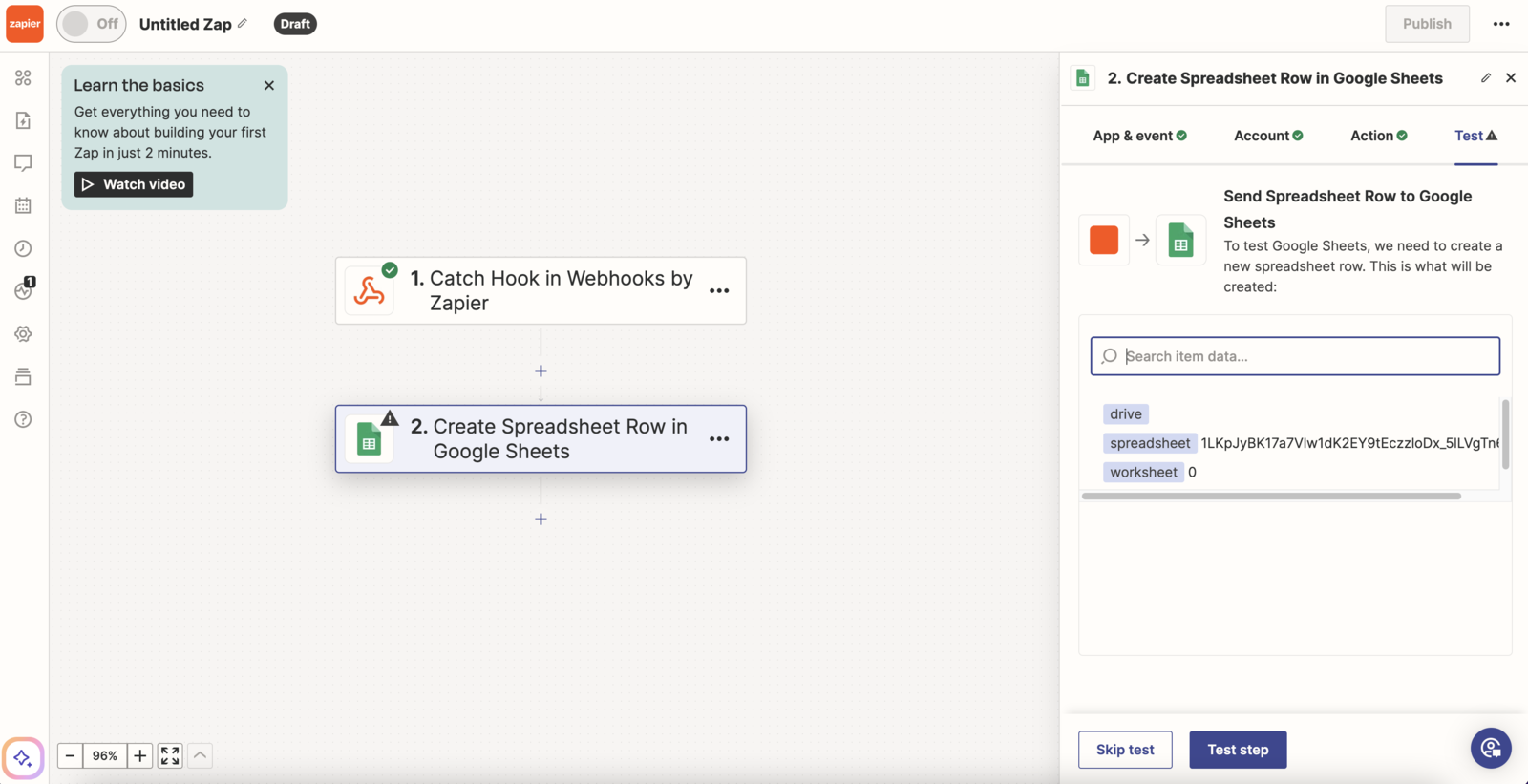
Back in Zapier, confirm the test arrived — you will see the payload, which is also the easiest way to learn what fields are available.
Then configure what should happen: create a contact, insert a row, whatever the destination app offers.
4. Connect it to a trigger
A webhook does nothing until something fires it. Link it to a pipeline column so it fires as leads reach that stage.