

Send data to Make
Start a Make scenario from a LinkedLeads event.
Make works the same way as Zapier: it gives you a URL, LinkedLeads posts to it, and your scenario takes it from there.
1. Create the scenario
In Make, create a new scenario and add a Webhook module as its trigger. Make generates a unique webhook URL.
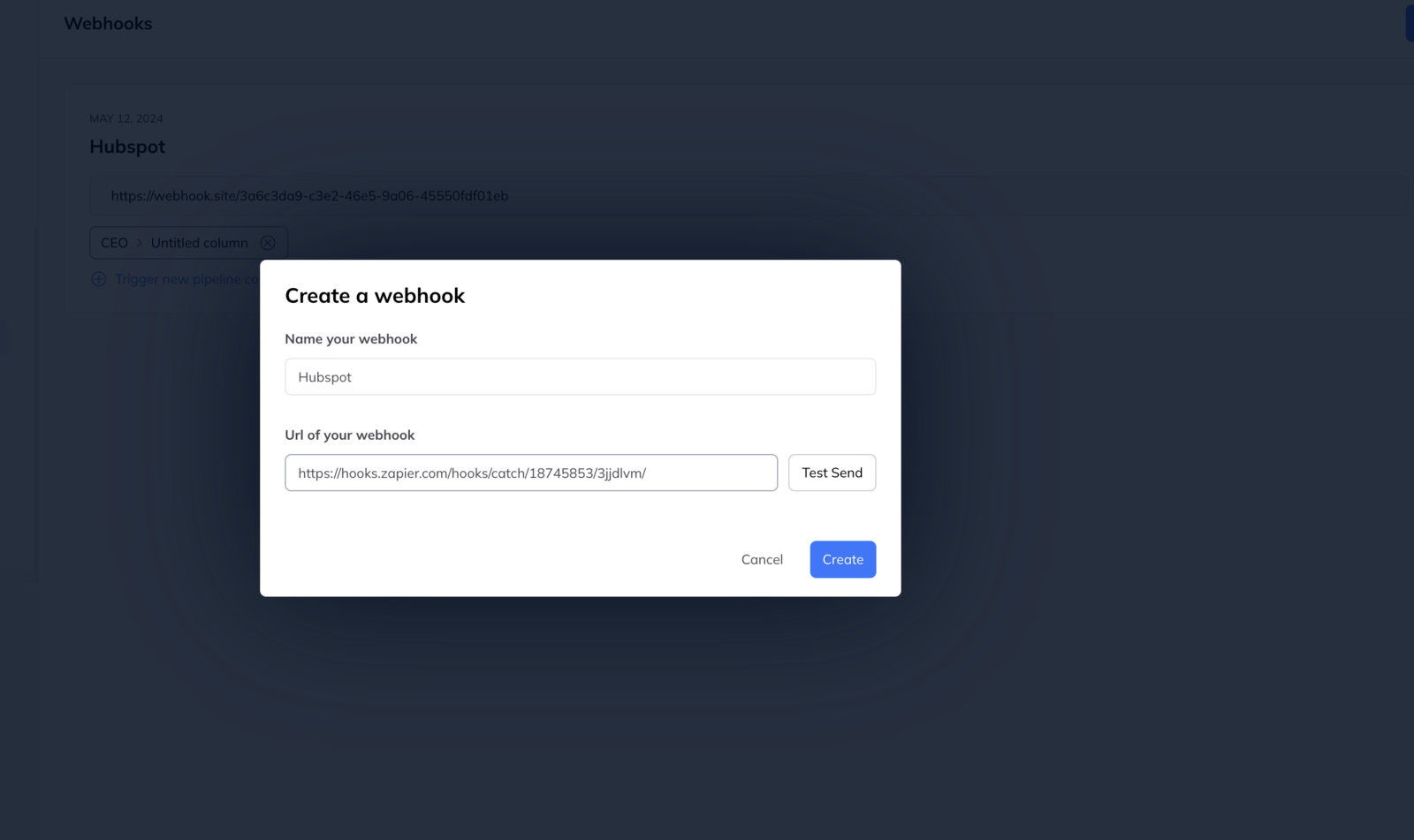
2. Create the webhook in LinkedLeads
- Go to Settings → Webhooks.
- Click New webhook.
- Name it after the destination.
- Paste the URL from Make.
- Click Test send to confirm the data is getting through.
3. Build the action
In Make, check the webhook was received, then add what should happen with it — create a contact, insert a spreadsheet row, and so on. Make lets you choose which piece of data goes into which field, so map them while the test payload is in front of you.
4. Connect it to a trigger
Link the webhook to a pipeline column so it fires when leads reach that stage.