

What a prompt template is
How a prompt template differs from a message template.
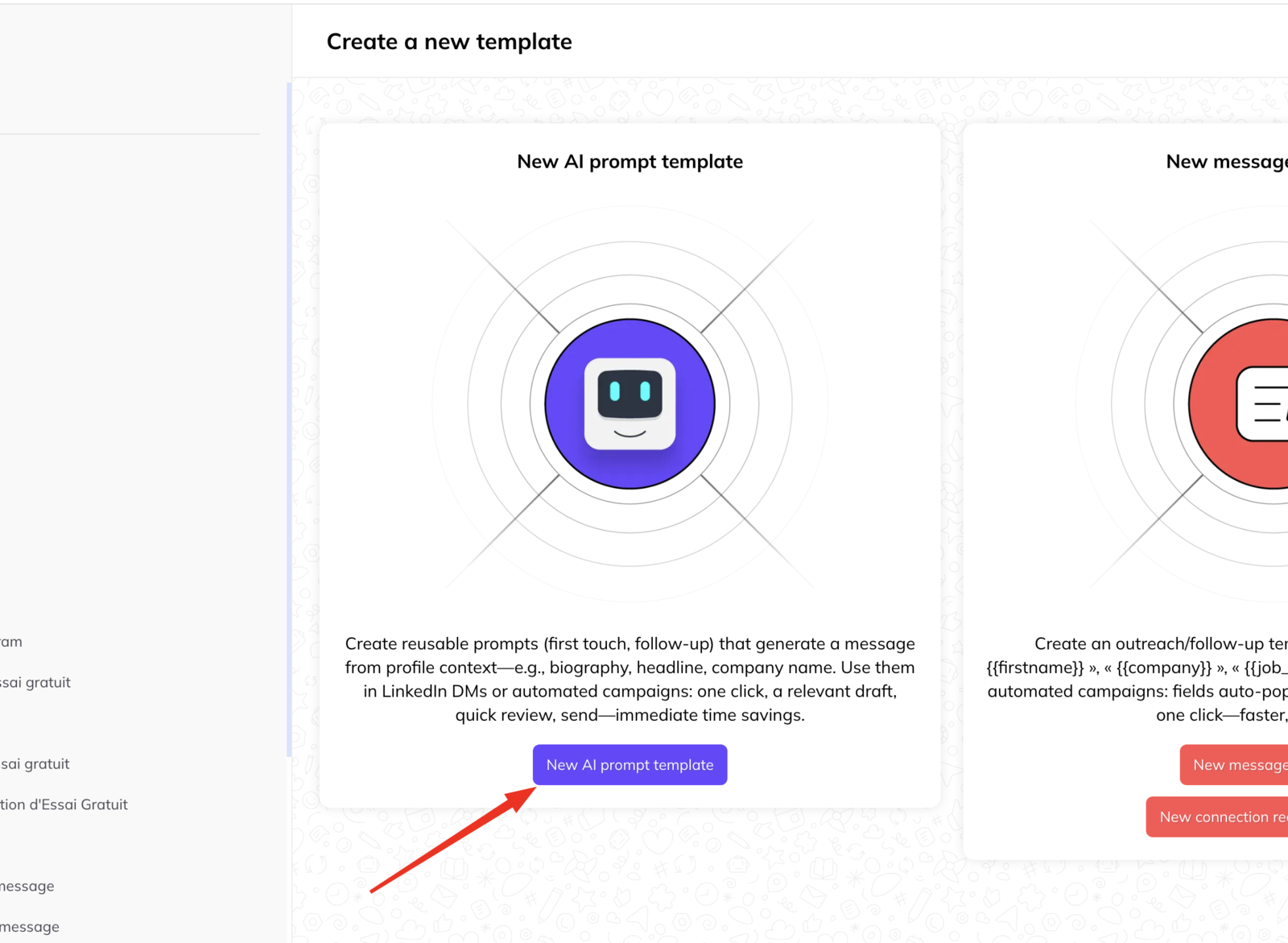
A message template is the message. A prompt template is the brief — the standing instructions you hand the AI agent so it can write the message itself, in your voice, for this particular person.
You define it once and reuse it, instead of re-explaining what you want every time.
What a prompt template holds
The role. What the agent is acting as — sales assistant, support agent, account manager.
Objective. What the message is supposed to achieve: book a meeting, answer a question, qualify a lead, resolve a problem.
Tone and style. Professional, friendly, concise, consultative, direct.
Constraints. The rules it must not break:
- Maximum length
- No emoji
- Include a call to action
- Ask one clarifying question if something is unclear
- Do not invent information
Context. Which information the agent is allowed to draw on — conversation history, the lead's profile, company details, the campaign they came from.
Why use one
- The instructions are written once, not every time
- Everyone on the team gets the same tone and positioning
- Personalisation is structured rather than improvised
- The output is more predictable, because the constraints are explicit
Where you can use one
Anywhere a message is generated:
- Replying to a conversation in the inbox
- Outreach in a campaign
- Generating follow-ups
How a send actually works
- You pick a prompt template.
- LinkedLeads supplies the variables and context.
- The agent writes a message for that specific person.
- In the inbox you read it, edit it if you want, and send. In a campaign it goes automatically.