

Write a prompt template
Give the agent the brief, the tone and the limits it should work in.
Go to Templates in the main menu.
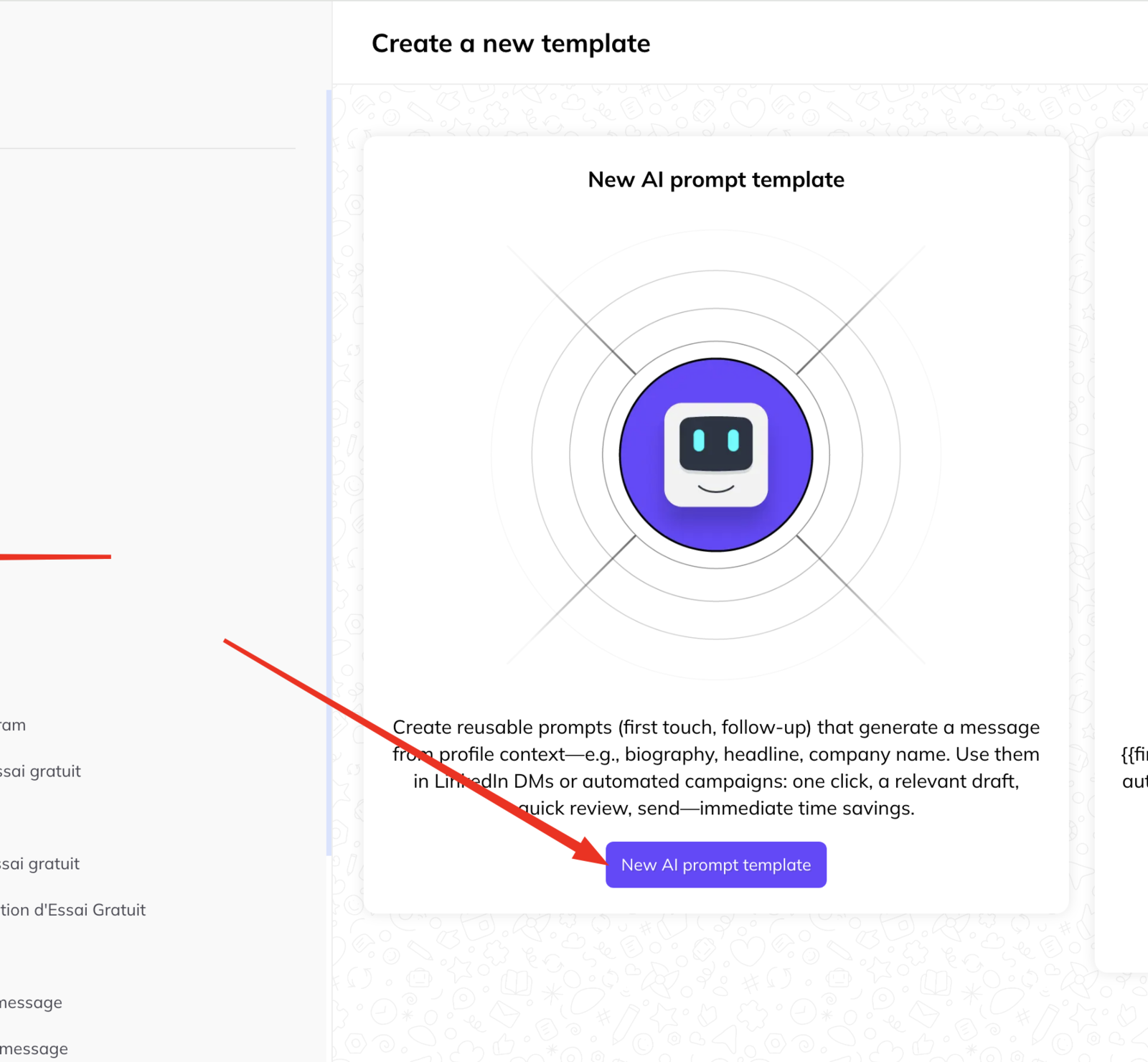
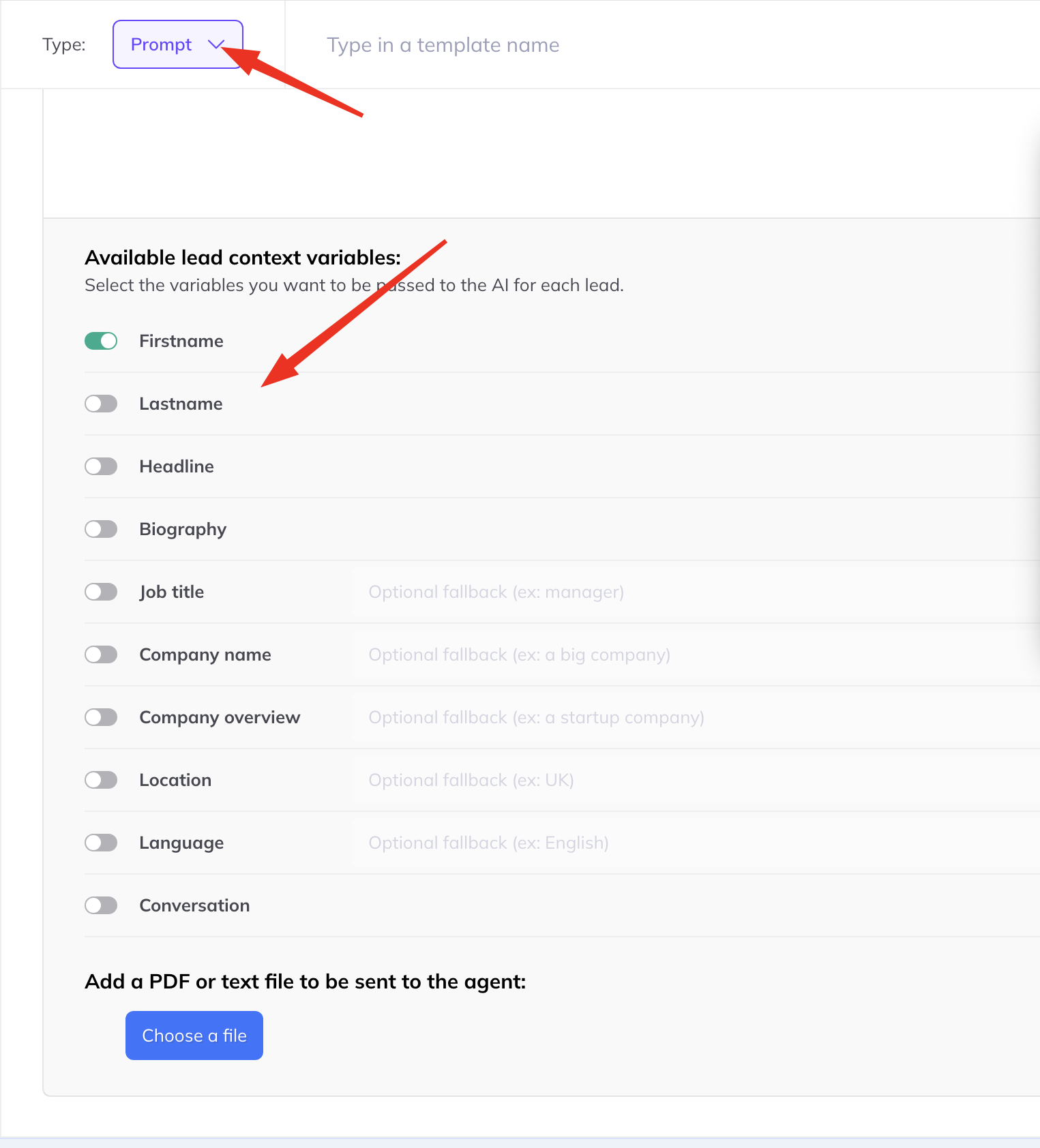
- Choose the template type — a prompt template rather than a message template.
- Name it. You will pick it from a list in a campaign builder or a send window later, so name it after the job it does.
- Write the prompt. The role, the objective, the tone, and the constraints.
- Choose the context variables the agent may use — the conversation history, the lead's profile, company details, and so on. It only sees what you allow.
- Save.
It appears in the left column, grouped by type.
Writing a prompt that behaves
Be specific about the objective. “Write a friendly message” produces friendly nothing. “Ask for 20 minutes next week to discuss how they handle X” produces a message you can send.
State the constraints you actually care about. Length, no emoji, one call to action, one question maximum.
Always include do not invent information. The agent will otherwise fill a gap with something plausible, and plausible is exactly what gets noticed.
Give it less context, not more. Only allow the context that should shape the message. Anything else is something it might mention.
Test it on five real leads before a campaign uses it. Generate in the inbox, where you can read the drafts, and adjust the prompt until you would have sent all five unedited.