

Create a label
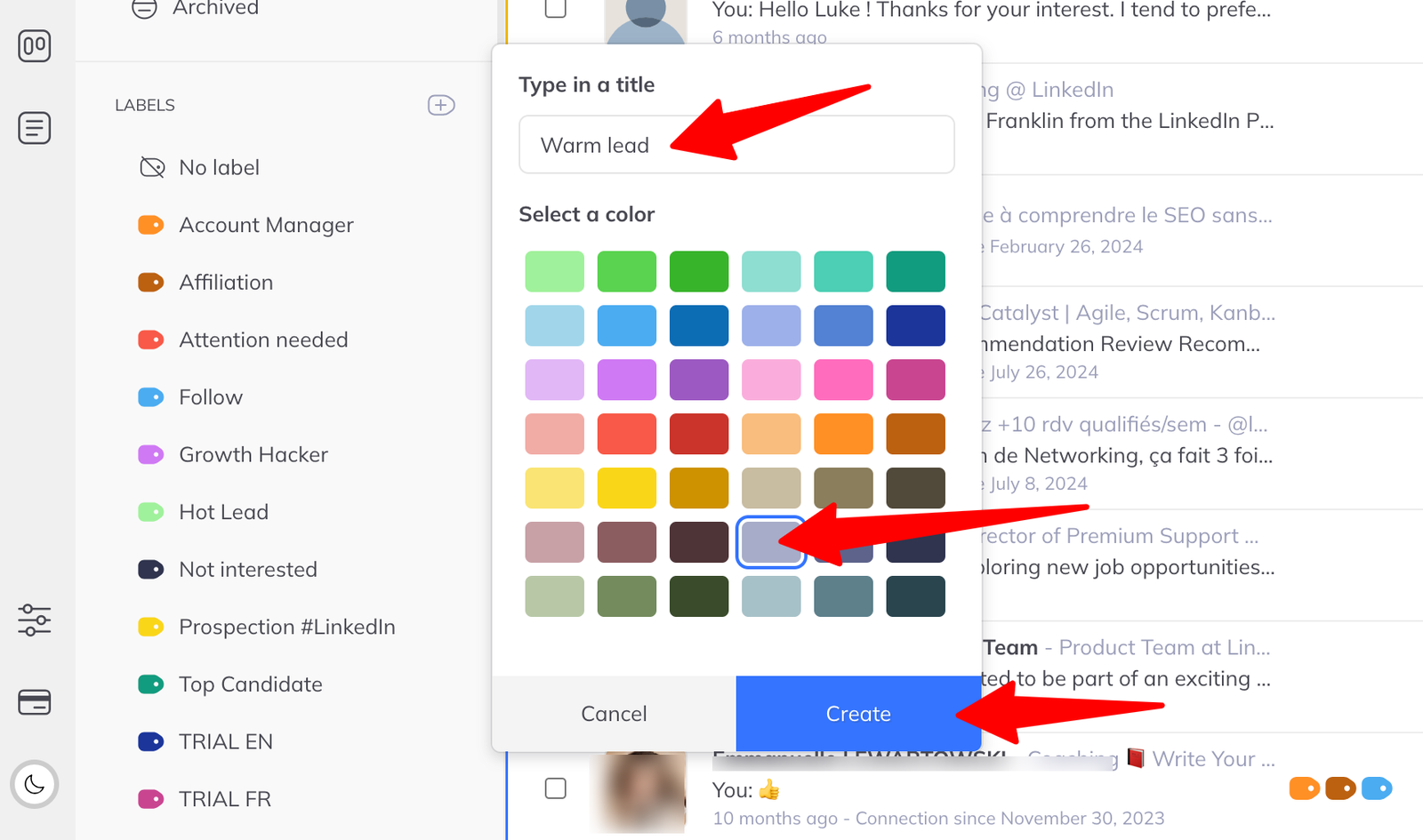
Name a label, give it a colour, and start applying it.
Labels are your own tags. Create one anywhere labels appear — the inbox, a member's chat, a pipeline — and it works the same way in all three.
Creating one
- Click Manage labels to open the label panel.
- Click + Create a label.
- Give it a name and a colour.
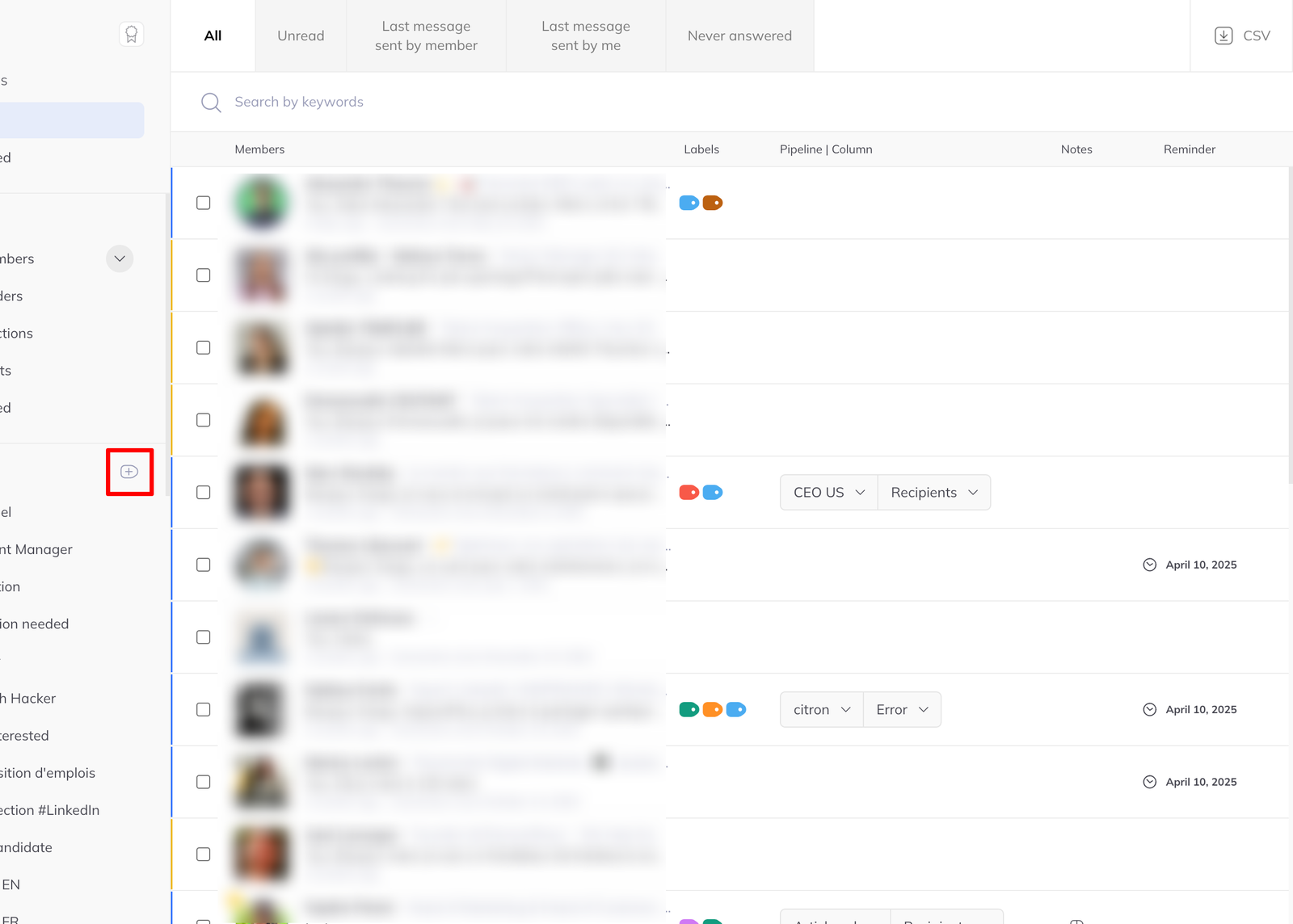
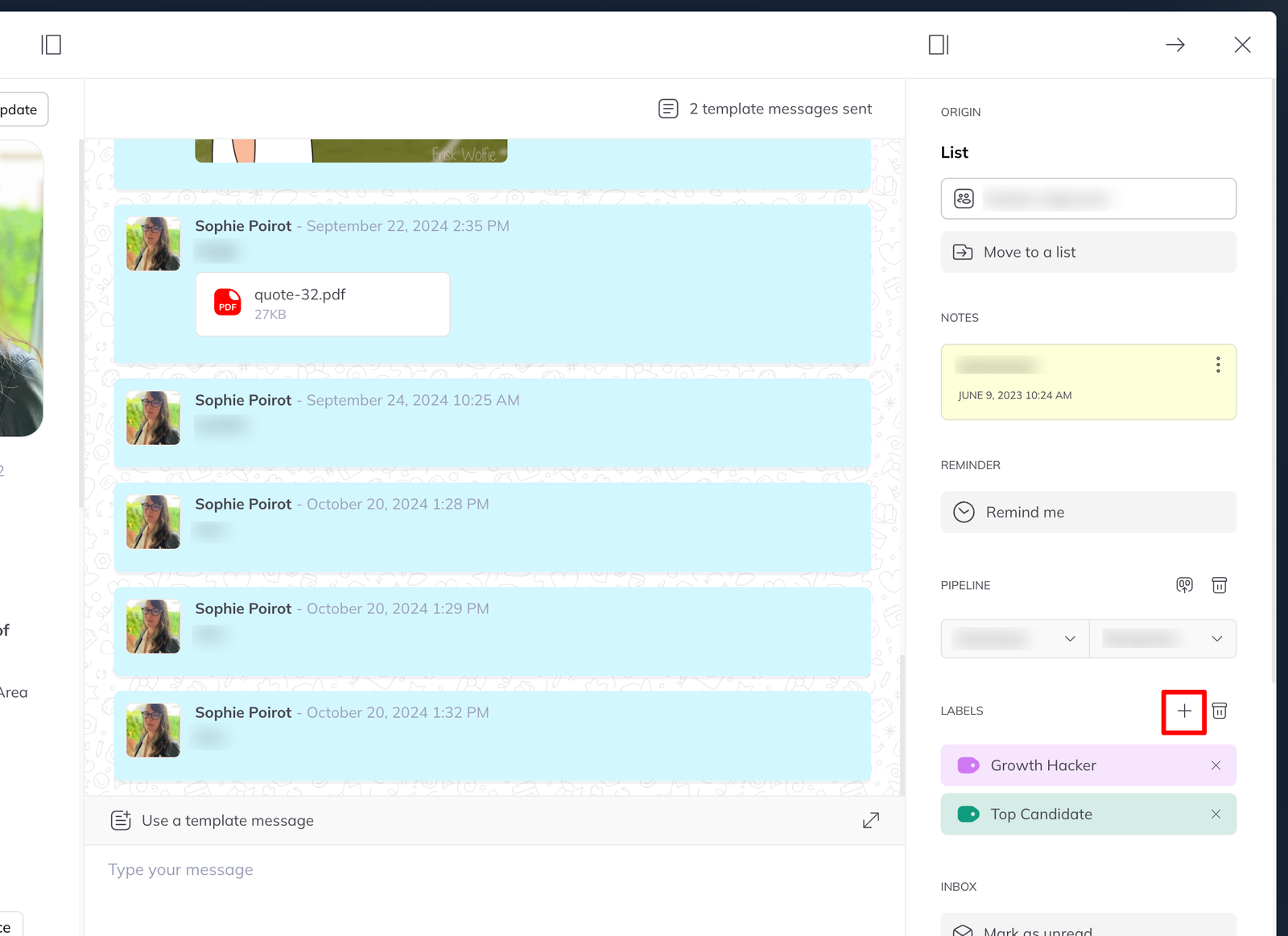
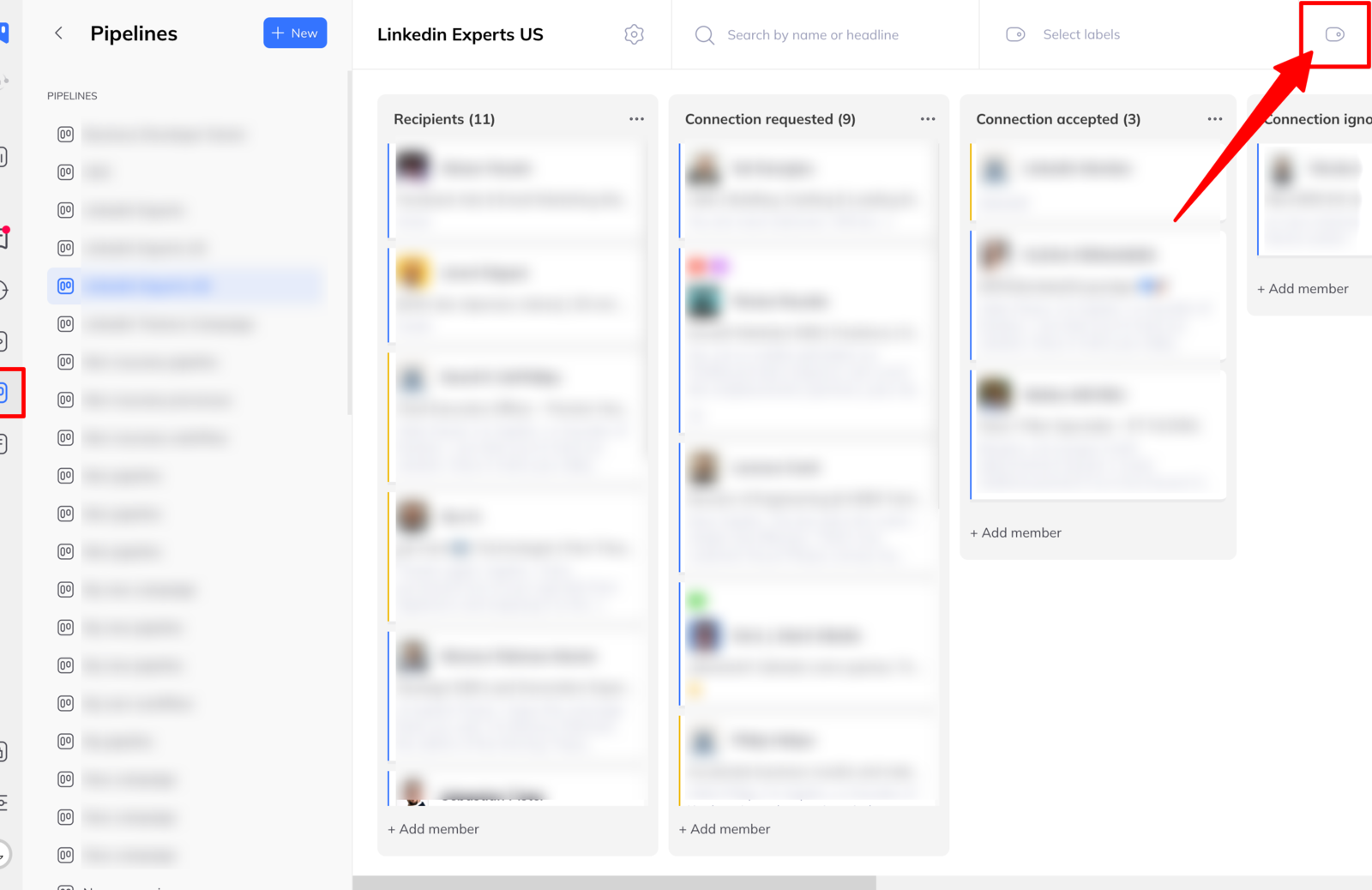
- Click Create.
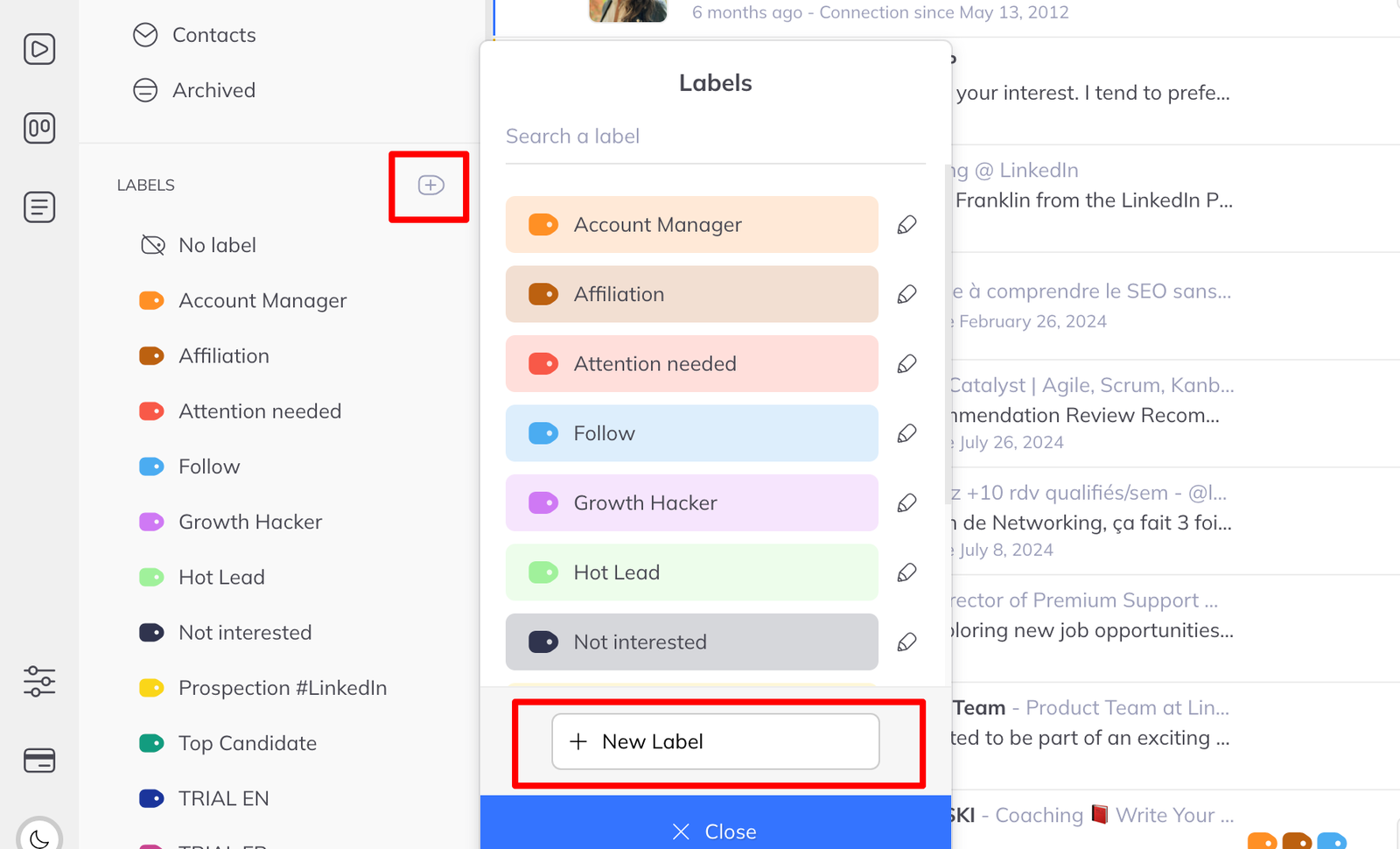
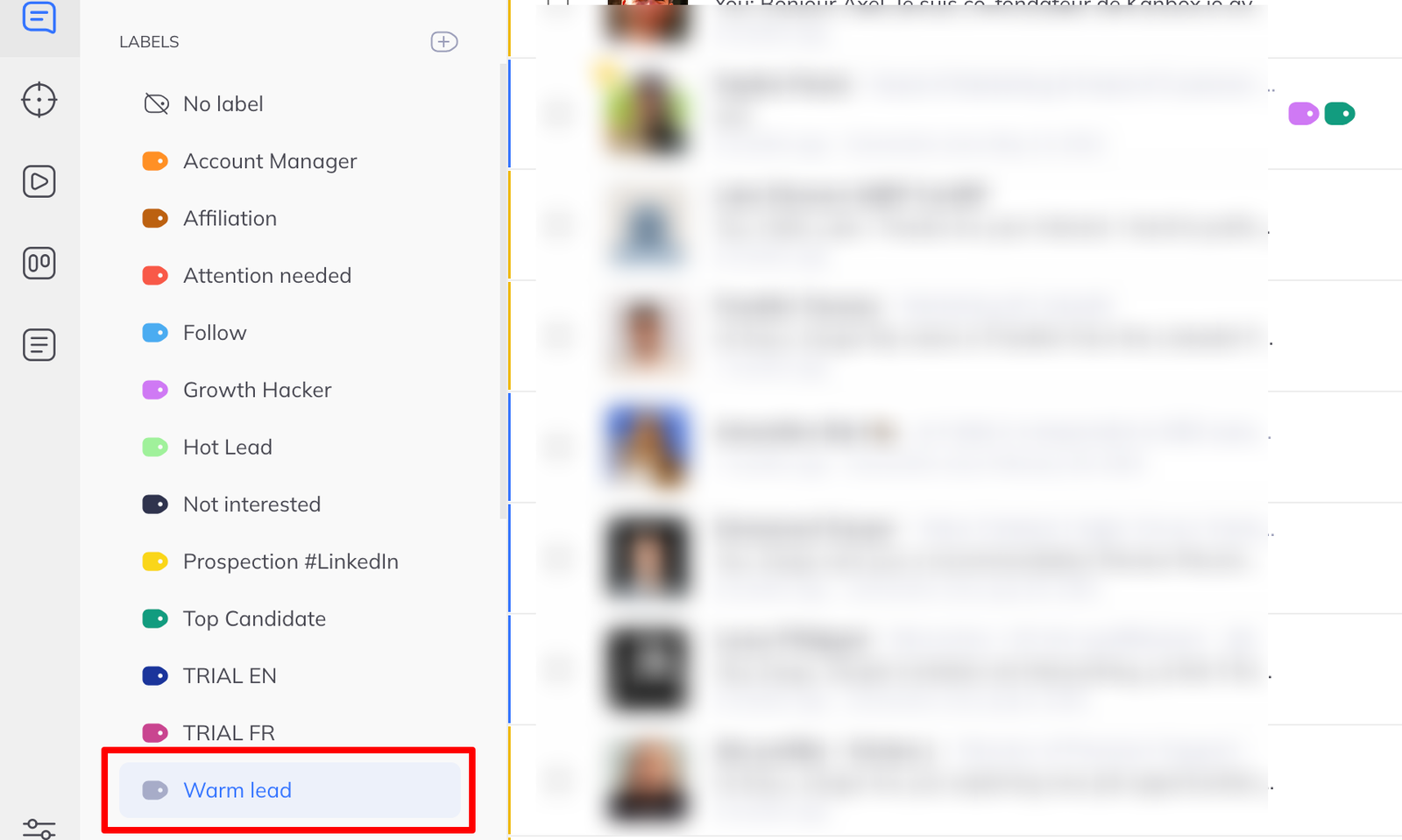
It is immediately available everywhere in LinkedLeads that labels can be applied.
Choosing labels worth having
A label is only useful if it changes what you do next. Hot lead does; Maybe interesting does not.
Two that tend to earn their place:
- A stage you cannot express as a pipeline column — Asked to be contacted in Q3
- A source — From the conference, when you want to be able to reconstruct a list later
Colour carries meaning at a glance in a busy list, so use it deliberately: one colour for temperature, another for source, rather than picking whatever comes next.