

Import and automation limits
The ceilings on each kind of action, and why they exist.
You set your own daily ceilings, and they apply to two things: lead imports and automated campaigns. Spreading actions across time is what keeps them looking like use rather than automation.
Where to set them
- Go to Settings.
- Open the Limits tab.
- Adjust the values.
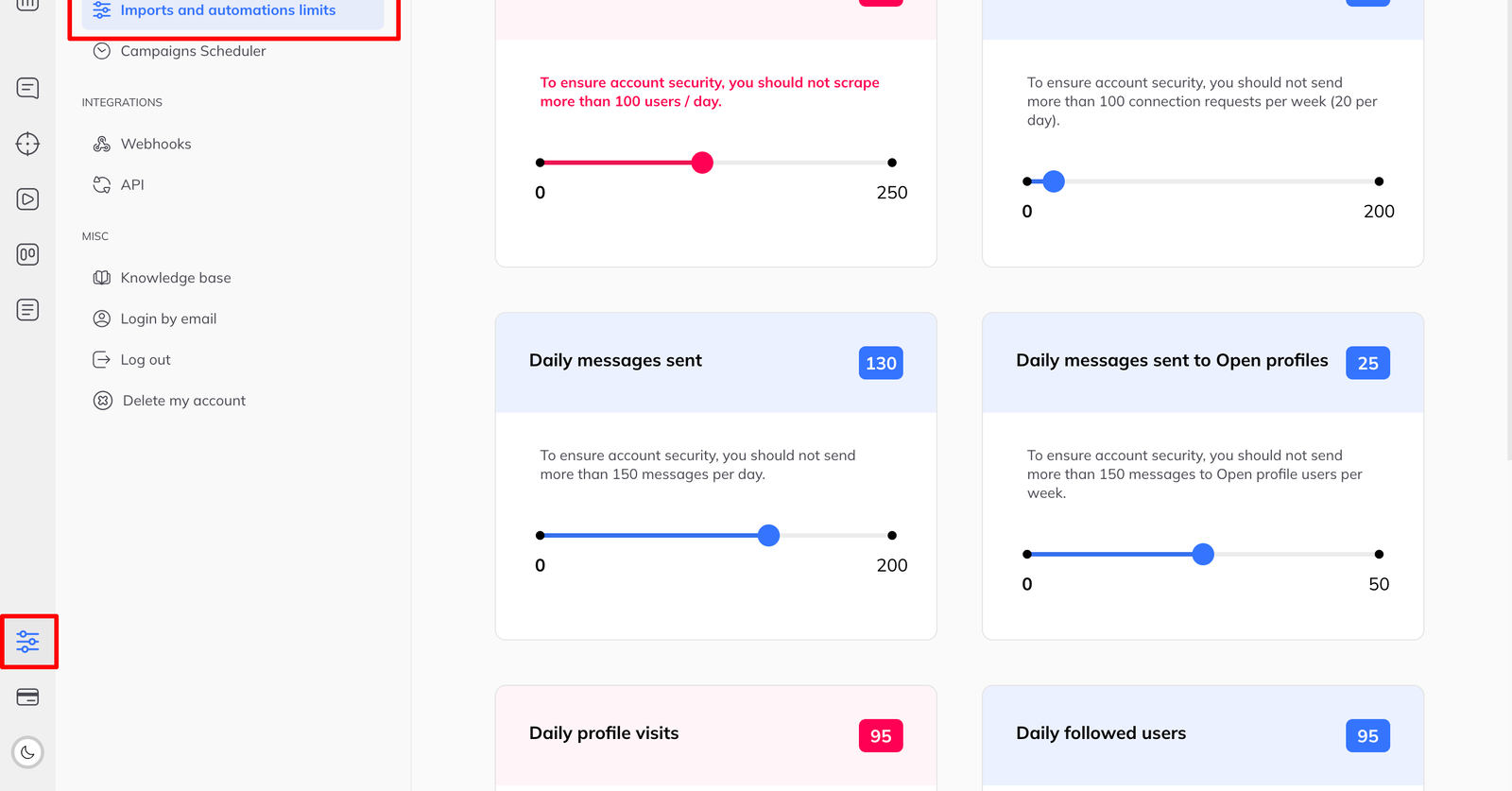
Imports and campaign planning both respect whatever you set.
Sensible starting figures
| Action | Per day | Per week |
|---|---|---|
| Connection requests | about 20 | at most 100 |
| Profile visits | up to 80 | — |
| Messages and follow-ups | around 100 | — |
These are not published LinkedIn limits — LinkedIn does not publish any. They are the thresholds that have proved safe in practice.
The newer or less active an account is, the more exposed it is. Start lower than these on a new account.
The gap that catches people out
LinkedIn does not distinguish between the two. It sees one account's activity.
How to leave yourself room
- If you do a lot by hand, lower your automation limits to leave a buffer.
- If you rely on campaigns, go easy on bulk and manual actions while they run.
- If you do both, leave real margin in the daily figures rather than setting them at the ceiling.
The cost of being conservative is a slower month. The cost of being wrong is the account.